Knowledge Retention
Know-how slips in two ways: experts leave and take their knowledge with them, and people forget what they learned when training overwhelms them. Knowby breaks down complex instructions into easy-to-follow guides to prevent information overload and improve retention.
4.7/5 on G2 · Trusted by teams in 20+ countries
Knowledge retention lifecycle

Stage 1 of 7
Capture expertise while it's still in the building
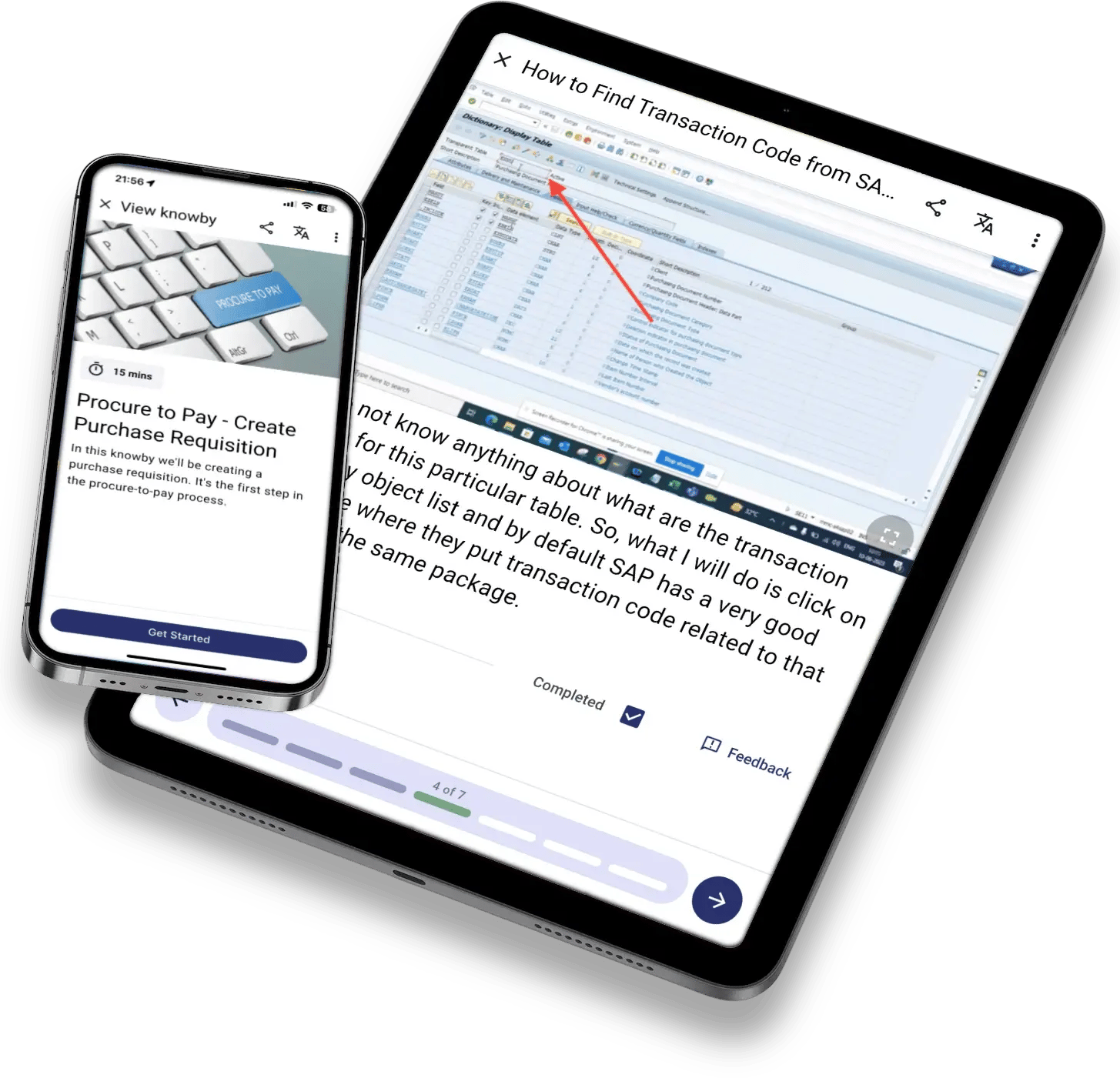
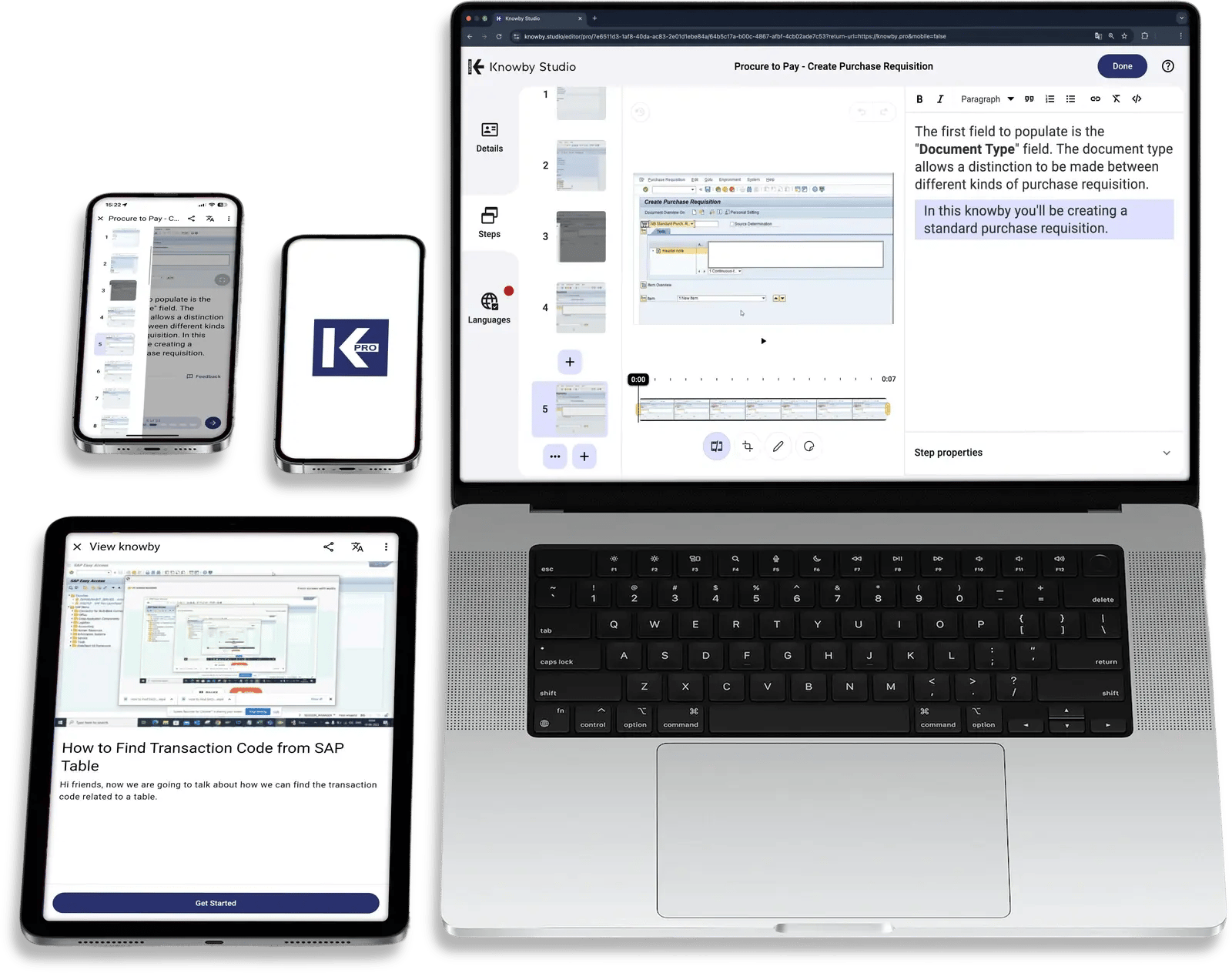
Film an expert doing the task with a voiceover, and Knowby's AI turns it into step-by-step work instructions. Or convert the PDFs, manuals, and screen recordings you already have.

Stage 2 of 7
Turn tacit know-how into clear steps
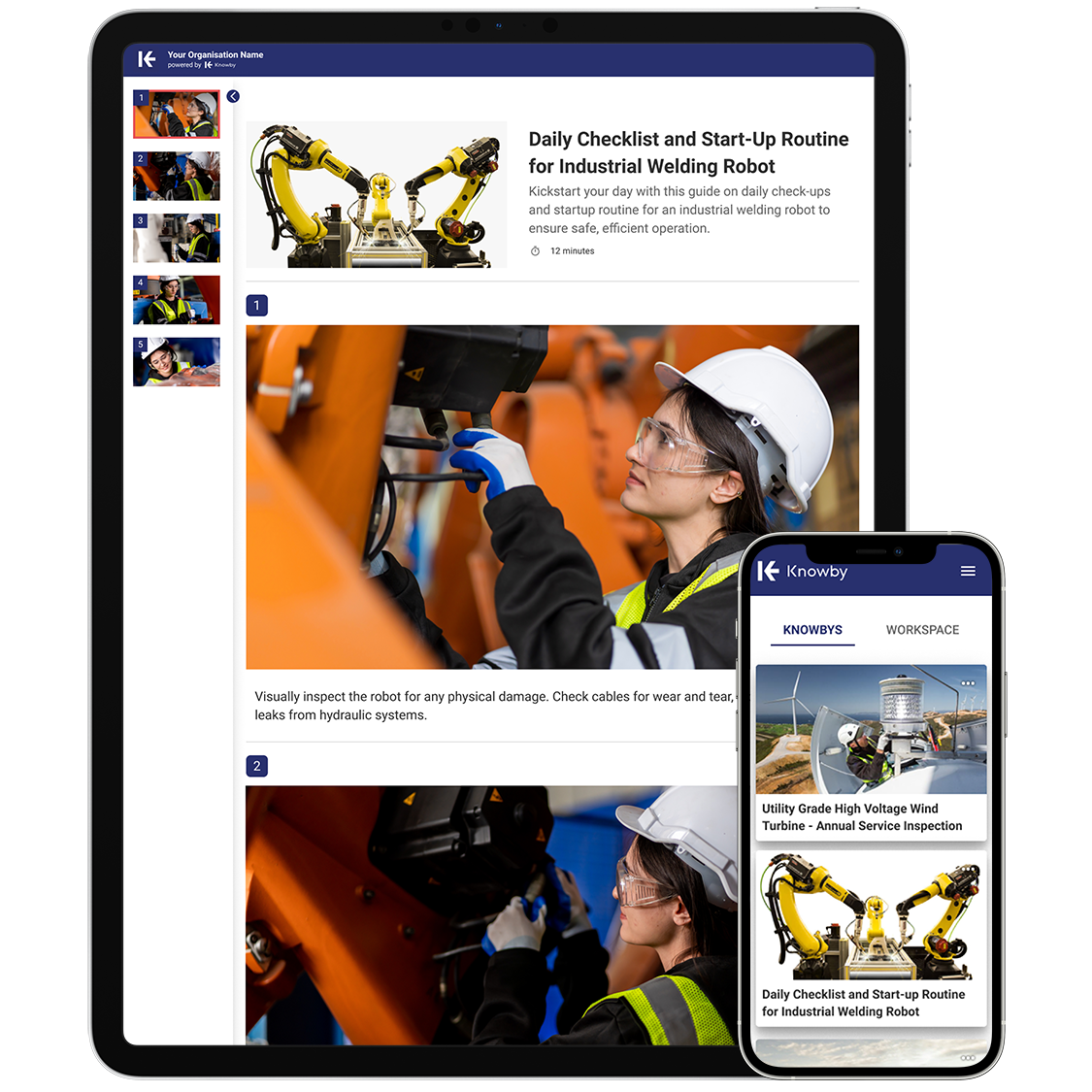
Break each task into bite-sized steps with photos, loop videos, and annotated images. Mark the critical steps as mandatory so nothing gets skipped.
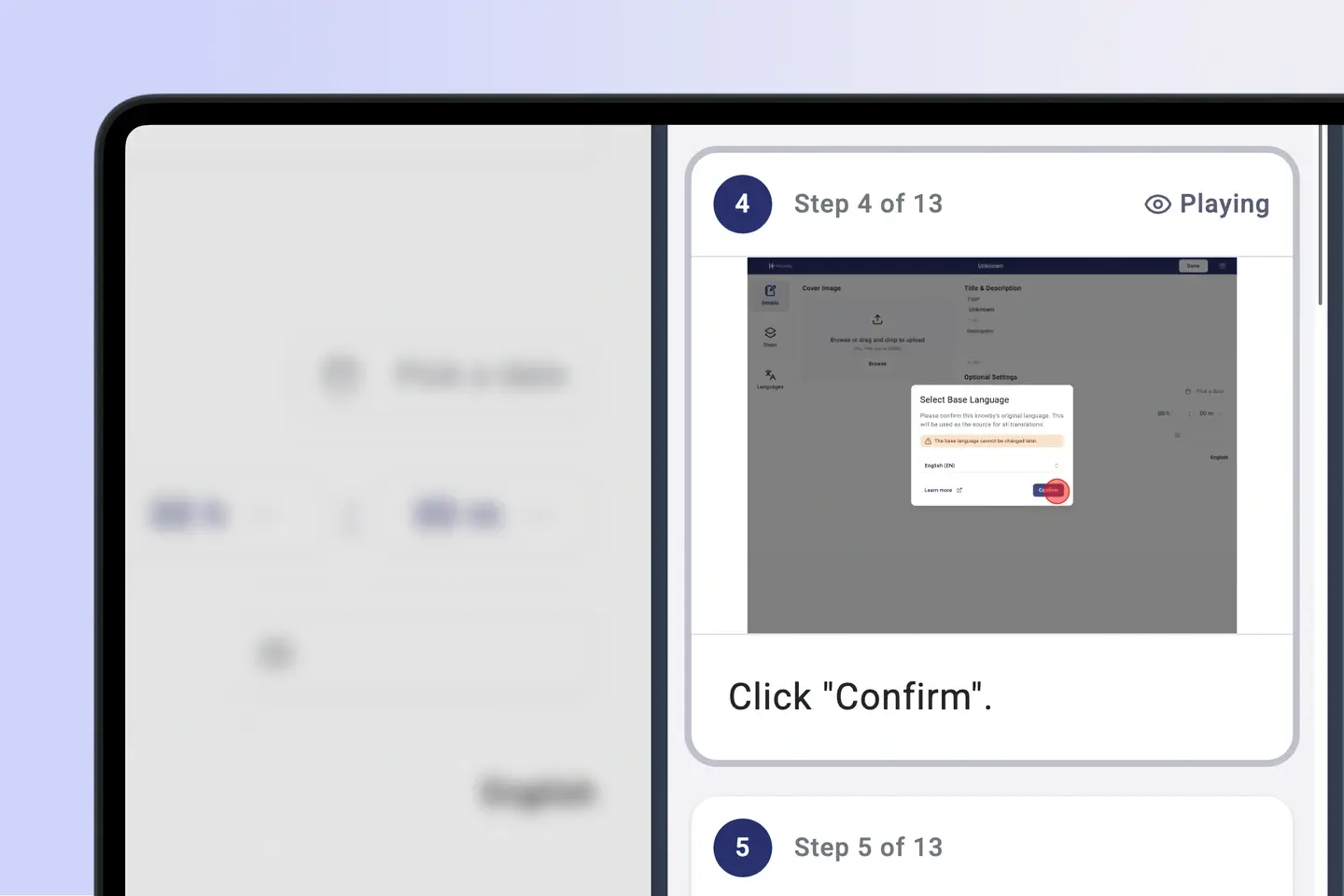

Stage 3 of 7
One searchable home for business knowledge
Keep every guide in a centralised, searchable knowledge hub. Control who sees what with public, private, and team visibility, so each role finds the guides meant for them.
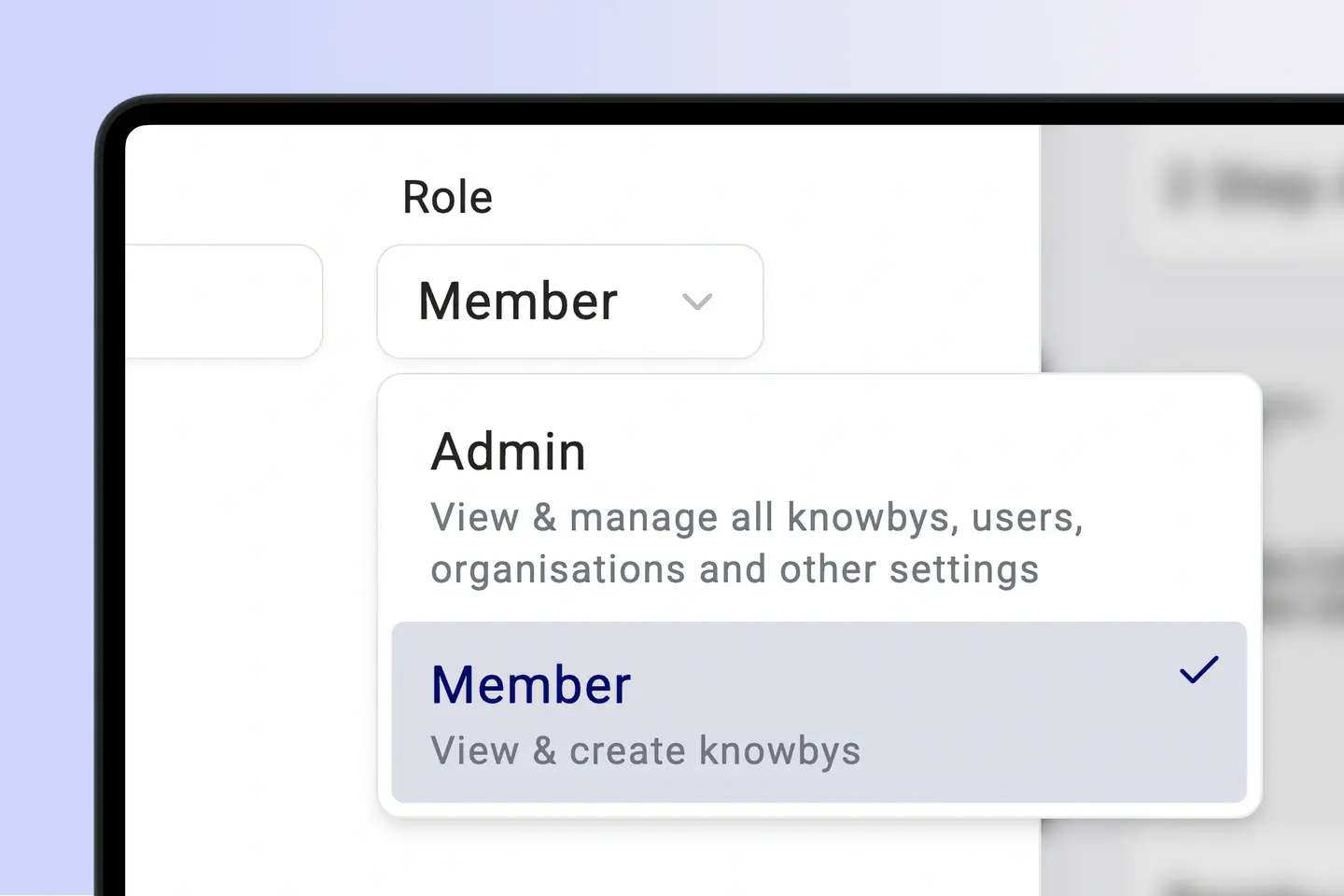

Stage 4 of 7
Keep everyone on the current version
When a process changes, edit the step once. Every link and QR code opens the updated guide straight away, so knowledge sharing stays accurate across the organisation and nobody works from an old version.
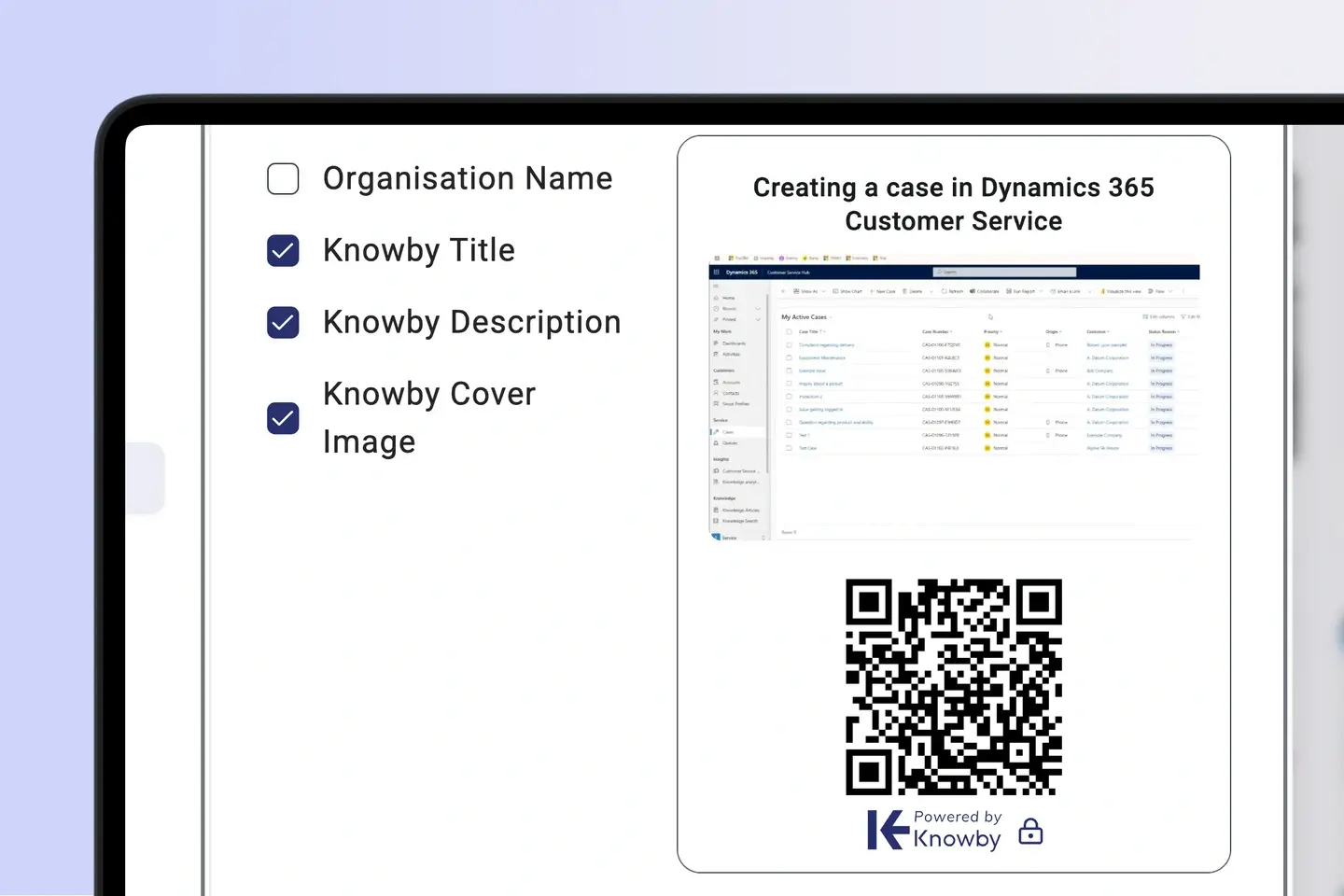

Stage 5 of 7
Refresh it before it's forgotten
Assign refreshers for rarely performed tasks as scheduled tasks with calendar invites. Every completion and sign-off is recorded, so you know who has kept their skills current.
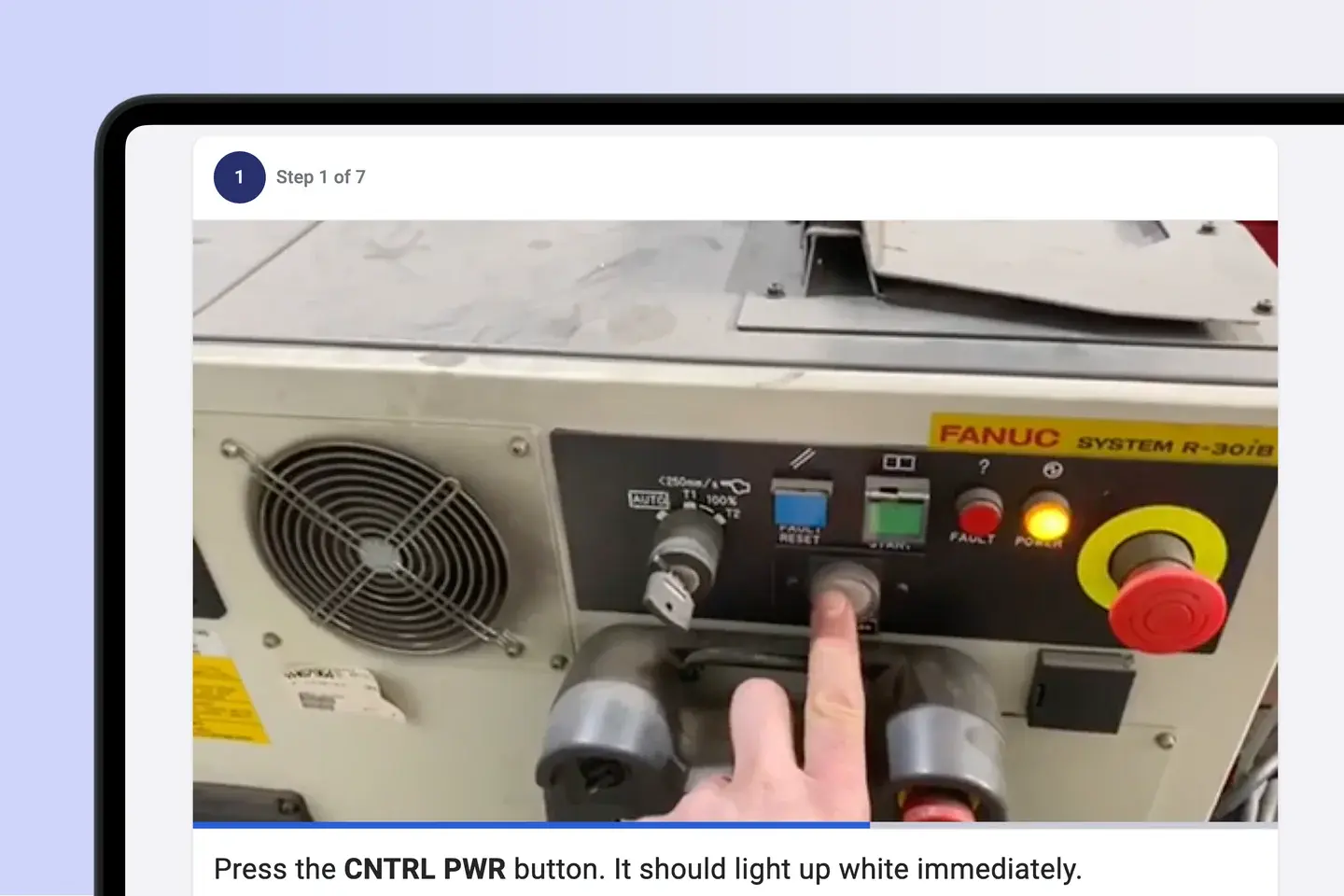

Stage 6 of 7
Knowledge at the task, not in a drive
QR codes on machines and work areas open the right guide in seconds, on any phone, in any of 190+ languages. Use the Knowby app offline where the signal drops.
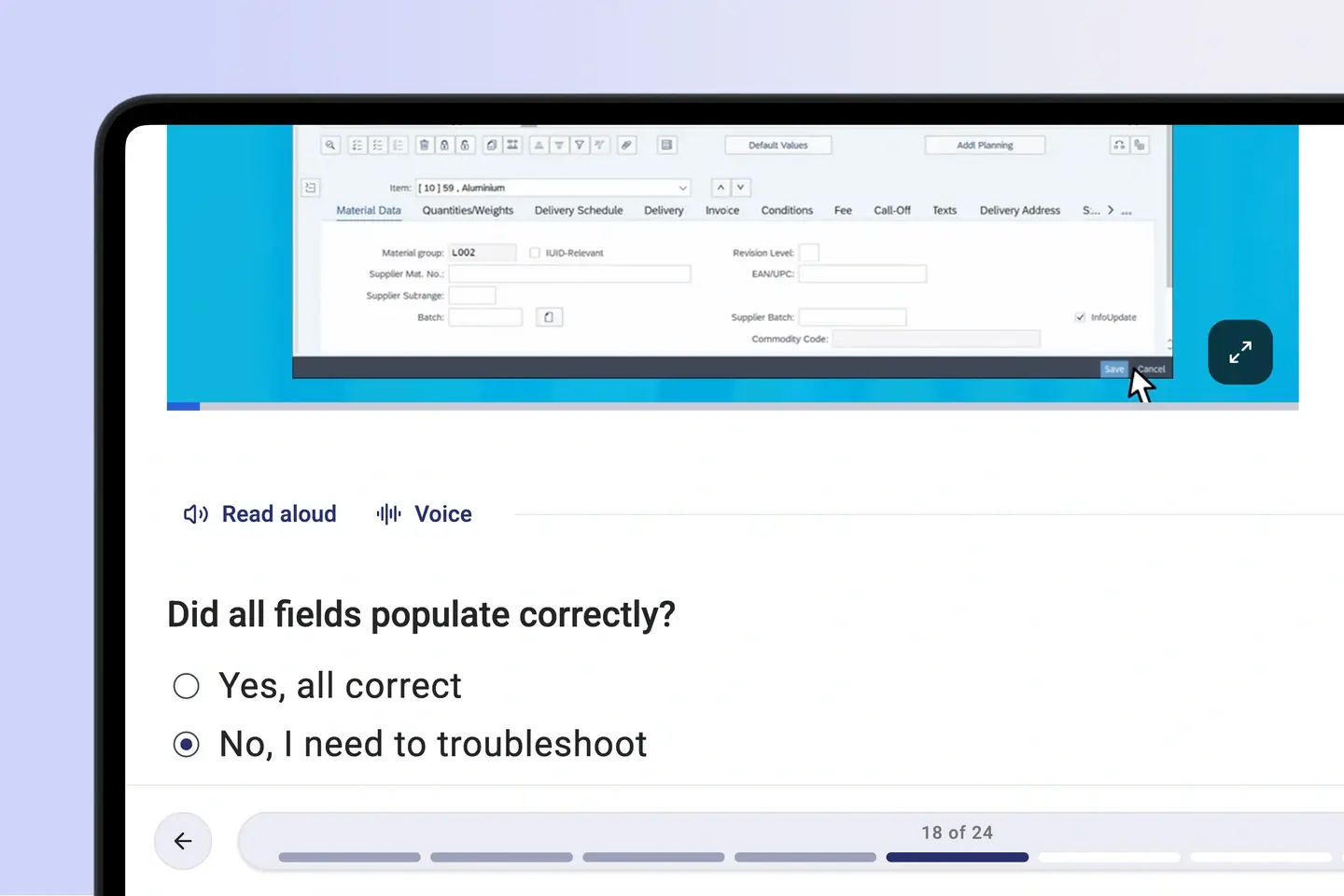

Stage 7 of 7
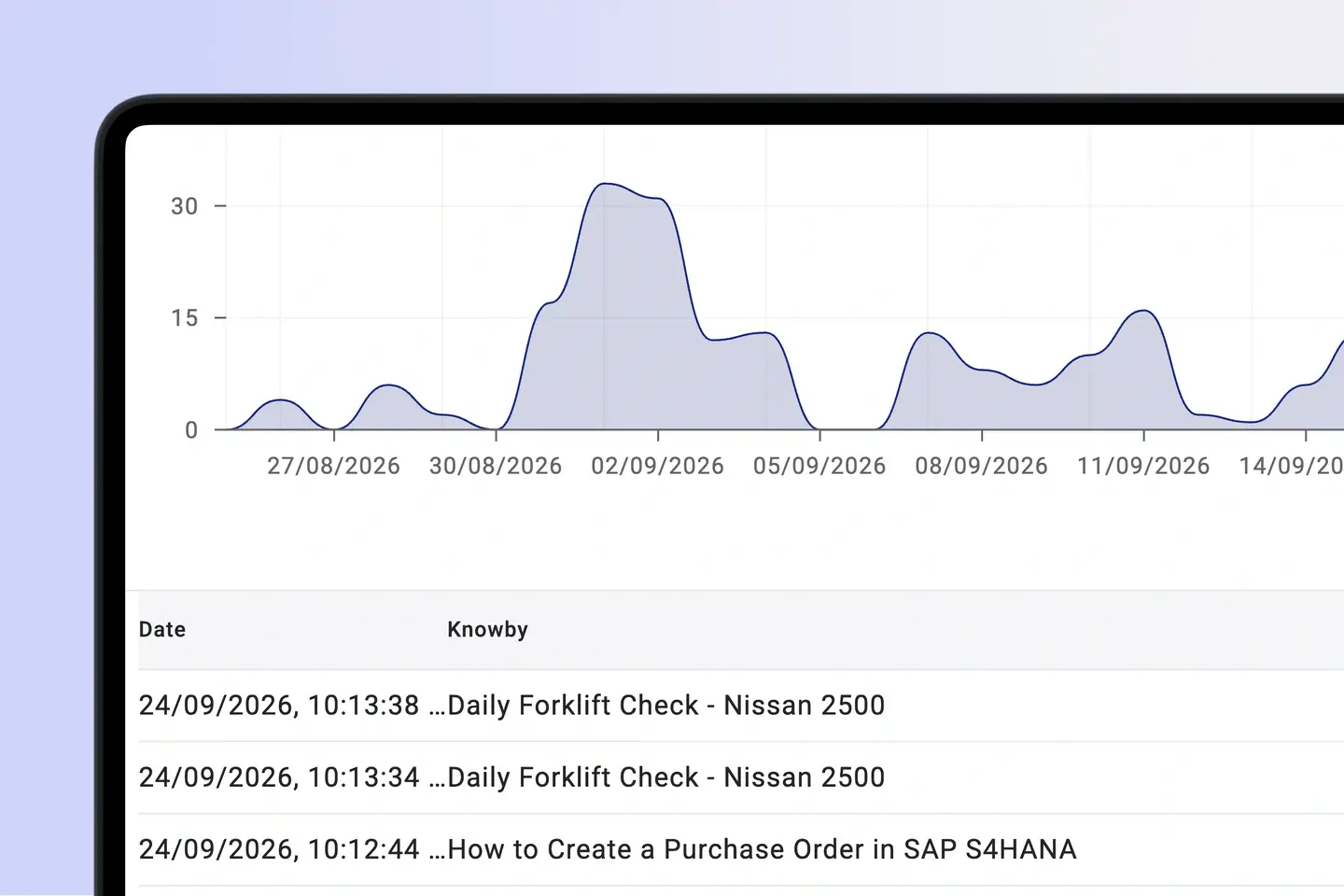
See where knowledge is thin
Track progress and engagement on manager dashboards and spot the learning gaps. Collect feedback inside each guide, fix the step, and send the data on by email or webhook.
One source of truth
"We used to rely on memory and tribal knowledge. Now, every employee has the right way in their pocket."

"With Knowby, even if key staff leave, their expertise stays within the business. [It] empowers staff to solve problems independently, reducing reliance on a single person."

“Knowby has helped us to train our staff and train our resellers and ensure that standards are upheld, even with staffing changes externally and internally.”

"It is especially good for teams with varying literacy issues or a multilingual workforce where English isn't their first language."

"We now send a link to our product instructions in an email, and we also have a QR Code tag on the product itself so everyone who needs the instructions can access them."

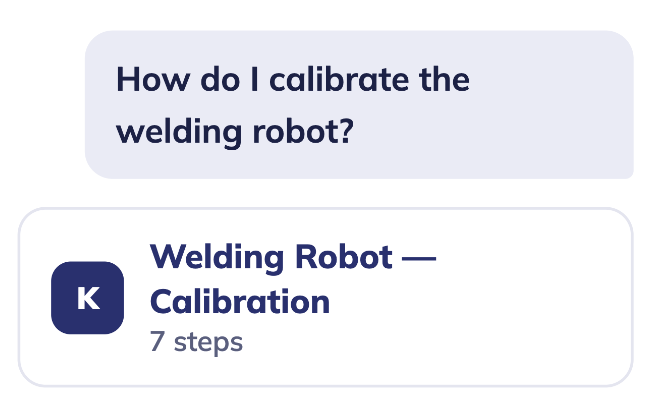

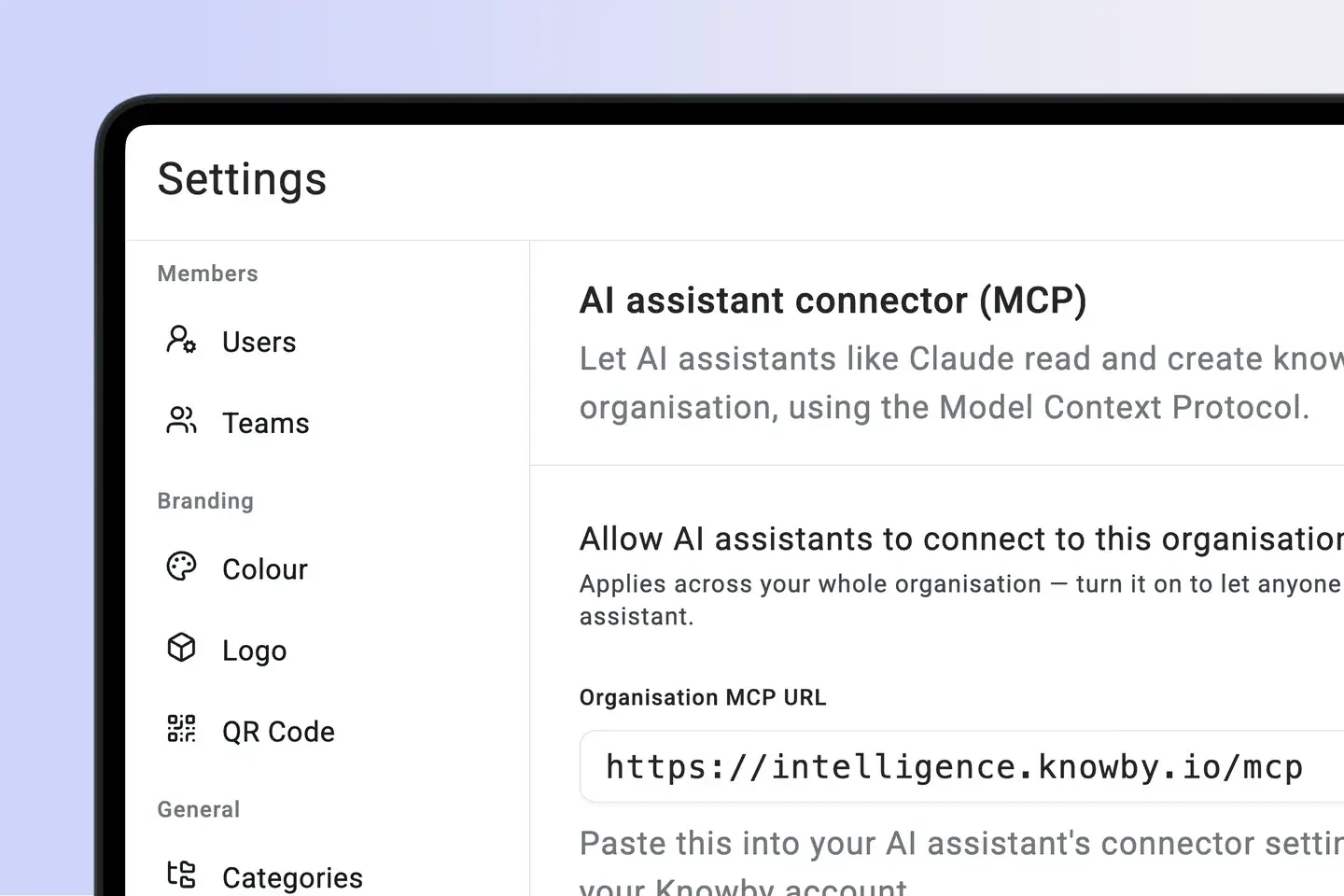
Connect Claude or any MCP-compatible AI to search, create, and execute knowbys in chat.


Knowby uses multimodal generative AI to transform voice-over video into guides.
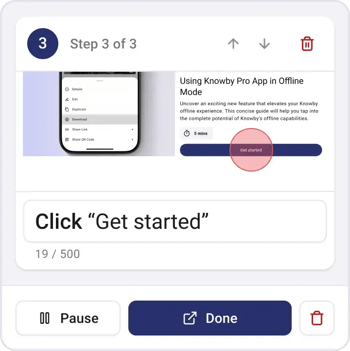

Turn web interactions into visual step-by-step guides.
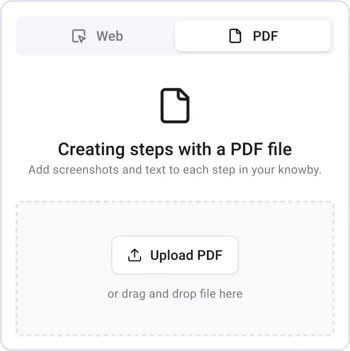

Use Manual PDF Capture Tool to extract steps directly.
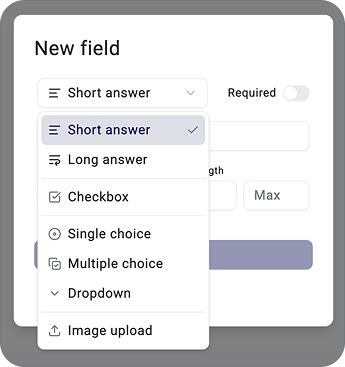

Capture real-time data directly from the instruction.


Choose Canada, EU or APAC during setup. Your data stays in the region that meets your sovereignty needs.
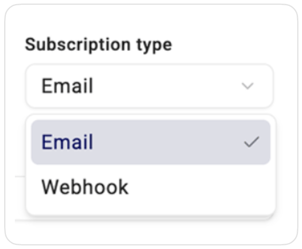

Send captured data anywhere via email or webhooks.
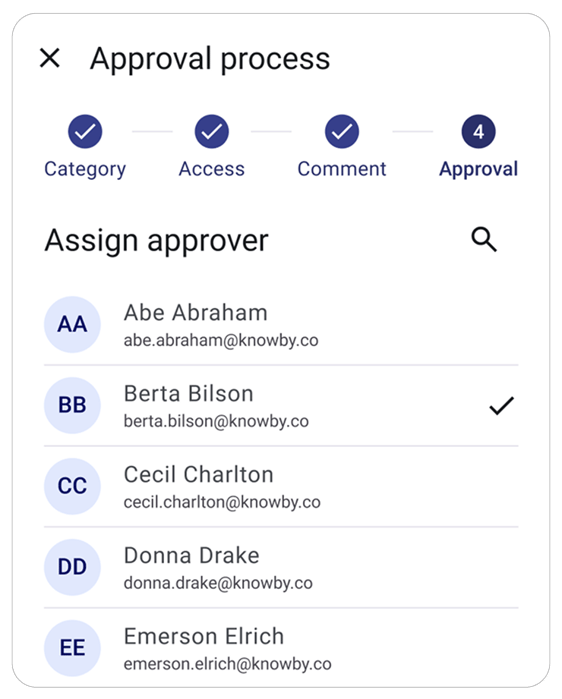

Ensure quality by submitting guides for approval.
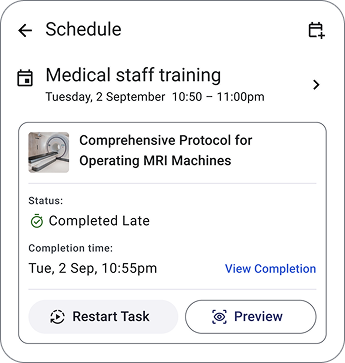

Assign and schedule tasks to improve workflow.


Instantly open guides by scanning QR-codes.

