<img height="1" width="1" style="display:none" src="https://www.facebook.com/tr?id=1098061211415180&amp;ev=PageView&amp;noscript=1">
Skip to main content

Rapid Onboarding

Onboard anyone in days, not months

Every first day goes better with access to the right guidance. Whether it’s a new employee, a contractor on site, or a customer setting up a purchase, Knowby turns the expert’s knowledge into clear, visual, step-by-step instructions.

4.7/5 on G2 · Trusted by teams in 20+ countries
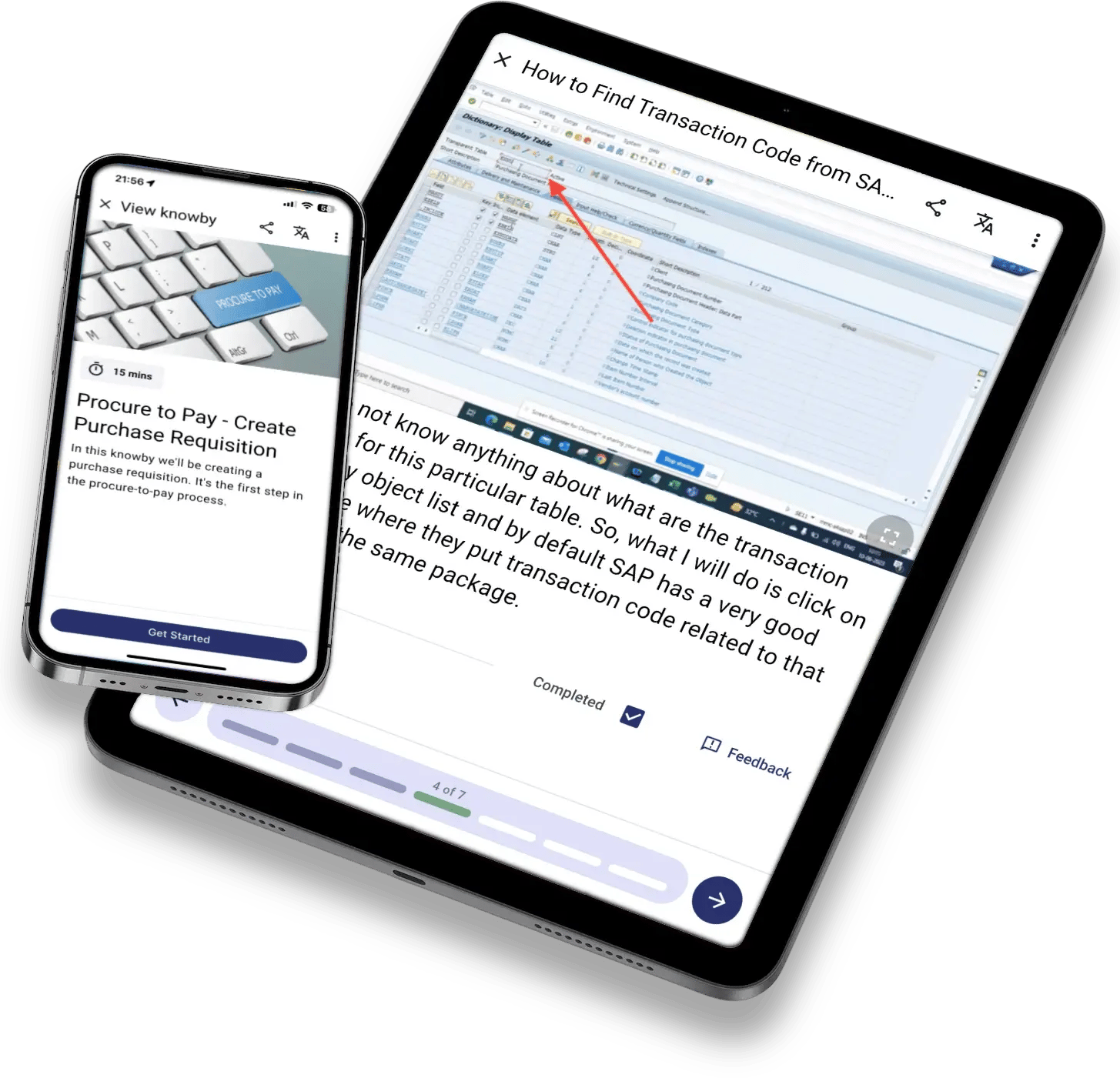
1125px iPad Pro 12.9_ Portrait + iPhone 12 Pro Portrait
kb-mockup-tablet-phone-sap
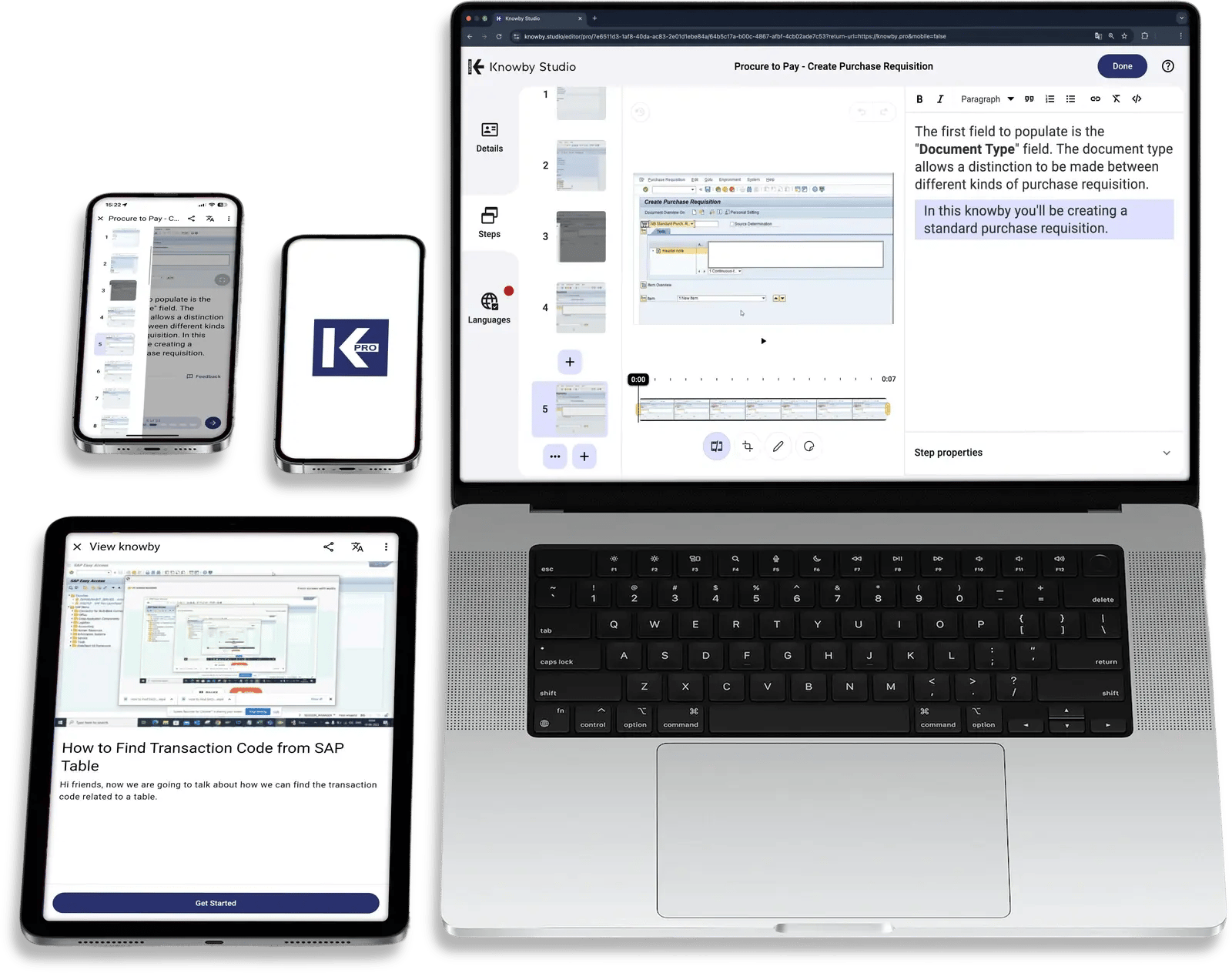
kb-mockup-studio-laptop-tablet-phones
One way of onboarding across New employees Contractors Customers & end users Seasonal staff Multi-site rollouts Offline field teams

What slows onboarding down

Onboarding rarely fails on day one. It fails in week three.

That's when the new hire is alone with a task nobody showed them properly or the customer gives up on setup and calls support. The warning signs show up first as recurring questions, rework and errors, experienced people pulled off the job to explain, and support tickets a simple guide could have prevented.

The old way

A week of slides, a site briefing, a thick manual.

01 Know-how passed on by whoever is free, differently every time
02 Orientation packs, PDFs, and product manuals read once and forgotten
03 Readiness judged on gut feel, and new hires left to figure it out

The Knowby way

People learn the job while doing the job.

✓ One approved visual guide, the same for every employee, contractor and customer
✓ Bite-sized steps one QR scan away at the machine, the site, and the product
✓ Knowledge checks, sign-offs, and completion records show who is ready, on what

Your onboarding Advantage

Make the first days feel manageable.


Up to 40%

faster employee onboarding. See how Storco uses Knowby for their day-to-day operations.

Book a demo

Rapid onboarding for everyone

Three audiences, one way to get them up to speed.

Your employees, contractors, and customers all need the same thing: the right instruction when they need it. Knowby gives you one approved source for all three.

Employees: Productive from the first shift.

Employee onboarding and training that follows new hires from day one to fully competent, with role-based paths and supervisor sign-off on every task.

Contractors: Ready to start work as they arrive.

Send site inductions, site rules and the procedures they’ll follow before they arrive. Know who has completed what, so nobody starts work unbriefed.

Customers: Set up right, without a support call.

Put setup and installation guides on a QR code on the product. Customers get to value faster, and your support team answers fewer how-to questions.

Full onboarding lifecycle

From first day to fully competent, in one training workflow.

Stage 1 of 7

Turn expert know-how into training in hours, not weeks

Build the training

Record a task on your phone with a voiceover and Knowby's AI turns it into step-by-step instructions. Or convert the PDFs, manuals and screen recordings you already have into guides you can edit step by step.
  • Screen and PDF capture
  • AI instruction creation from video
  • MCP-enabled agent execution
Capture

Stage 2 of 7

Day one starts before day one

Onboard seamlessly

Share welcome and site induction guides by link or QR code before the first shift. Public guides open without a login, so contractors and customers can start before they ever have an account.
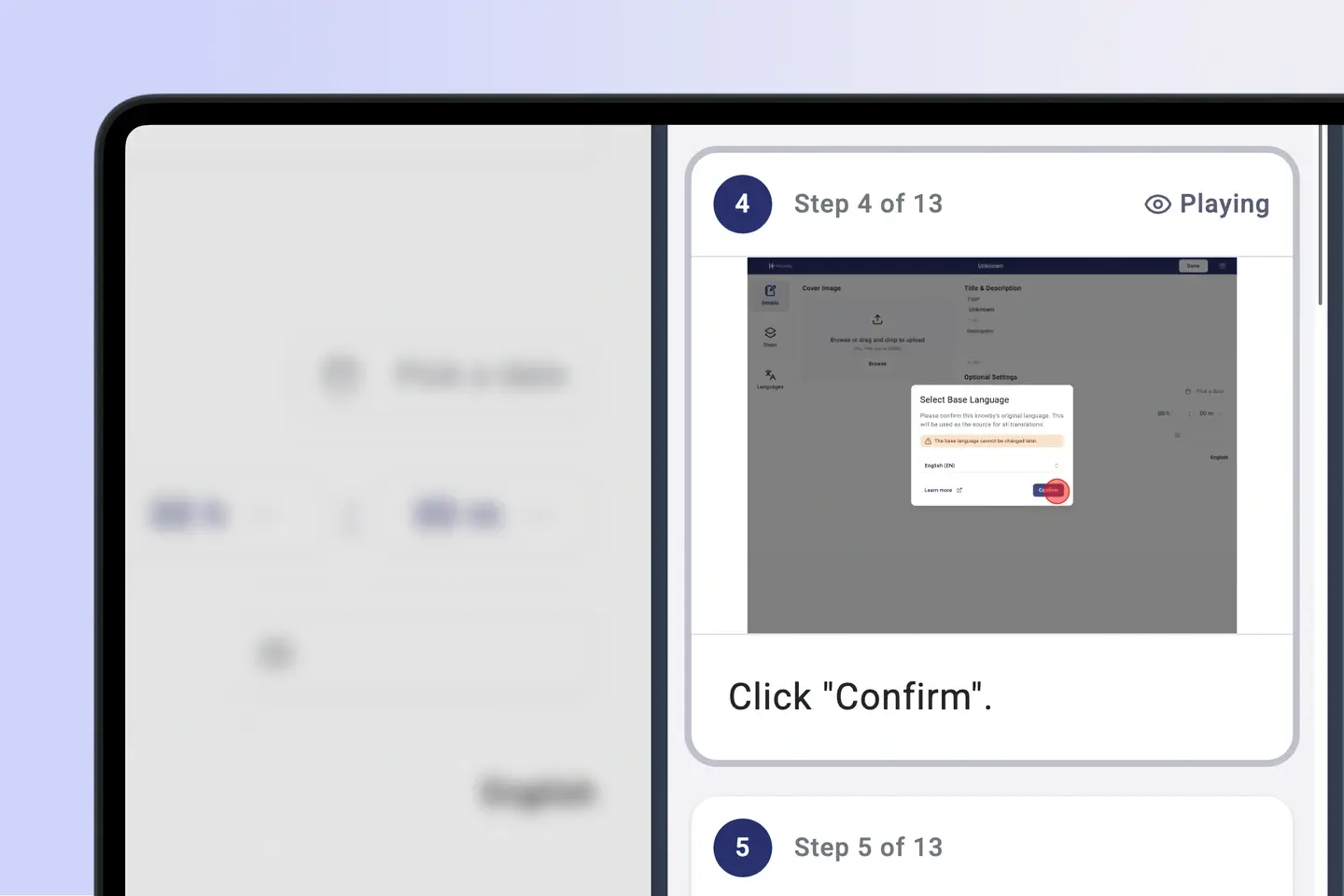
  • Link and QR code sharing
  • Public, private and team visibility
  • Embedded forms
Pre-boarding

Stage 3 of 7

The right training for every role, on a schedule

Assign and schedule tasks

Assign each new starter the work instructions for their role and send them as tasks with calendar invites. Team visibility means each role, site or customer group sees only what's meant for them, in any of 190+ languages.
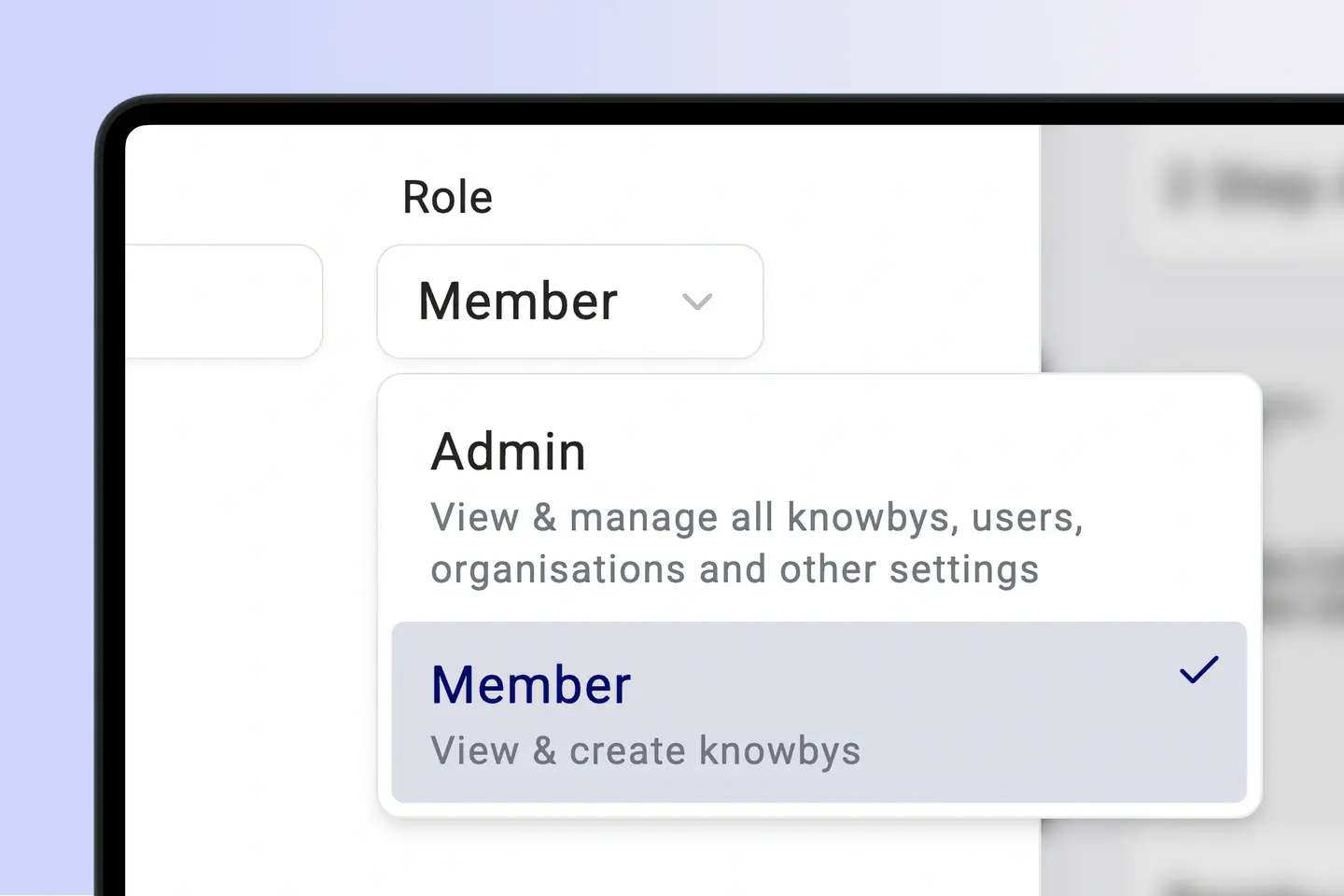
  • Task assignment with calendar invites
  • Team-based visibility
  • Auto-translate in 190+ languages
Task Management

Stage 4 of 7

Push alerts and notifications

Keep everyone in the loop

Share policy updates and process changes through links, QR codes and embeds, in each person's language. When a process changes, edit the one step then the guide shows the new version straight away.
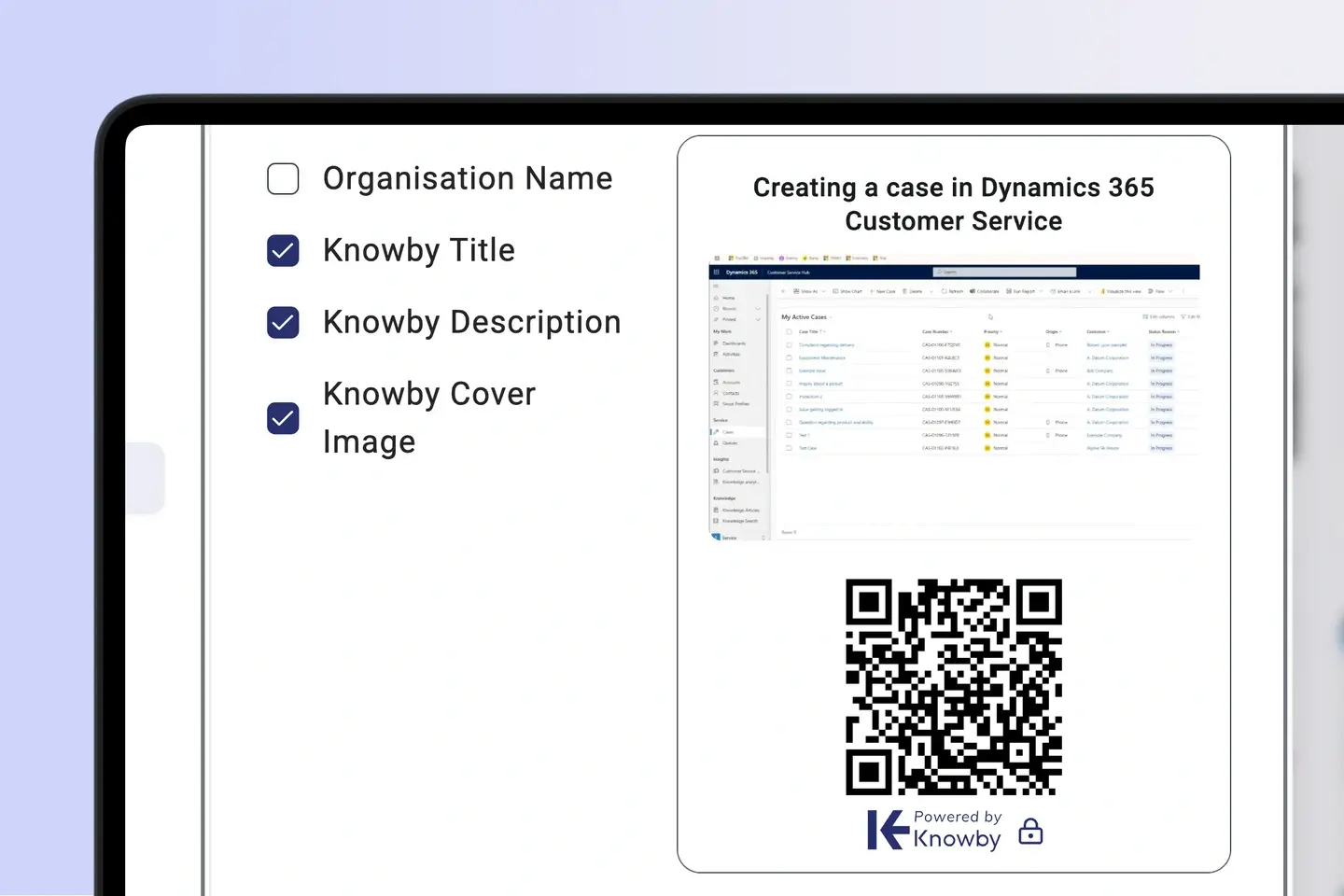
  • Read-and-acknowledge tracking
  • Live updates, same QR code
  • Single-step edits
Communications

Stage 5 of 7

Bite-sized training at the task

Train right at the task

Put QR codes on machines, work areas, and products so new starters open the right guide at the moment they need it. Short, step-by-step modules with mandatory steps mean nothing gets skipped.
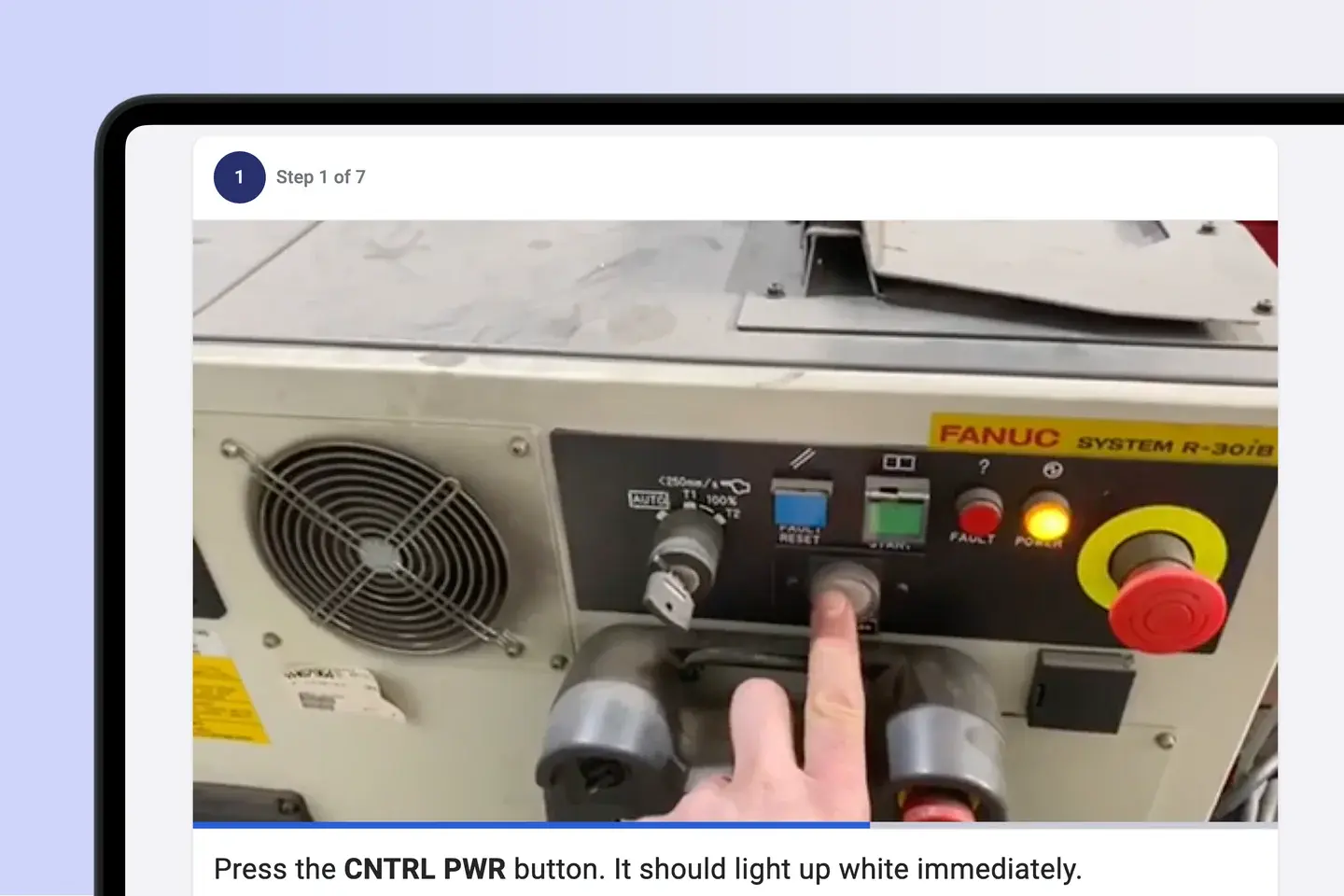
  • QR-linked instructions
  • Bite-sized learning modules
  • Mandatory steps
Training

Stage 6 of 7

Prove they can do it, not just that they saw it

Verify competency

Supervisors verify the task and sign off inside the guide. Knowby records every completion and sign-off, so each new starter's training history is ready when you need it.
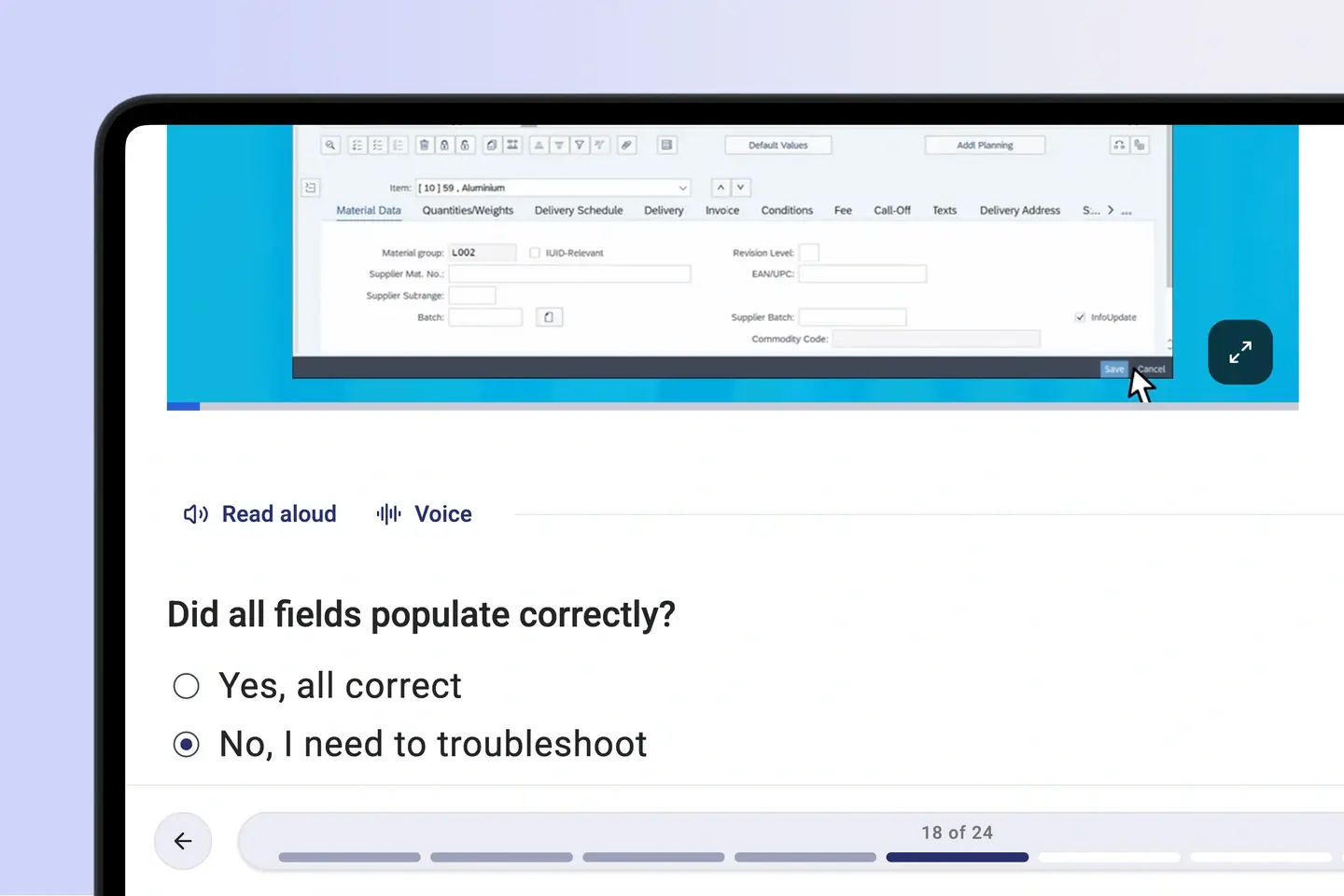
  • Completion and sign-off records
  • Supervisor verification
  • Knowledge checks
Sign-off

Stage 7 of 7

Improve every guide

Track progress

See who has completed each module and who is running late, and spot the steps where people get stuck. Collect feedback inside the guide, fix the step, and send the data on to your other systems by email or webhook.
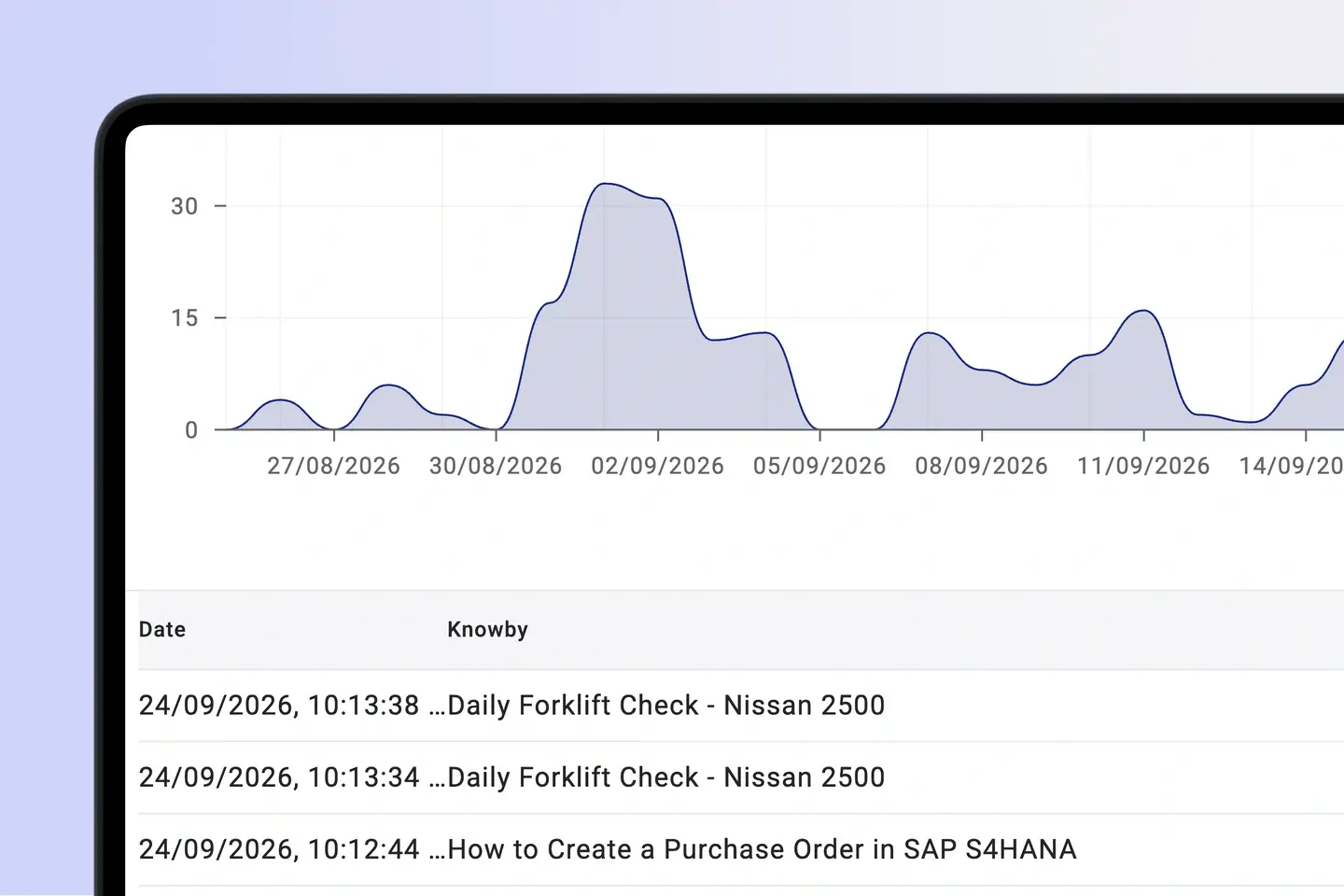
  • Completion and progress tracking
  • Friction and adherence rates
  • Feedback forms
Analytics

👌 No credit card required   👌 No ‘talk to sales’   

One source of truth

How Knowby helps teams onboard faster

Training that sticks

“Knowby not only trains staff but ensures they understand safety procedures for every task. [It] gives junior staff confidence and a sense of belonging by providing knowledge at their fingertips.”

James-Greenacre-Rosemount-Ag-Knowby-Testimonial.jpg

Customers set up right

"We sent out lockers to 25 sites and didn’t get one question back on how to put them together thanks to the Knowby instructions."

Jonathan Layton 1

Every new hire, every language

"It is especially good for teams with varying literacy issues or a multilingual workforce where English isn't their first language."

Opal-webp

Importance of visual instructions

“If we were providing only written instructions, we've got a fair idea that things wouldn't be getting done as they should be and that would then prove to be a risk to the public or our clients that are purchasing systems.”

M2-webp

Consistency at scale

"[What I like about Knowby is] the ability to have instructions at point of task, to live update without changing QR code and I have also shared easy instructions internationally via QR code."

Lee W

AI governance point

Let AI speed up onboarding,
without letting it make things up.

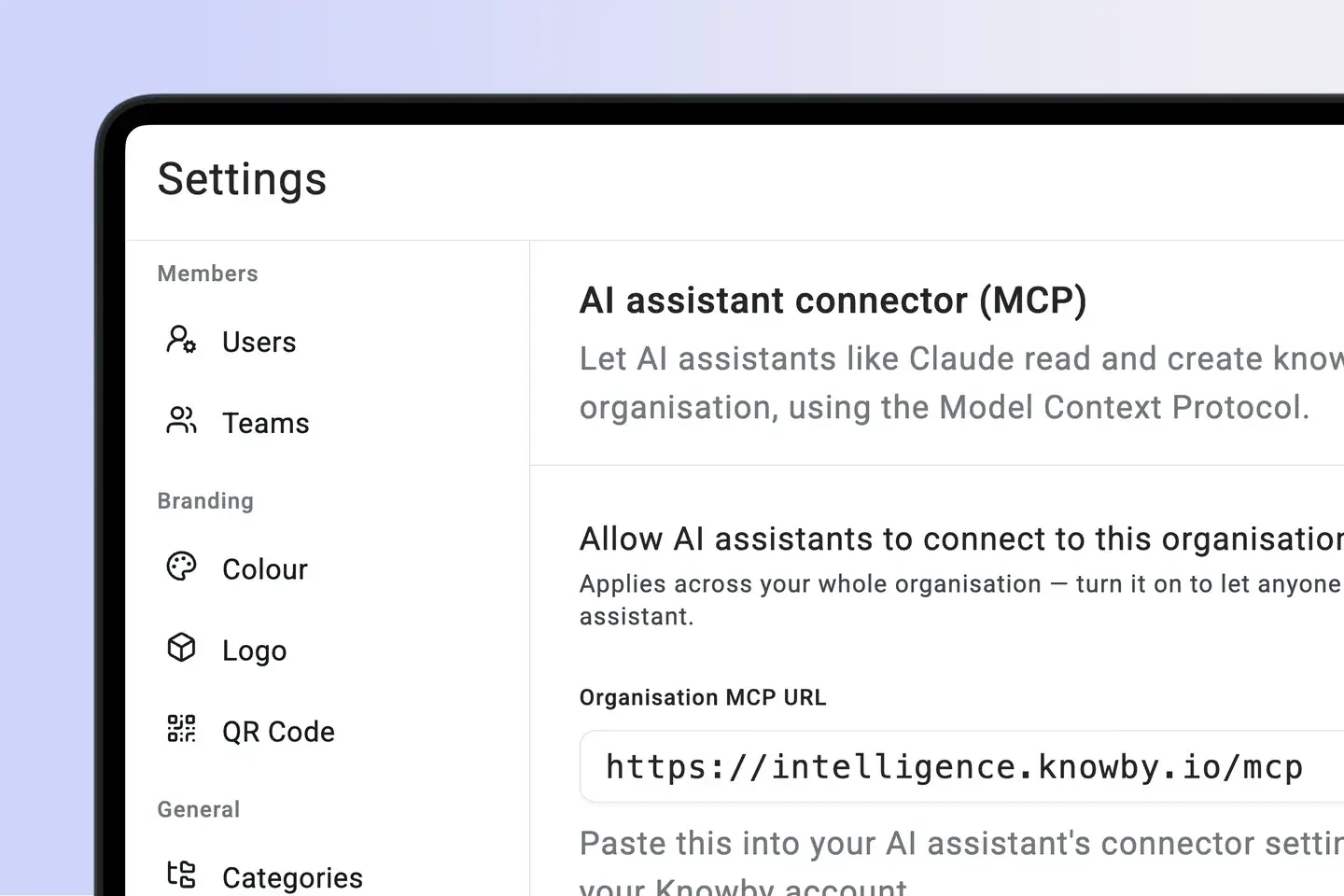
The Knowby MCP Connector lets Claude and ChatGPT find the approved guide, answer a new hire's, contractor's, or customer's question from it, and draft new guides from an expert's notes. Your approved knowledge sets the limits on what an agent can say or do.

Human sign-off

An AI-drafted guide stays a draft until a subject-matter expert approves it and publishes.

Audit by default

Every agent run records who it acted for, what it did, and which approved guide it used.

Governed agent run

Controlled
  1. Agent requestExecute month-end close validation
  2. Knowby MCPResolve approved finance procedure v4.2
  3. Worker credentialsAuthorise only permitted systems and steps
  4. Evidence trailCapture 24 actions, outputs and sign-off

One knowledge layer

Every workflow. Every worker. One standard.

A complete enterprise guidance layer connecting physical stations, business systems, mobile teams and corporate AI.

AI

robot logo for ai new

Works with your AI

Connect Claude or any MCP-compatible AI to search, create, and execute knowbys in chat.

Processing screen showing Knowby AI converting voice-over video into a structured step-by-step guide

AI-png

AI Instructions platform

Knowby uses multimodal generative AI to transform voice-over video into guides.
Web Card

square mouse pointer

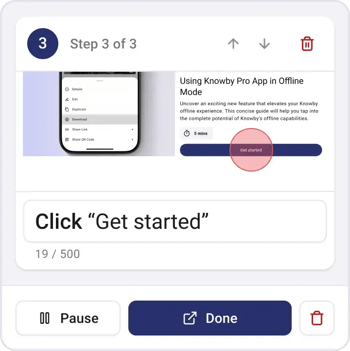
Record clicks

Turn web interactions into visual step-by-step guides.
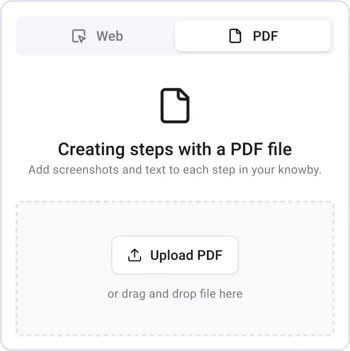
PDF Card

document scanner for capturing pdf logo

Capture PDFs

Use Manual PDF Capture Tool to extract steps directly.
IMG_7806 1

layout-list-webp-1

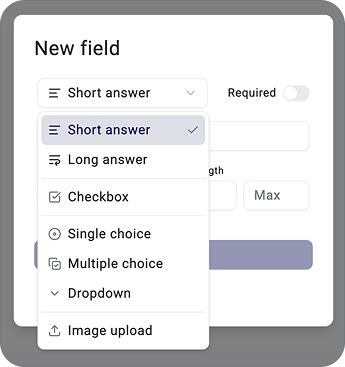
Form fields

Capture real-time data directly from the instruction.
Hosting

international logo with canada EU and AU flags

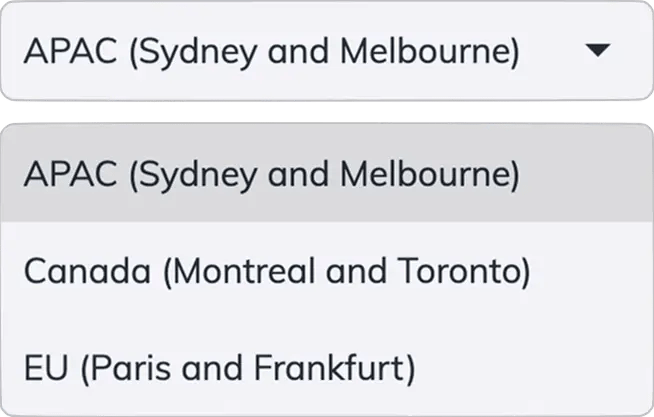
International Hosting

Choose Canada, EU or APAC during setup. Your data stays in the region that meets your sovereignty needs.
Integration ready

folder_match-webp

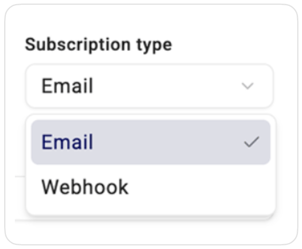
Integration ready

Send captured data anywhere via email or webhooks.
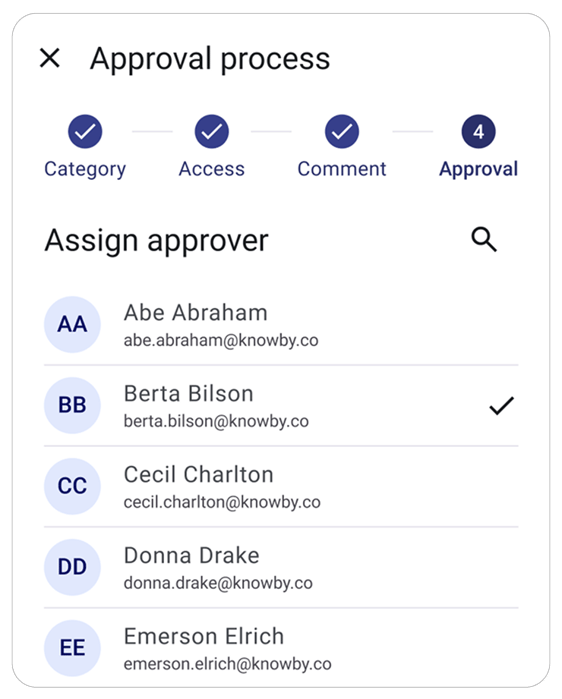
Interface showing an approval process with a list of assigned approvers and status indicators for quality control.

Checkmark approval status icon.

Approval workflow

Ensure quality by submitting guides for approval.
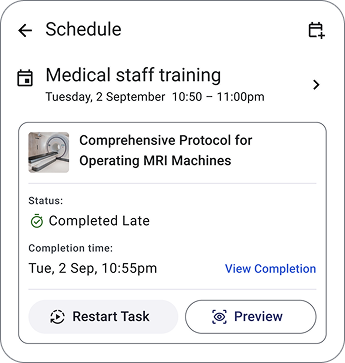
Smartphone mockup displaying a medical training schedule with tasks labeled 'Completed Late' and 'Start Task' to show workflow management.

Blue calendar icon-webp

Scheduling

Assign and schedule tasks to improve workflow.

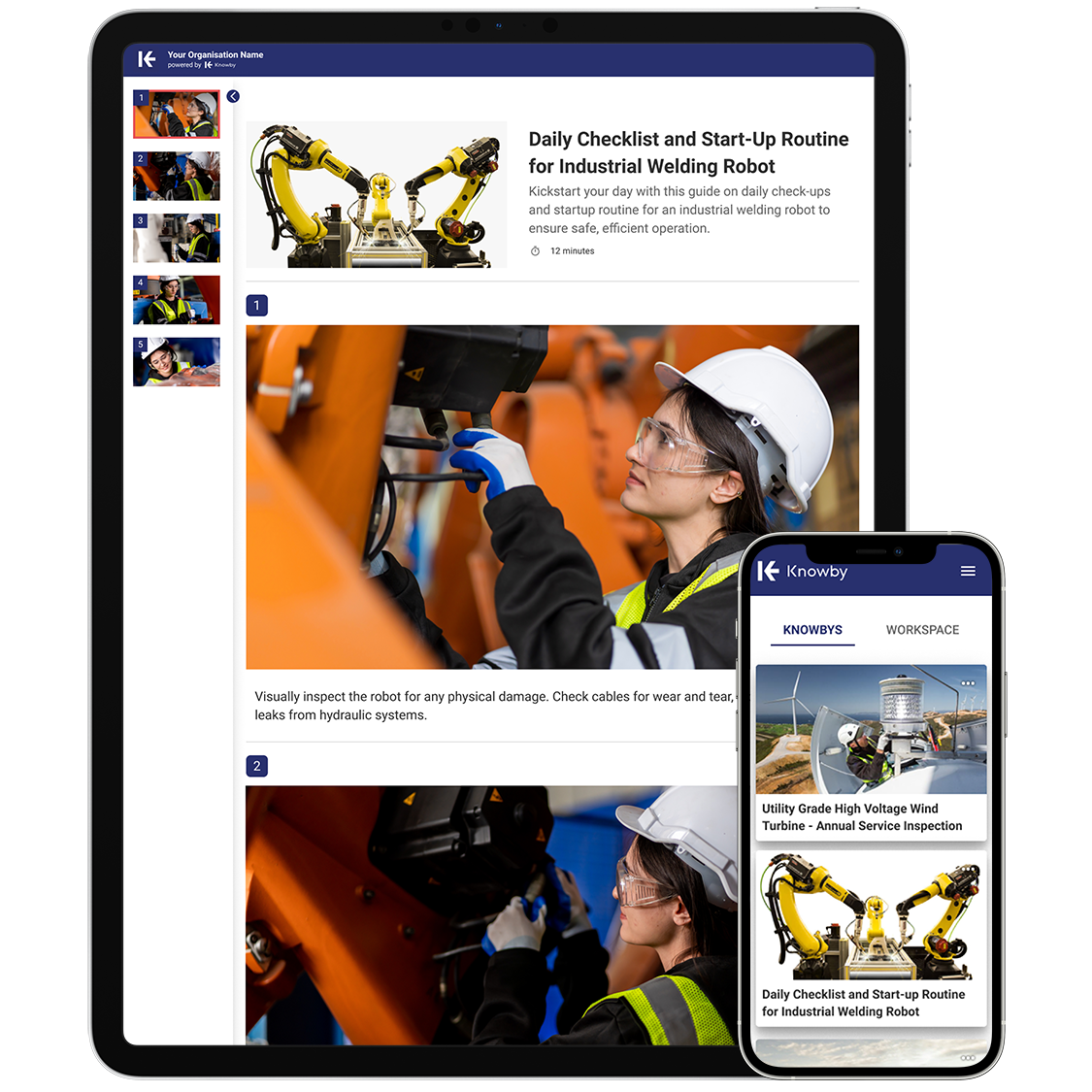
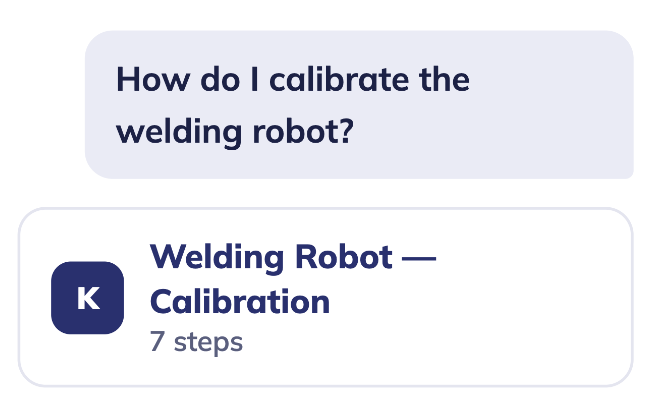
An instruction card featuring a welding robot and a scannable QR code for instant mobile guide access

QR code scanning icon.

Quick access

Instantly open guides by scanning QR-codes.

…and yes, it does versioning, offline mode, QR codes, custom branding and multi-language too.


See It In Your Workflow

Request a demo from our team.

See It In Your Workflow

Request a demo from our team.

Fill in the form and we'll show you Knowby mapped to your own systems, workforce, and rollout — not a generic walkthrough.

  • Live walkthrough with a real system
  • Answers to your specific questions
  • No pressure, no obligation