<img height="1" width="1" style="display:none" src="https://www.facebook.com/tr?id=1098061211415180&amp;ev=PageView&amp;noscript=1">
Skip to main content

Operational excellence

Integrate excellence into every shift.

Operational variation across sites can signal a knowledge-sharing issue. Knowby turns your expert methods into standard work that every team can follow and improve, so operations management runs on one version of the truth.

4.7/5 on G2 · Trusted by teams in 20+ countries

1125px iPad Pro 12.9_ Portrait + iPhone 12 Pro Portrait
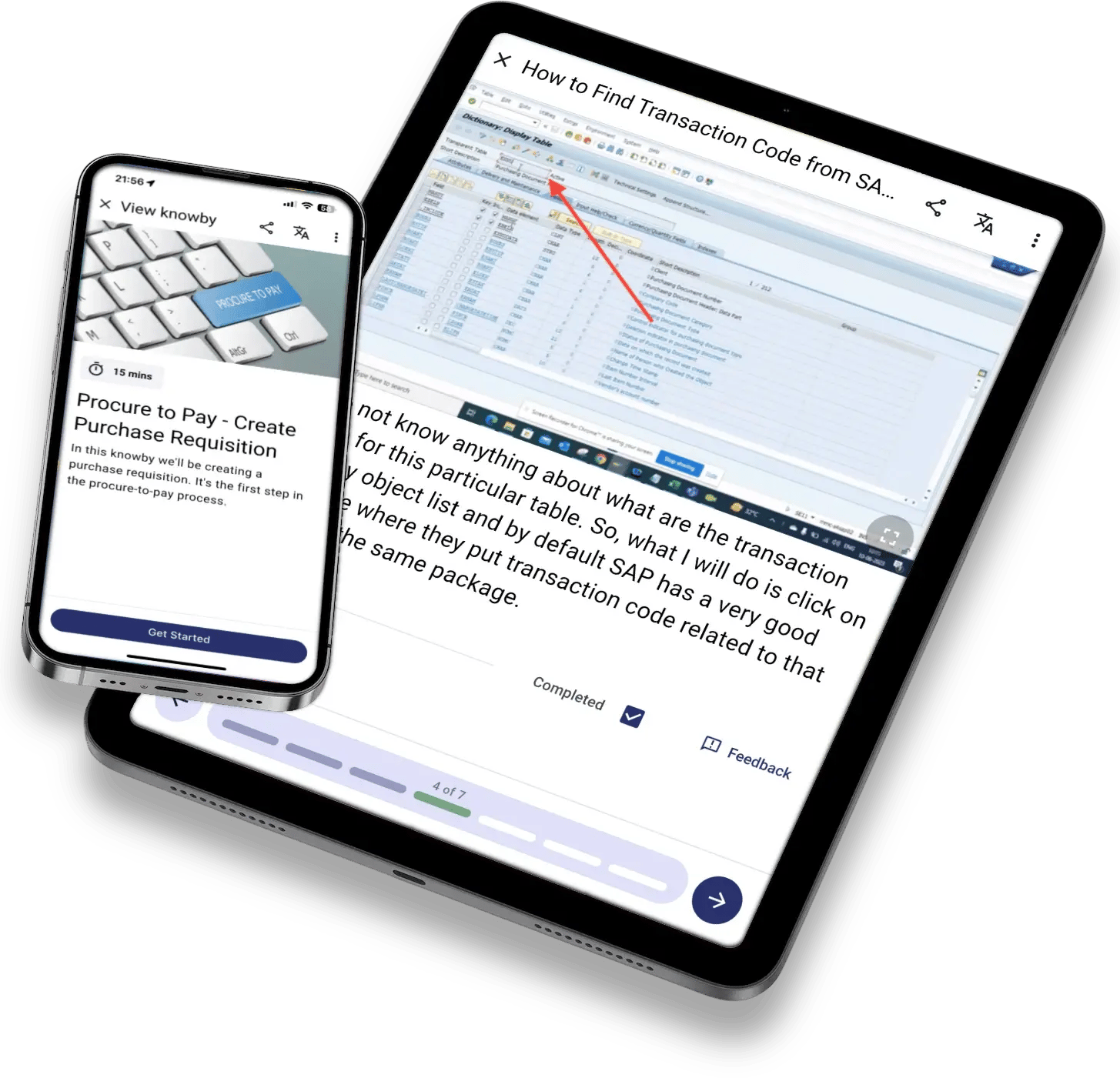
kb-mockup-tablet-phone-sap
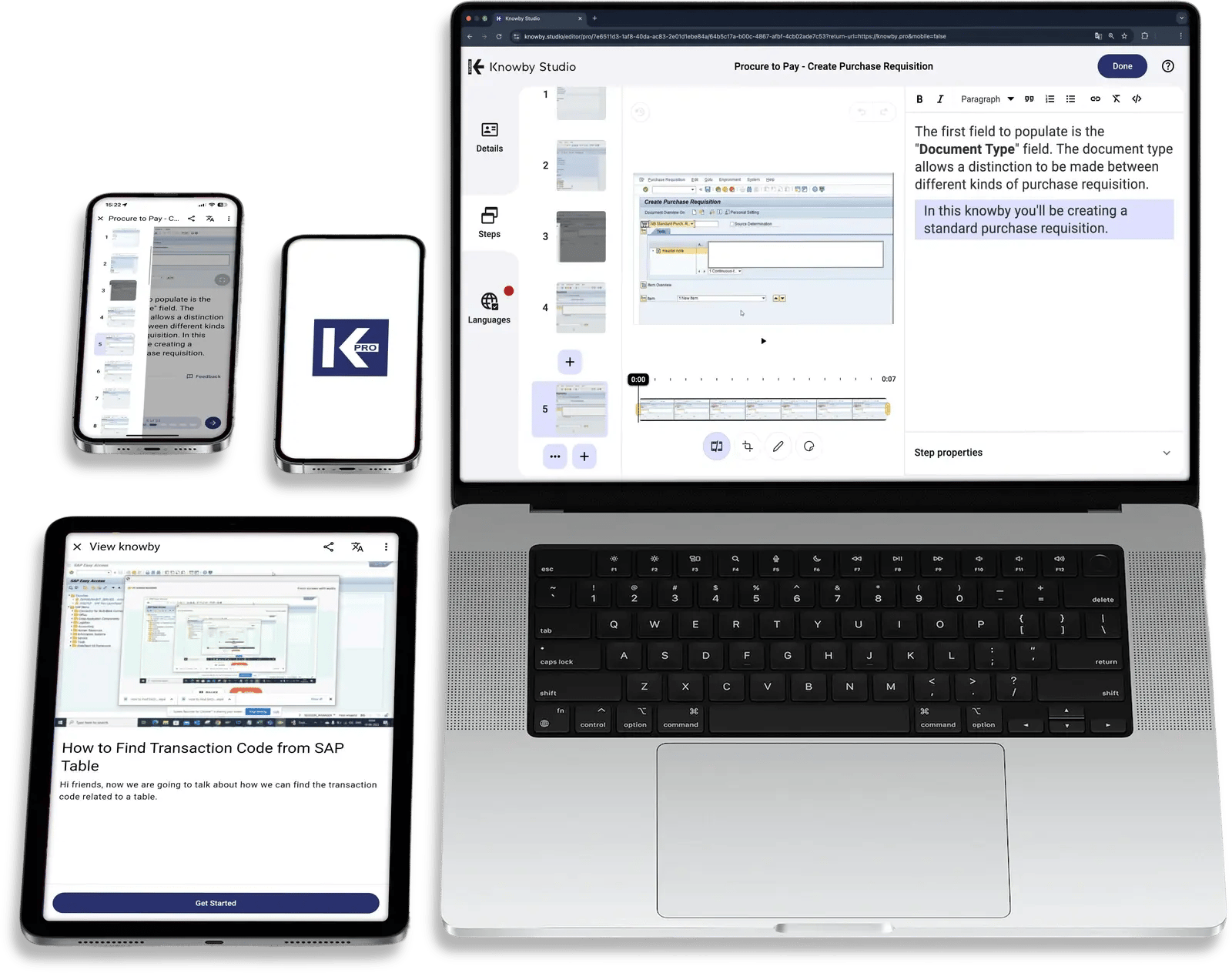
kb-mockup-studio-laptop-tablet-phones
One way of working across Production lines Warehouses Field service Shared services ERP & MES AI agents

Why operational excellence stalls

The operations review sees one KPI.
The floor runs three ways of doing the same job.

The ideal scenario is standard work and continuous improvement. The reality is often the best method living in one senior operator's head, a Kaizen win that never leaves the pilot line, or a night shift that does it differently.

The old way

Improvements are made on one shift, then lost on the next.

01 Best practice is tribal knowledge that walks out the door with experienced staff
02 SOPs in slide decks and binders that nobody opens at the workstation
03 Kaizen and Lean Six Sigma gains that stay on one site or one shift

The Knowby way

Improvements become the new standard.

✓ Best-known methods captured visually from the expert people who do the work
✓ Standard work is one scan away at workstations and in necessary languages
✓ Proven improvements replicated across every site, with adoption you can see

Your Operational Advantage

Make the best way to work the standard way.


Give operations management a single, governed layer of know-how that makes the next improvement easier to roll out.


Up to 75%

decrease in machine downtime. See how STORCO uses Knowby for their day-to-day operations.

Book a demo

Who uses Knowby for operations management

Head of operational excellence

Scale your continuous improvement program across every site, with proof that standards are followed.

Operations professional

See where performance varies between sites. Capture what works, suggest improvements from the floor, and get the right method when you need it.

Operations manager & leader

Onboard new starters faster, run cleaner shift handovers, and spend less time answering the same questions.

The cycle of continuous improvement

One operating process, from best practice to the next improvement.

Stage 1 of 7

Turn expert knowledge into standard method

Capture the best known method

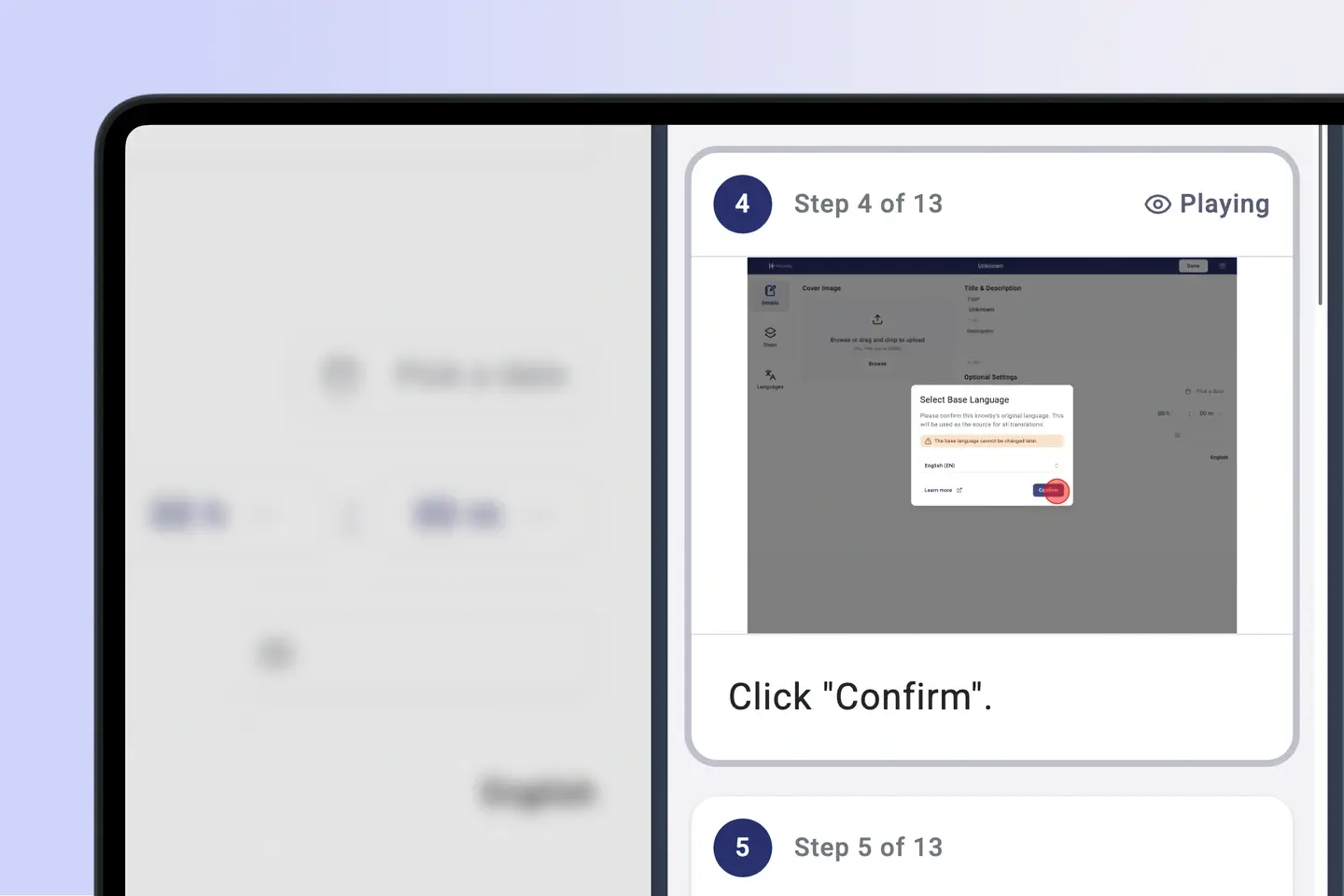
Record how your top performers actually do the work, with photos, video, and the small details that never make it into a written SOP.
  • Visual step-by-step capture
  • MCP-enabled agent execution
  • Expert knowledge retention
System Integration Testing

Stage 2 of 7

Shaped by role and sites

One standard, tailored by role

Agree on one approved standard work instruction, then tailor it for operators, team leads, maintenance, or contractors without creating copies that drift apart.
  • Approval workflows
  • Role-specific views
  • Version control
User Acceptance Testing

Stage 3 of 7

Work on continuous improvement

Get insights on adoption rates

Publish through QR codes and portal embeds, translated instantly into any of 190+ languages of your choosing. See which sites, lines, and shifts have adopted the new standard and work on those that didn’t.
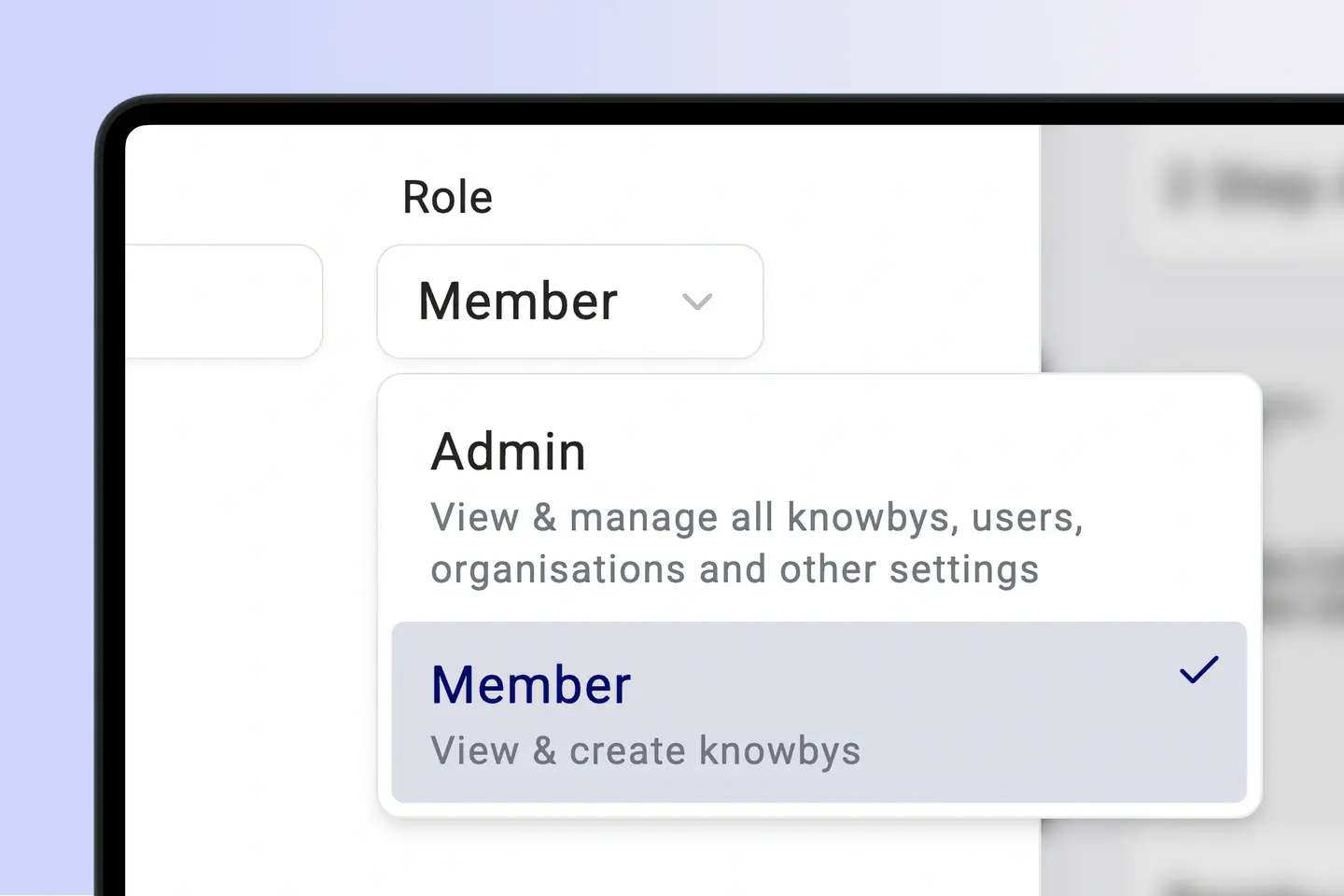
  • QR and link distribution
  • Adoption by site and shift
  • 190+ instant multilingual translations
Change Management

Stage 4 of 7

Make instructions easier to digest

Shorter time to competency

Turn standard work into "tell me, show me, let me try it" micro-learning. New starters and cross-trained staff reach the standard faster, and team leads answer fewer repeat questions.
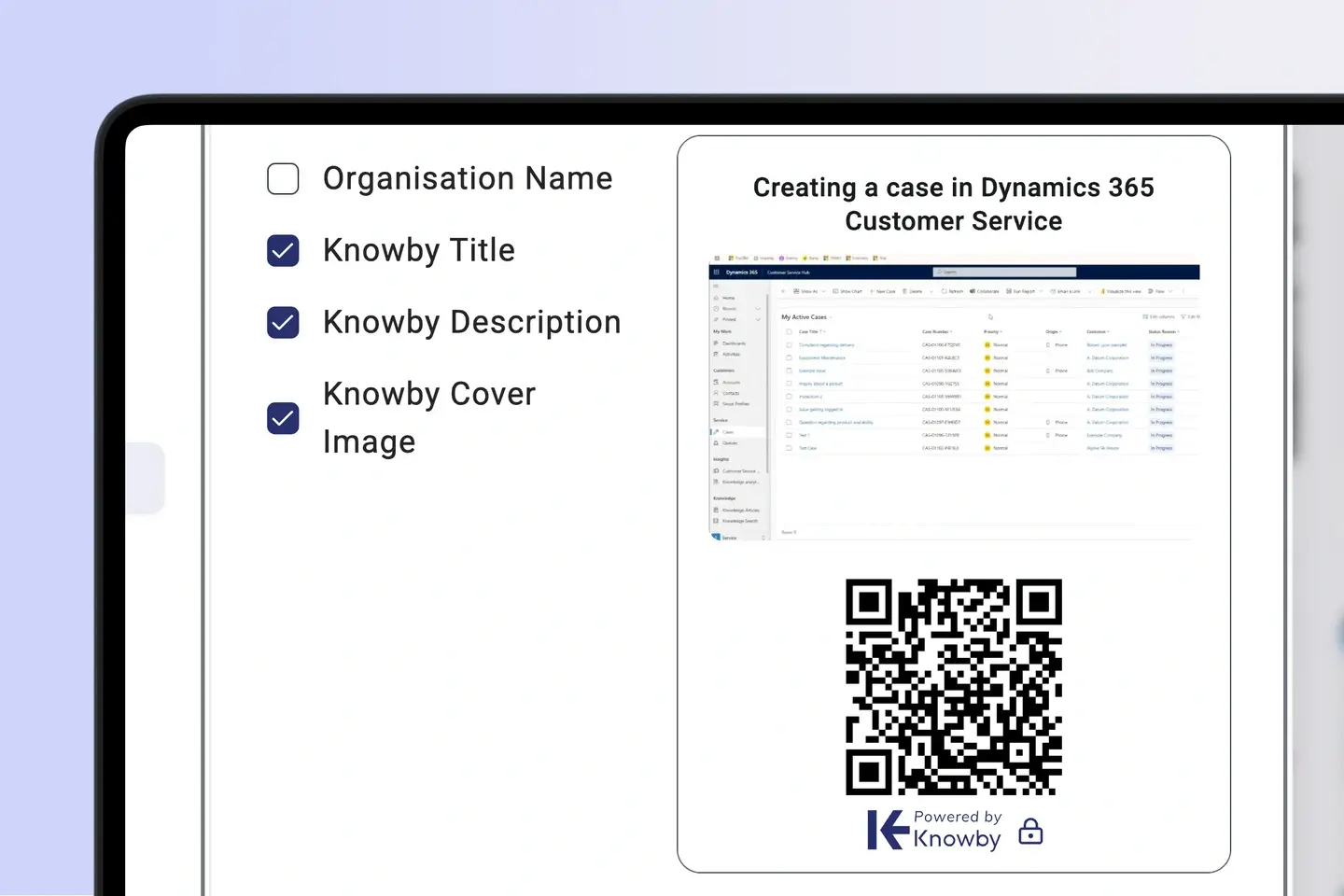
  • Micro-learning by task
  • Cross-skilling support
  • Reduce repetitive support requests
Communications

Stage 5 of 7

Prioritise accessibility

Standard work at the station

Put the method at the point of use. Embedded checklists, shift handovers and quality checks happen inside the instruction, and webhooks send results to your ERP, MES, or CMMS.
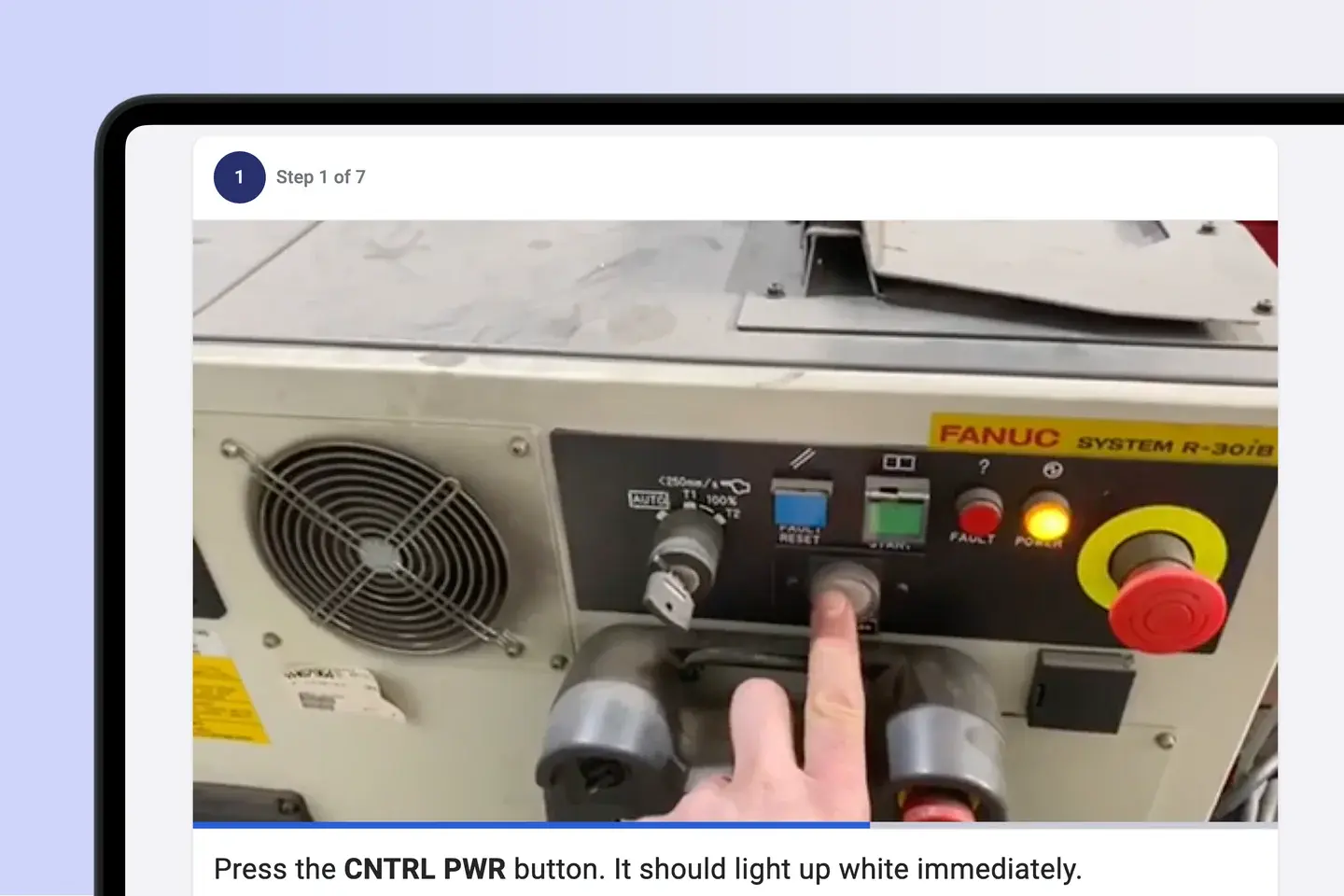
  • Workstation QR access
  • Embedded checks and handovers
  • Connected core systems
User Training

Stage 6 of 7

Determine areas for improvement

See where the process creates friction

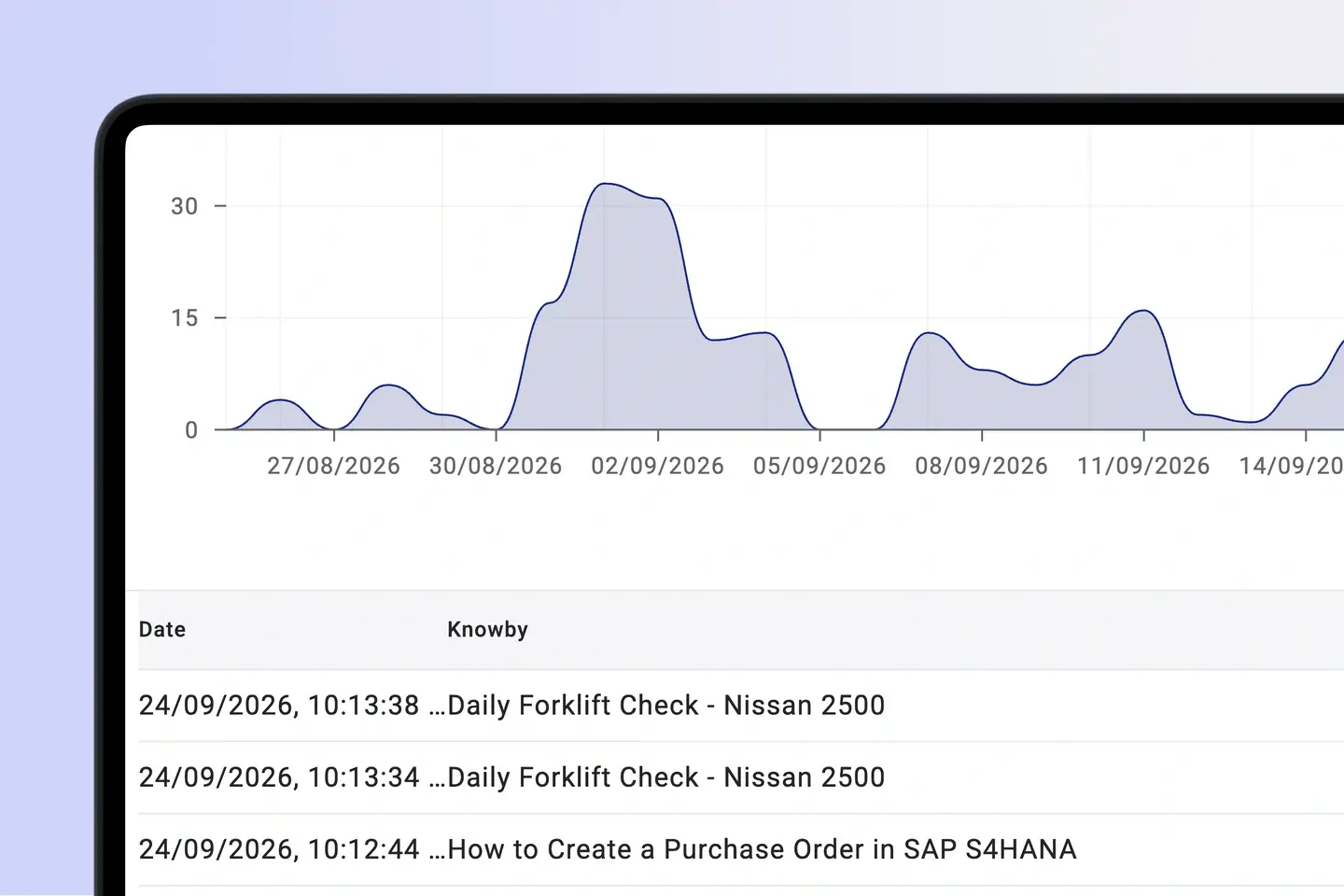
Step-level analytics show where people slow down, skip ahead, or ask for help. Compare sites and shifts and connect adherence to the KPIs you already track, such as OEE, first-time-right, and cycle time.
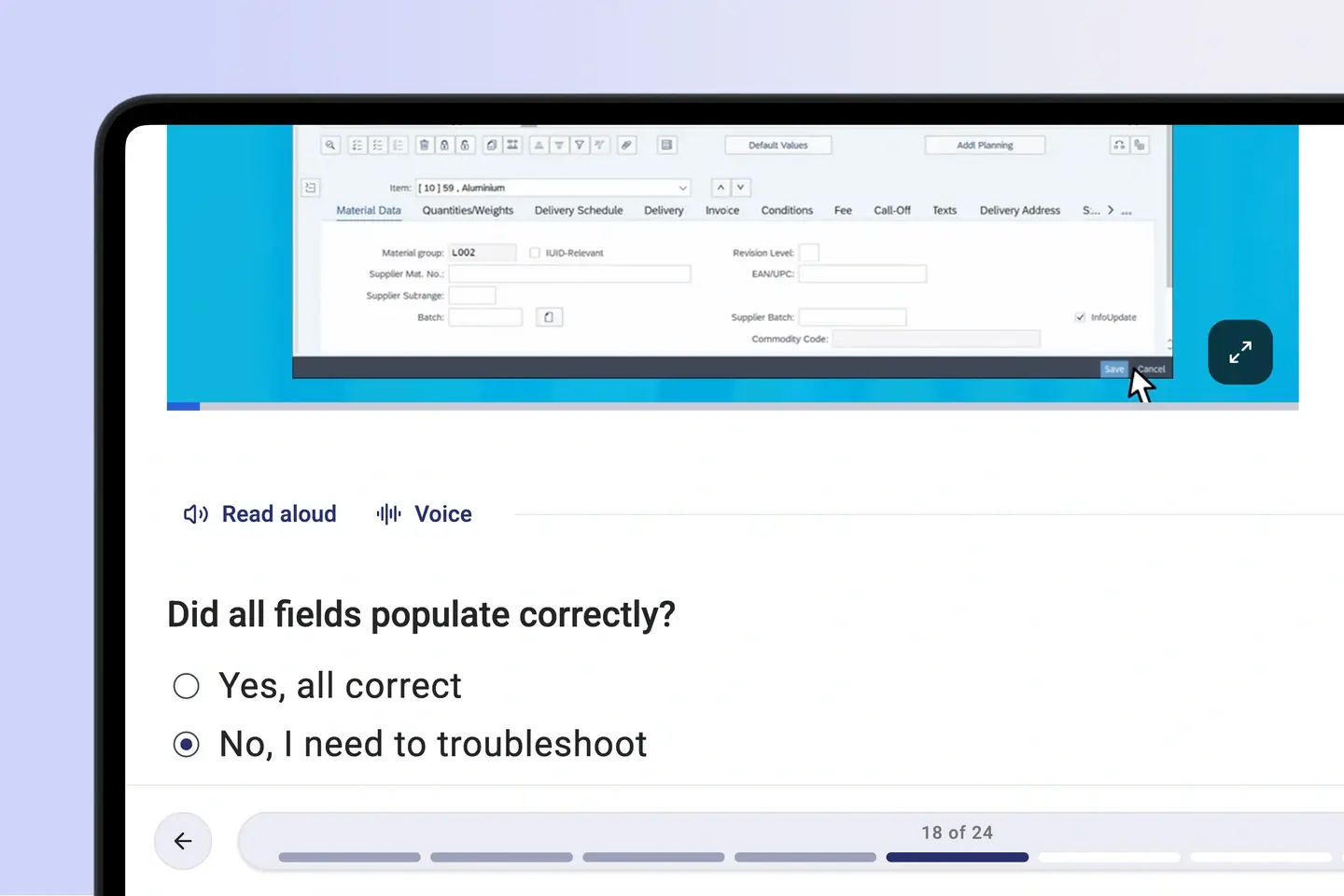
  • Step-level friction analytics
  • Site and shift comparison
  • Completion data
Go-Live

Stage 7 of 7

Apply learnings across

Make improvement a rhythm

Collect improvement ideas from the floor, update the standard, and push the new version everywhere at once. Keep every gain in version history so it outlasts the people who made it.
  • Frontline improvement ideas
  • Replicate wins across sites
  • Version history
Post Go-Live & Sustainment

👌 No credit card required   👌 No ‘talk to sales’   

One source of truth

How teams achieve operational excellence with Knowby

Optimal use of resources

“We're spending less of our resources and less of our time on managing that customer relationship. From the moment they receive the wraps, they understand how to use them. It's right there in front of them, broken down into step-by-step instructions.”

Derek Mansur (5)-png

Compliance & tracking

"From a compliance perspective, Knowby ticks that box in the sense that you're able to get the staff to acknowledge that they've had training on that certain activity."

James-webp

Standardising instructions

"Knowby has helped us to train our staff and train our resellers and ensure that standards are upheld even with staffing changes externally and internally."

Nick Langan

Ease of use

“We were looking for something that was easy to use, easy to update and easy to access. No other software offered the functionality this did”

Jonathan Layton 1

Innovation

"[What I like about Knowby is] the ability to have instructions at point of task, to live update without changing QR code and I have also shared easy instructions internationally via QR code."

Lee W

AI governance point

Let AI work inside your standards,
but not override your rules.

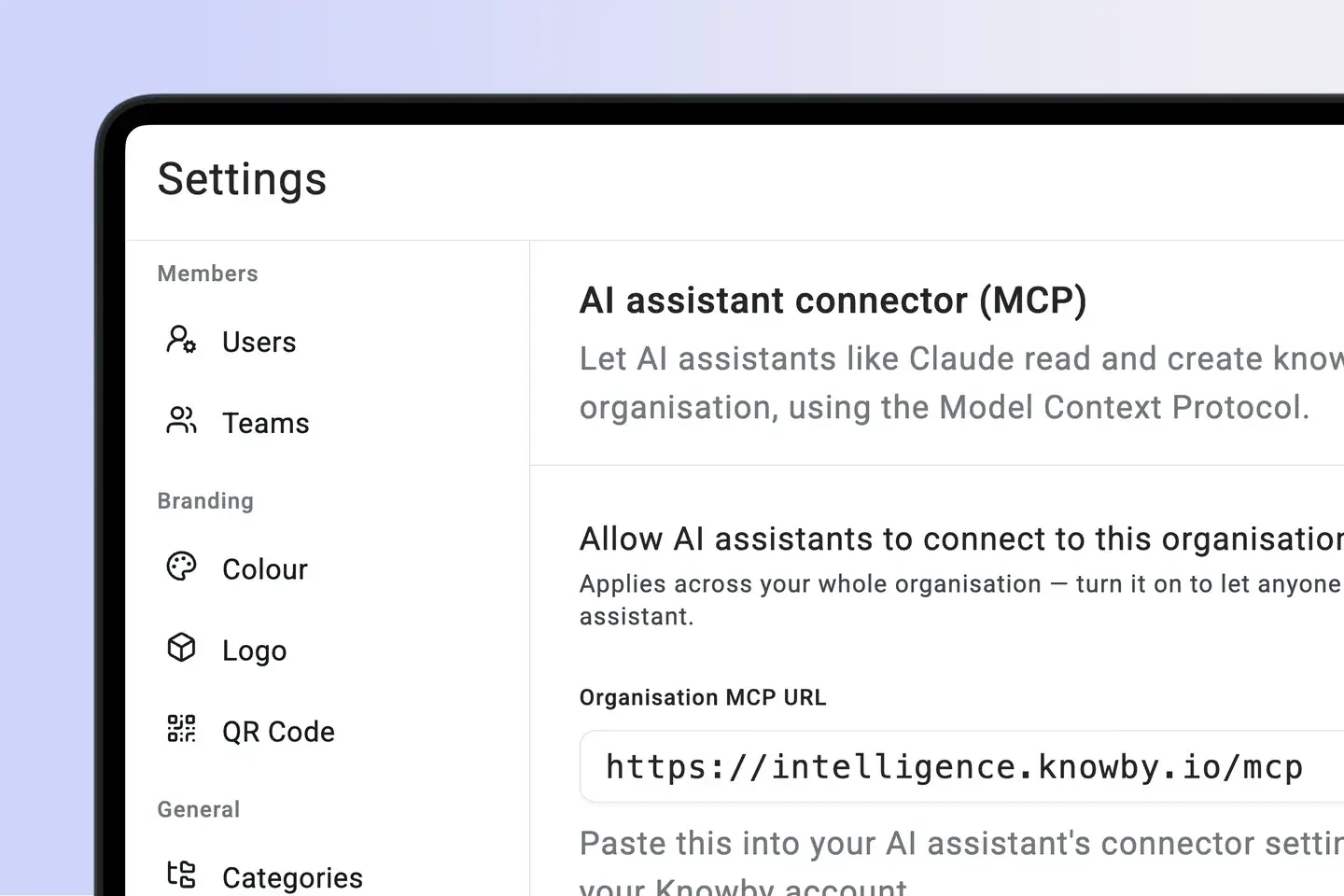
The Knowby MCP Connector lets Claude and ChatGPT find your standard work, draft improvements, and roll out proven changes under worker credentials. Your approved operating model sets the limits for what an agent can do.

Human sign-off

An AI-drafted change to standard work stays a draft until a process owner approves it.

Audit by default

Every agent runs records who it acted for, what it did, the outcome and the evidence.

Governed agent run

Controlled
  1. Agent requestExecute month-end close validation
  2. Knowby MCPResolve approved finance procedure v4.2
  3. Worker credentialsAuthorise only permitted systems and steps
  4. Evidence trailCapture 24 actions, outputs and sign-off

One knowledge layer

Every workflow. Every worker. One standard.

A complete enterprise guidance layer connecting physical stations, business systems, mobile teams and corporate AI.

AI

robot logo for ai new

Works with your AI

Connect Claude or any MCP-compatible AI to search, create, and execute knowbys in chat.

Processing screen showing Knowby AI converting voice-over video into a structured step-by-step guide

AI-png

AI Instructions platform

Knowby uses multimodal generative AI to transform voice-over video into guides.
Web Card

square mouse pointer

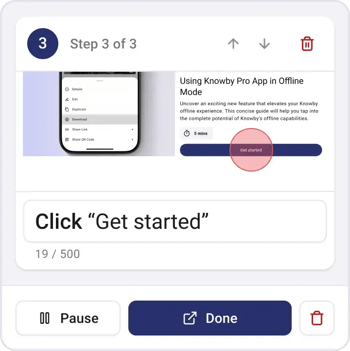
Record clicks

Turn web interactions into visual step-by-step guides.
PDF Card

document scanner for capturing pdf logo

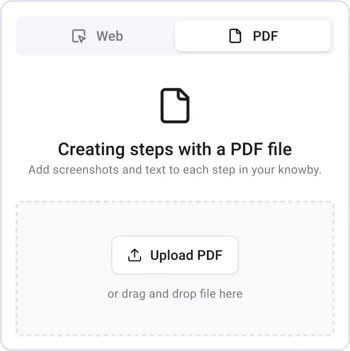
Capture PDFs

Use Manual PDF Capture Tool to extract steps directly.
IMG_7806 1

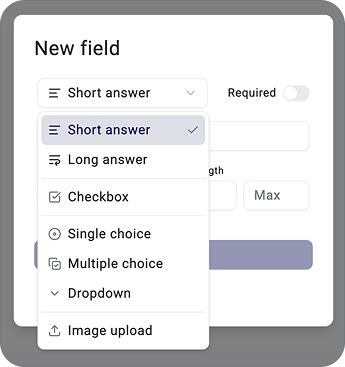
layout-list-webp-1

Form fields

Capture real-time data directly from the instruction.
Hosting

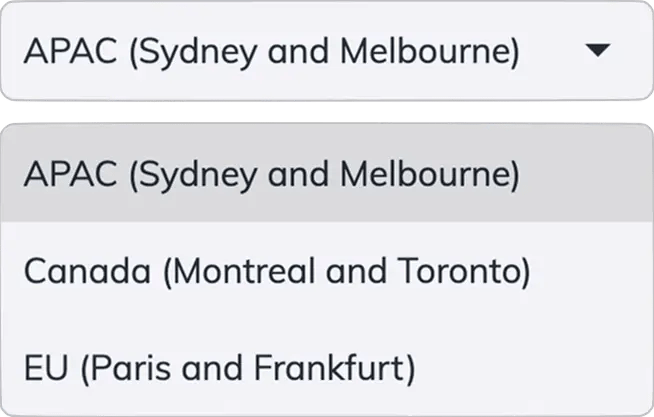
international logo with canada EU and AU flags

International Hosting

Choose Canada, EU or APAC during setup. Your data stays in the region that meets your sovereignty needs.
Integration ready

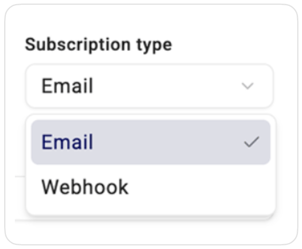
folder_match-webp

Integration ready

Send captured data anywhere via email or webhooks.
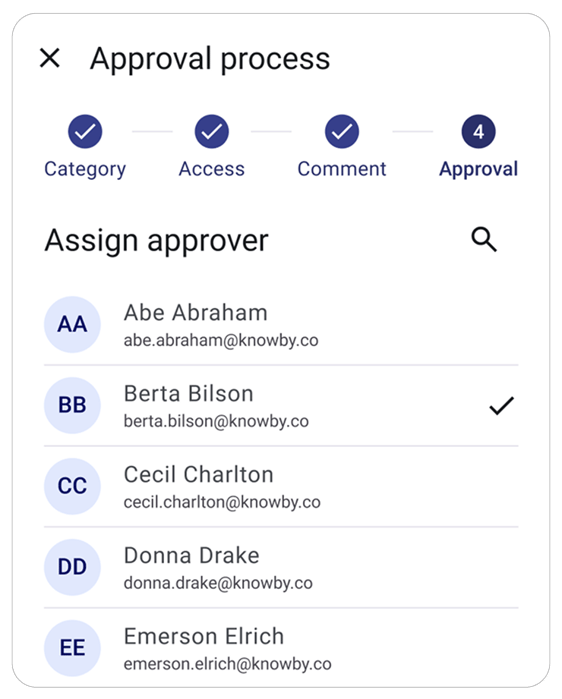
Interface showing an approval process with a list of assigned approvers and status indicators for quality control.

Checkmark approval status icon.

Approval workflow

Ensure quality by submitting guides for approval.
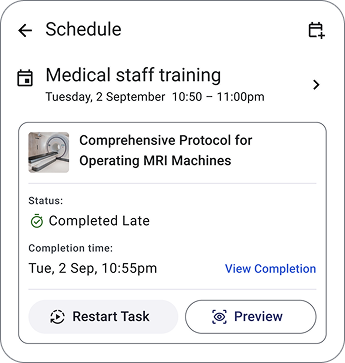
Smartphone mockup displaying a medical training schedule with tasks labeled 'Completed Late' and 'Start Task' to show workflow management.

Blue calendar icon-webp

Scheduling

Assign and schedule tasks to improve workflow.

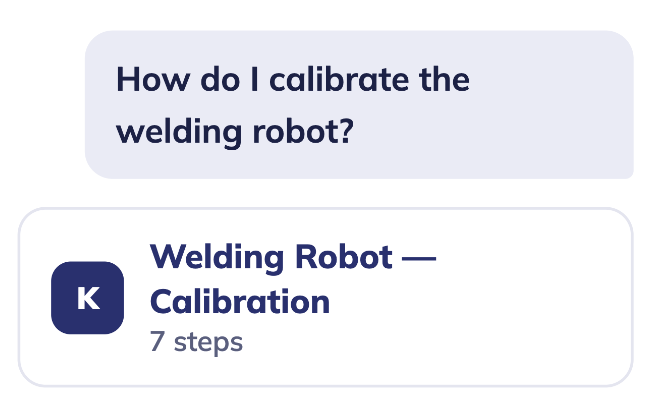
An instruction card featuring a welding robot and a scannable QR code for instant mobile guide access

QR code scanning icon.

Quick access

Instantly open guides by scanning QR-codes.

…and yes, it does versioning, offline mode, QR codes, custom branding and multi-language too.


See It In Your Workflow

Request a demo from our team.

See It In Your Workflow

Request a demo from our team.

Fill in the form and we'll show you Knowby mapped to your own systems, workforce, and rollout — not a generic walkthrough.

  • Live walkthrough with a real system
  • Answers to your specific questions
  • No pressure, no obligation