MCP Connector
Connect Claude, Copilot, ChatGPT, or any MCP-compatible AI to Knowby. Your team gets answers from your approved guides, and every agent run stays governed and on record.
4.7/5 on G2 · Trusted by teams in 20+ countries

Connected with the AI your team already uses
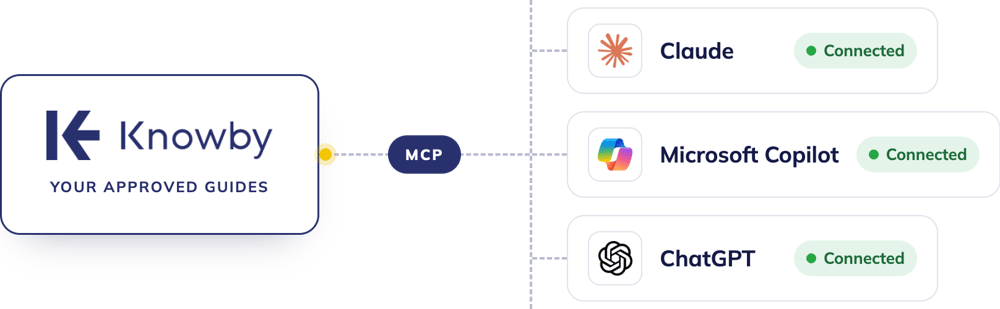
+ Any other MCP-compatible AI Assistant
01 · Approved answers
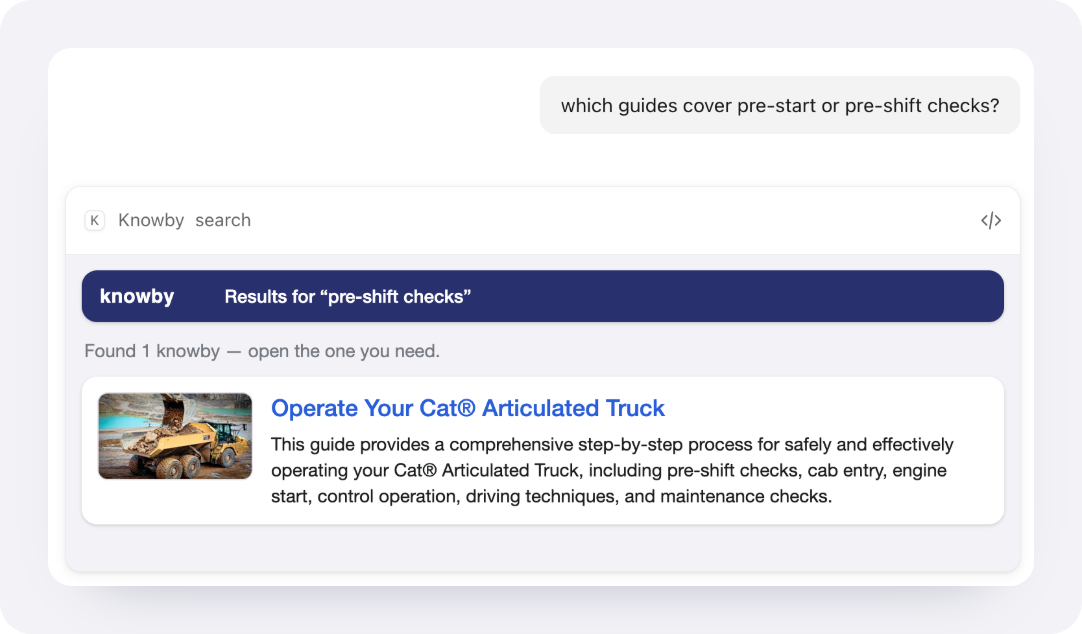
The connector finds the right know-how and answers from it—the version your experts approve. Workers get a link back to the full guide, with photos and video.
02 · Permission-aware
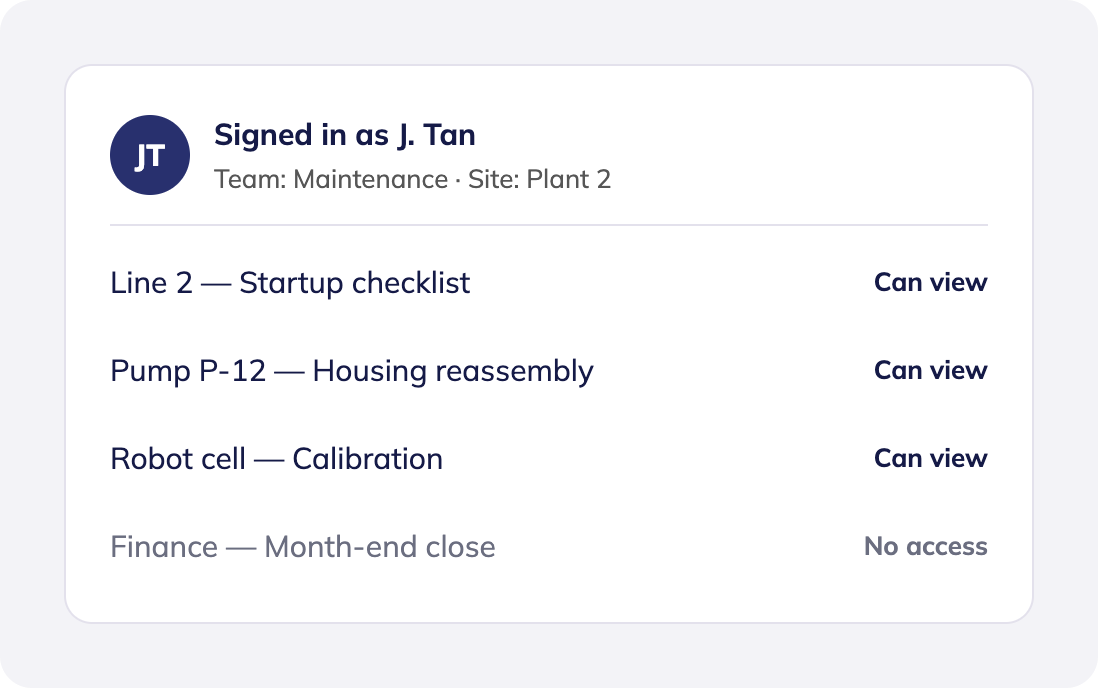
Each person signs in with their own Knowby account, so their AI assistant can only access the work instructions they already have. Admins control whether assistants can connect at all.
03 · Sign-off and audit
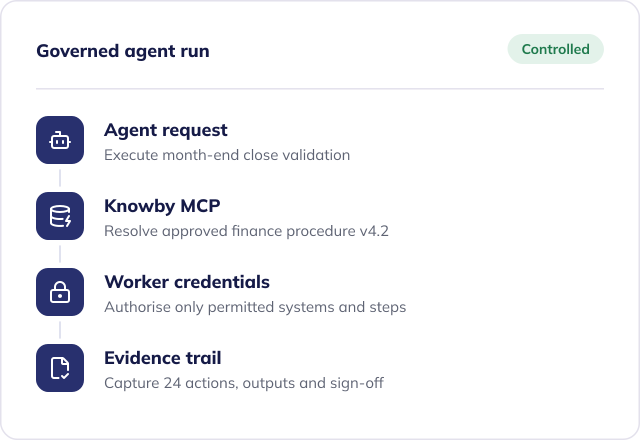
AI can help create guides, but it can't publish them. And when an agent runs a task, Knowby keeps the evidence.
Human sign-off
An AI-drafted guide stays a draft until a subject-matter expert approves it and publishes.
Audit by default
Every agent run records who it acted for, what it did, and which approved guide it used.
 Claude MCP Connector
Works in
Claude.ai on the web, the Claude desktop app, and Claude mobile
Who sets it up
Each user on individual plans. On Team and Enterprise, an Owner adds it once for the organisation.
Good to know: Knowbys that Claude drafts stay drafts until a subject-matter expert approves and publishes them.
 Copilot Studio MCP Connector
Works in
Copilot Studio agents, published to Microsoft Teams and Microsoft 365 Copilot
Who sets it up
A Copilot Studio maker or admin builds it into an agent. Users then sign in to Knowby the first time they use it.
Good to know: Write the commands in plain language, e.g. “Search and follow approved Knowby work instructions” so it’s easier to follow.
 ChatGPT MCP Connector
Works in
ChatGPT on the web, on paid plans
Who sets it up
On Business or Enterprise, a ChatGPT admin may need to allow custom MCP servers first.
Good to know: Always search Knowby first before answering how-to questions.
Add a remote MCP server with your Organisation MCP URL and sign in with Knowby when prompted.
From slashing SOP creation time to driving rapid software adoption, Knowby doesn't just simplify workflows — it delivers measurable results. Discover how our customers are reducing support tickets, minimizing downtime, and getting teams up to speed faster than ever.

Opal
Clear in any language
“It is especially good for teams with varying literacy issues or multi-lingual workforces where English isn’t their first language.”
 Gavin KennyHead of Health & Safety, Opal

Bearhug
30% more samples turn into sales
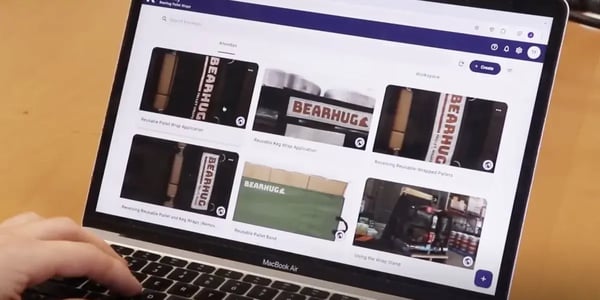
“We’ve seen a 30% increase in the amount of leads who go from receiving a sample to purchasing.”
 Tom FieldFounder, Bearhug


M2 Overland
8 hours, not 2.5 months
“We’re ISO 9001 certified and Knowby has enabled us to keep our products going out the door at the same quality level.”
 Nick LanganGeneral Manager, M2 Overland


Storco
75% less machine downtime
“Incorrect start-ups of machinery could cost us a lot of money and this is minimised with the use of Knowby.”
 Jonathan LaytonManaging Director, Storco


Rosemount AG
Farm work like clockwork
“Our farm runs like clockwork because Knowby helps us turn complexity into simplicity.”
 James GreenacreEquity Partner, Rosemount AG

 Verified review
Compliance from the first step
“Simplicity at its best! … Allowing Transmag UK to ‘front end’ ‘user compliance’ on a high voltage electrical safety product for substation entry.”
Verified reviewUpdate once. Same QR code.
“The ability to have instructions at point of task, to live update without changing QR code, and I’ve shared easy instructions internationally via QR code.”
Verified reviewNo step gets skipped
“New staff feel more capable to perform their tasks … Mandatory steps mean that no instructions are skipped over for compliance and OHS reasons.”
Verified reviewFaster, more confident onboarding
“We have streamlined the onboarding of new staff. … Staff are getting onboarded a lot faster and with more confidence.”
Verified reviewRecord it once, get the guide
“I find it great that I can start by just recording my screen as I perform the tasks, and then it does the rest to produce the supporting written guides.”
Verified reviewEffortless from day one
“It’s absolutely effortless to use. The setup steps are straightforward and quick to create, updates happen instantly, and our staff genuinely enjoy using it.”
Verified reviewEnterprise-class. Affordable.
“Well-Designed Enterprise-Class Platform, Ridiculously Affordable”
Verified reviewScan. Follow. Done.
“Knowby handles all our base instructions for tenants by using laminated QR codes they can scan.”
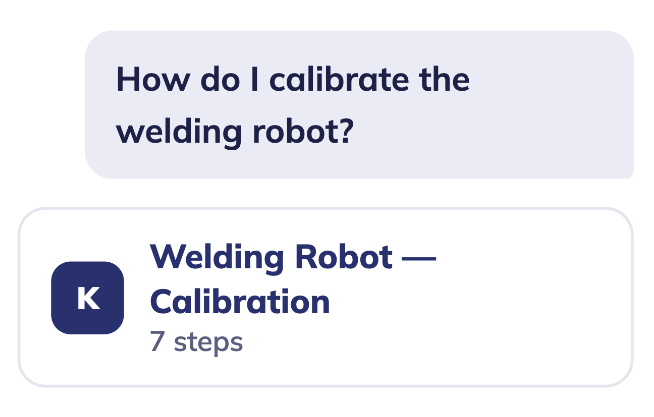

Connect Claude or any MCP-compatible AI to search, create, and execute knowbys in chat.


Voiceover, text overlays, or silent footage: Knowby’s multimodal AI turns any task video into a step-by-step guide.
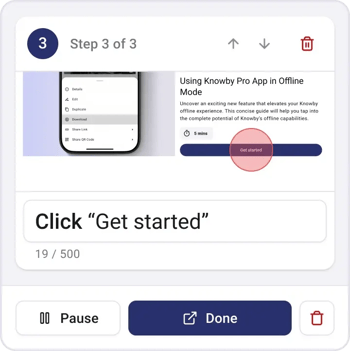

Turn web interactions into visual step-by-step guides.
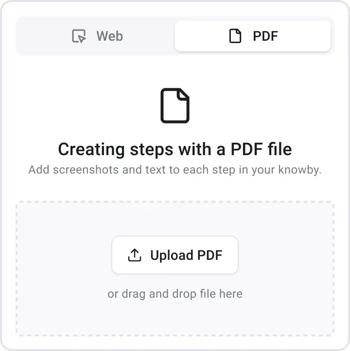

Use Manual PDF Capture Tool to extract steps directly.
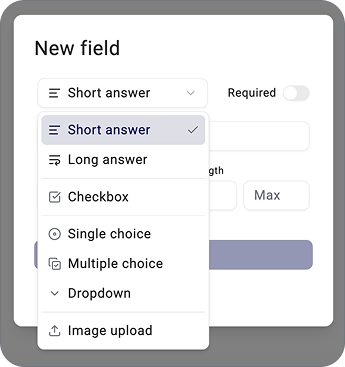

Capture real-time data directly from the instruction.
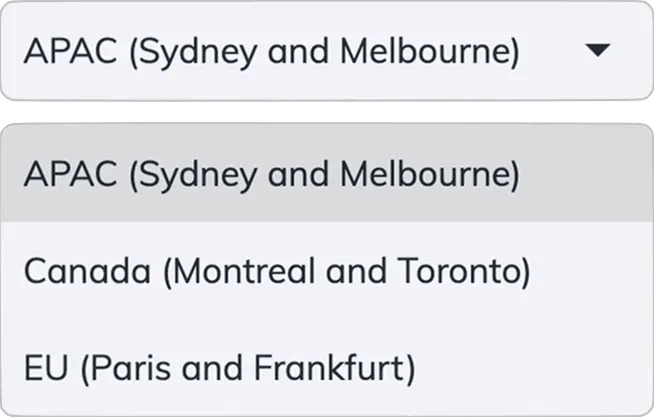

Choose Canada, EU or APAC during setup. Your data stays in the region that meets your sovereignty needs.
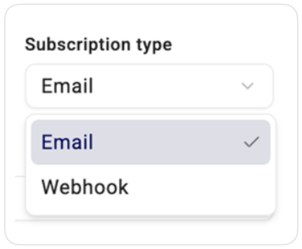

Send captured data anywhere via email or webhooks.
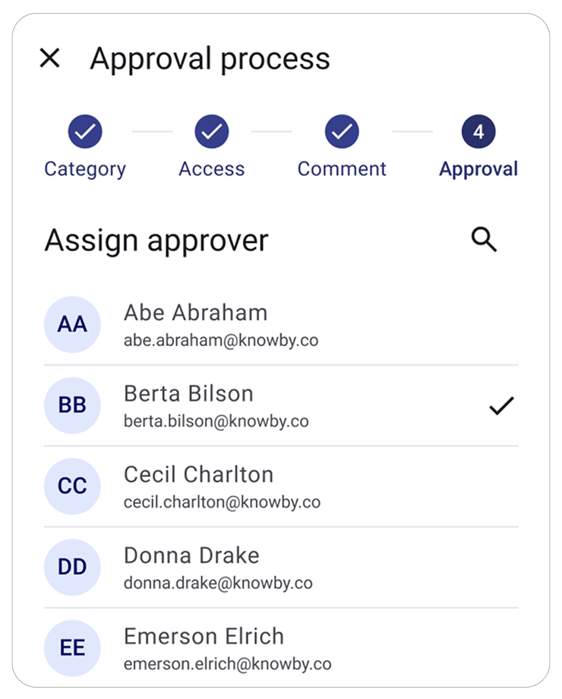

Ensure quality by submitting guides for approval.
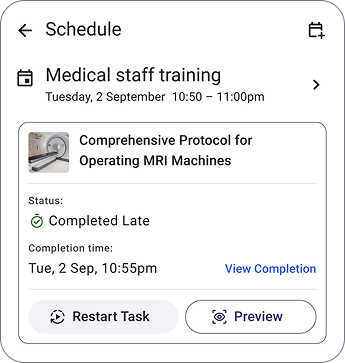

Assign and schedule tasks to improve workflow.


Instantly open guides by scanning QR-codes.

