<img height="1" width="1" style="display:none" src="https://www.facebook.com/tr?id=1098061211415180&amp;ev=PageView&amp;noscript=1">
Skip to main content

Safety and Compliance

Close the gap between safety policy and safe work.

Most incidents trace back to knowledge that never reached the task. Knowby puts the current, approved procedure at the point of risk, in each worker's language, and records proof that it was followed.

4.7/5 on G2 · Trusted by teams in 20+ countries

1125px iPad Pro 12.9_ Portrait + iPhone 12 Pro Portrait
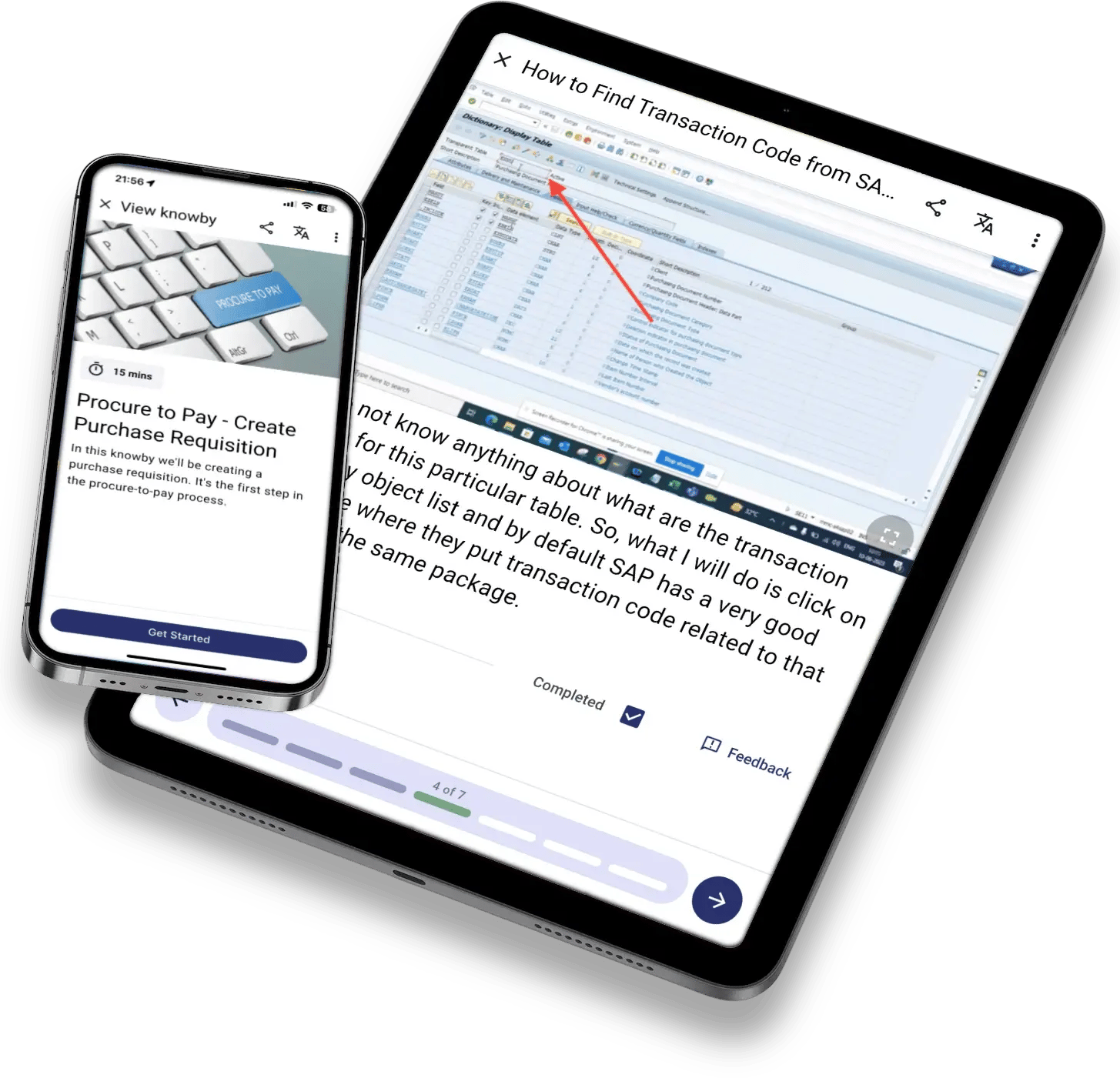
kb-mockup-tablet-phone-sap
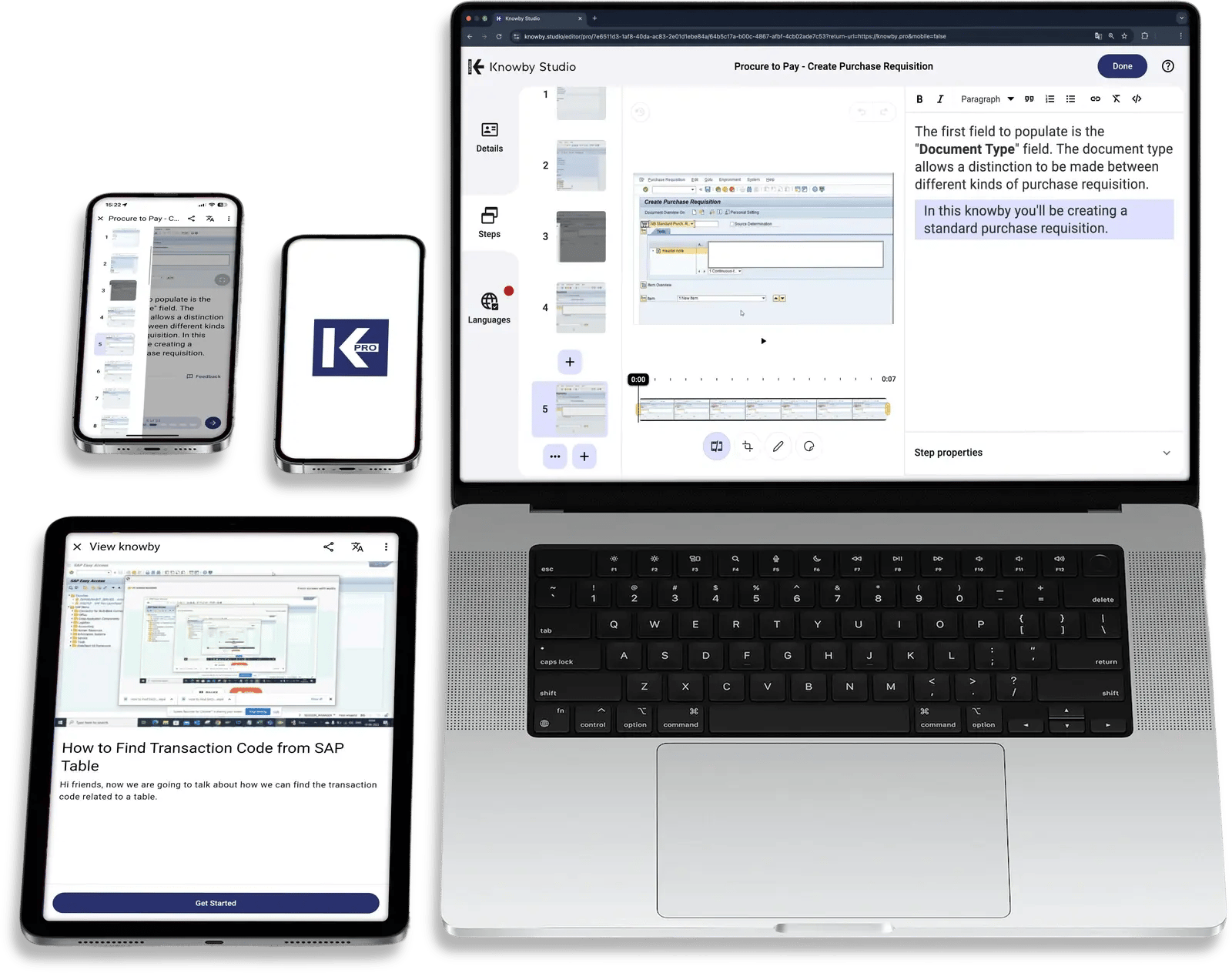
kb-mockup-studio-laptop-tablet-phones
One way of working across High-risk work Contractors & visitors Mobile plant & machinery Multi-site operations AI agents Offline field ops

The Anatomy of Compliance Failure

Most compliance failures don't start with a bad decision.
They start with a gap between the procedure and the work.

Procedures get written and signed off while the job on the floor keeps changing. Warning signs show up first as recurring incidents, near misses nobody reports, and teams who treat safety as paperwork.

The old way

Compliance lives on paper, away from the risk.

01 Procedures created as PDFs and maintained in shared drives
02 Sign-on sheets that prove someone attended, not that they understood
03 Evidence is chased by hand the week before an audit or after an incident

The Knowby way

Safe work is guided, verified, and recorded.

✓ The current procedure is a scan away at the machineand the task
✓ Acknowledgements and competency checks are tied to each revision
✓ Audit-ready evidence is captured while the work happens

Your SAFETY Advantage

Make the safe way the easy way to think.


Most incidents start with a mind that's overloaded, not with a careless worker.


A 2026 systematic review of 120 studies found that human error on site comes mostly from cognitive overload, attention lapses, and stress.

Knowby is based on Cognitive Load Theory, delivering bite-sized, accessible instructions at the point of work.

Book a demo

Full compliance lifecycle

One governed thread, from hazard to audit.

Stage 1 of 7

Turn risk assessments into procedures people can follow

Hazard Capture

Convert JSAs, risk registers and experienced workers' know-how into visual, step-by-step safe work procedures with hazards and controls shown at the step where they matter.
  • Photo and video capture
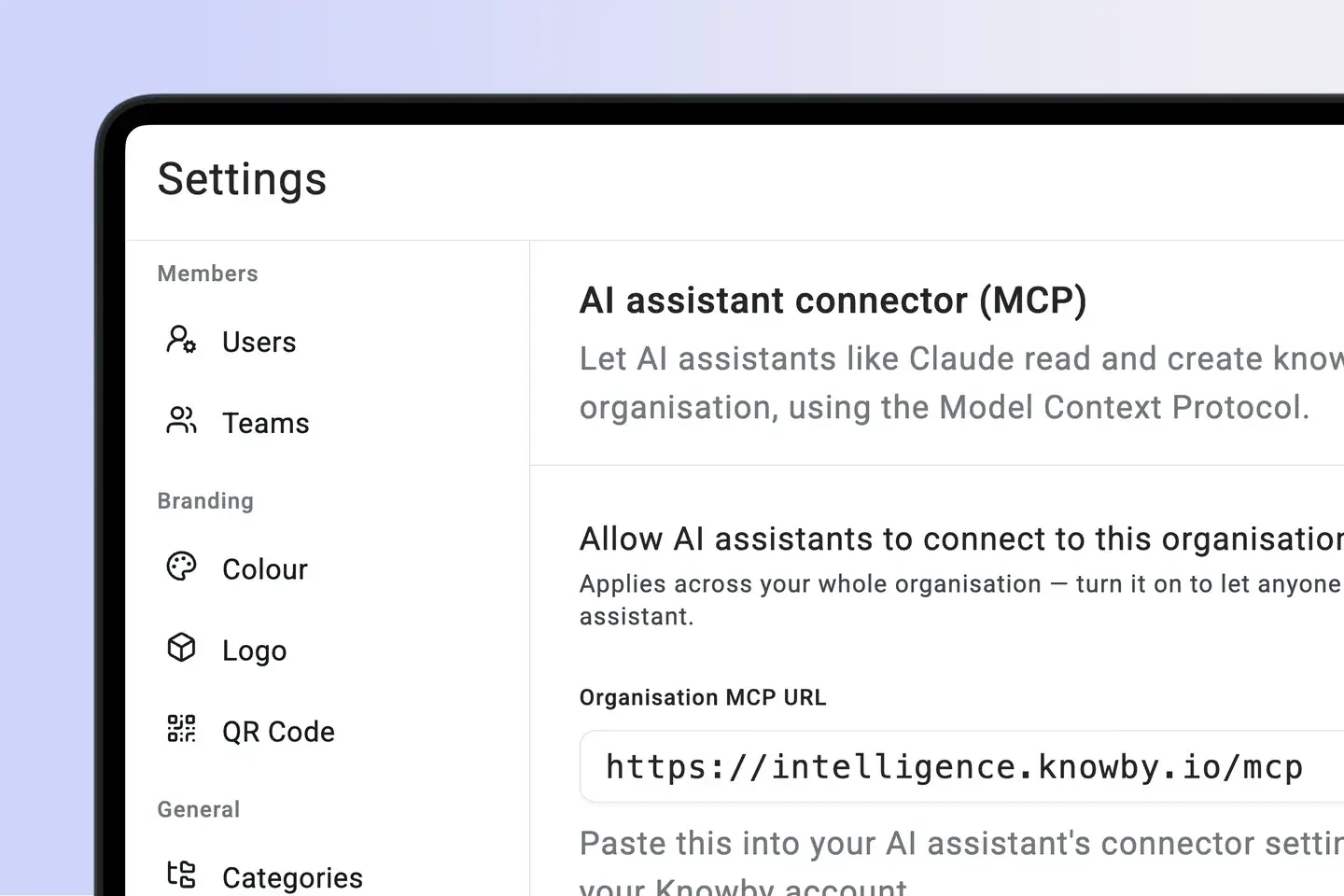
  • MCP-enabled agent execution
  • Hazard and control callouts
System Integration Testing

Stage 2 of 7

One approved version, everywhere

Document control

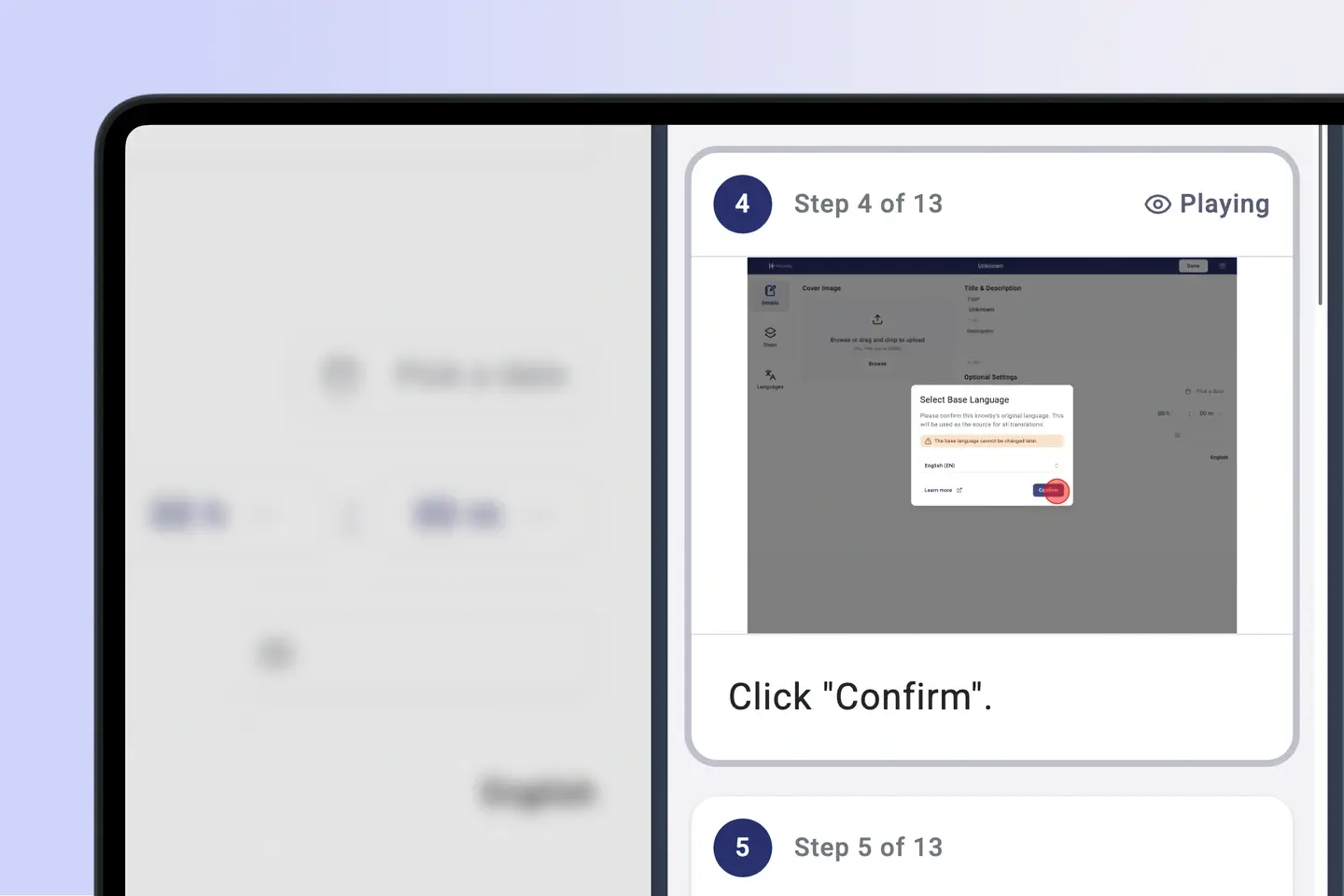
Route procedures through review and approval, set review dates, and automatically retire superseded revisions. Every QR code and link always opens the current version.
  • Approval workflows
  • Side-by-side guided playback
  • Scheduled review
User Acceptance Testing

Stage 3 of 7

Shaped by role and site

Inductions

Build one governed source and tailor it for employees, contractors, visitors and supervisors. Contractors can complete site inductions before they arrive at the gate.
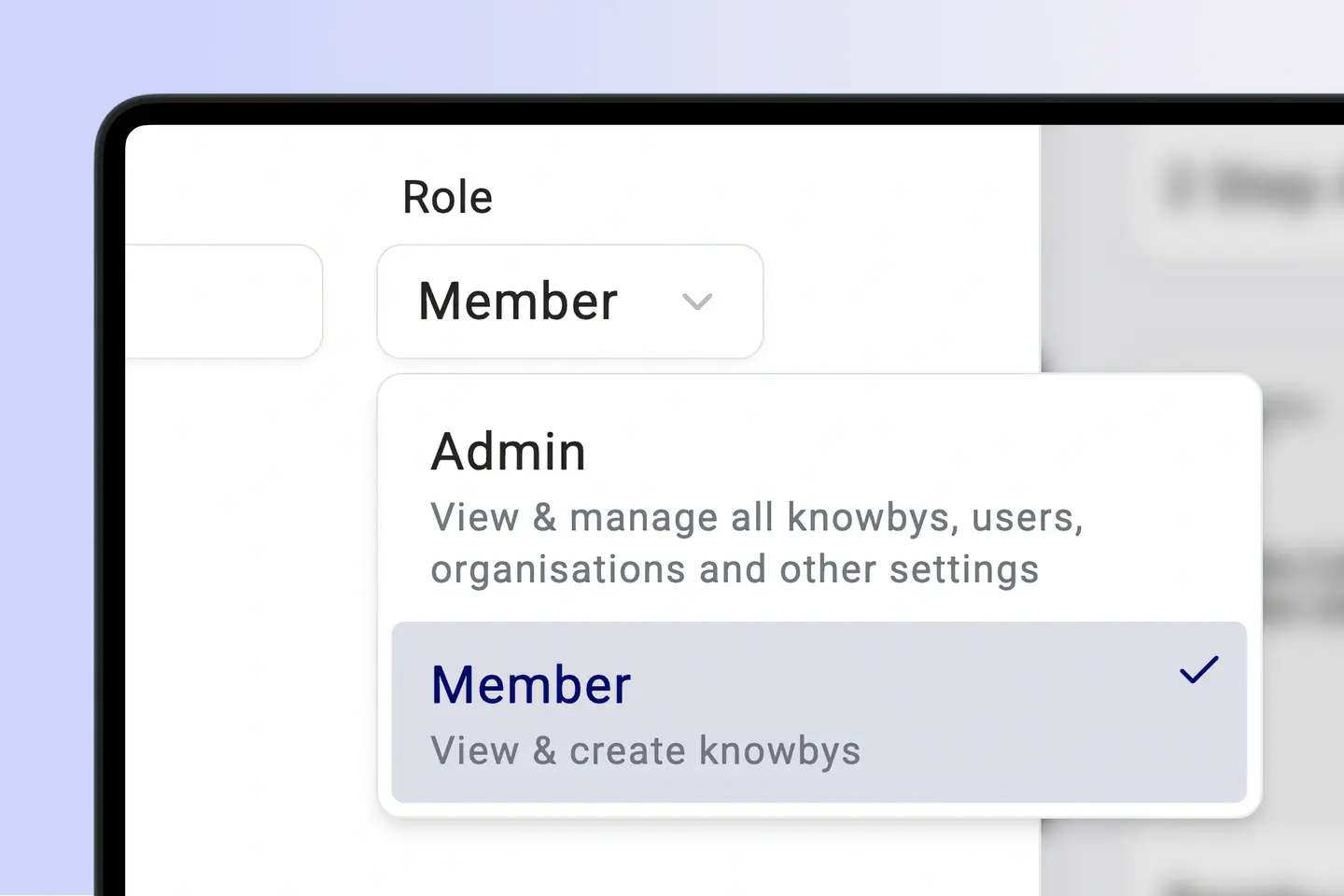
  • Role-and site-specific content
  • Pre-arrival contractor inductions
  • Knowledge checks
Change Management

Stage 4 of 7

Alerts that reach every crew

Safety Communications

Push safety alerts, toolbox talks and procedure changes through QR codes and embeds. See who has read and acknowledged each change.
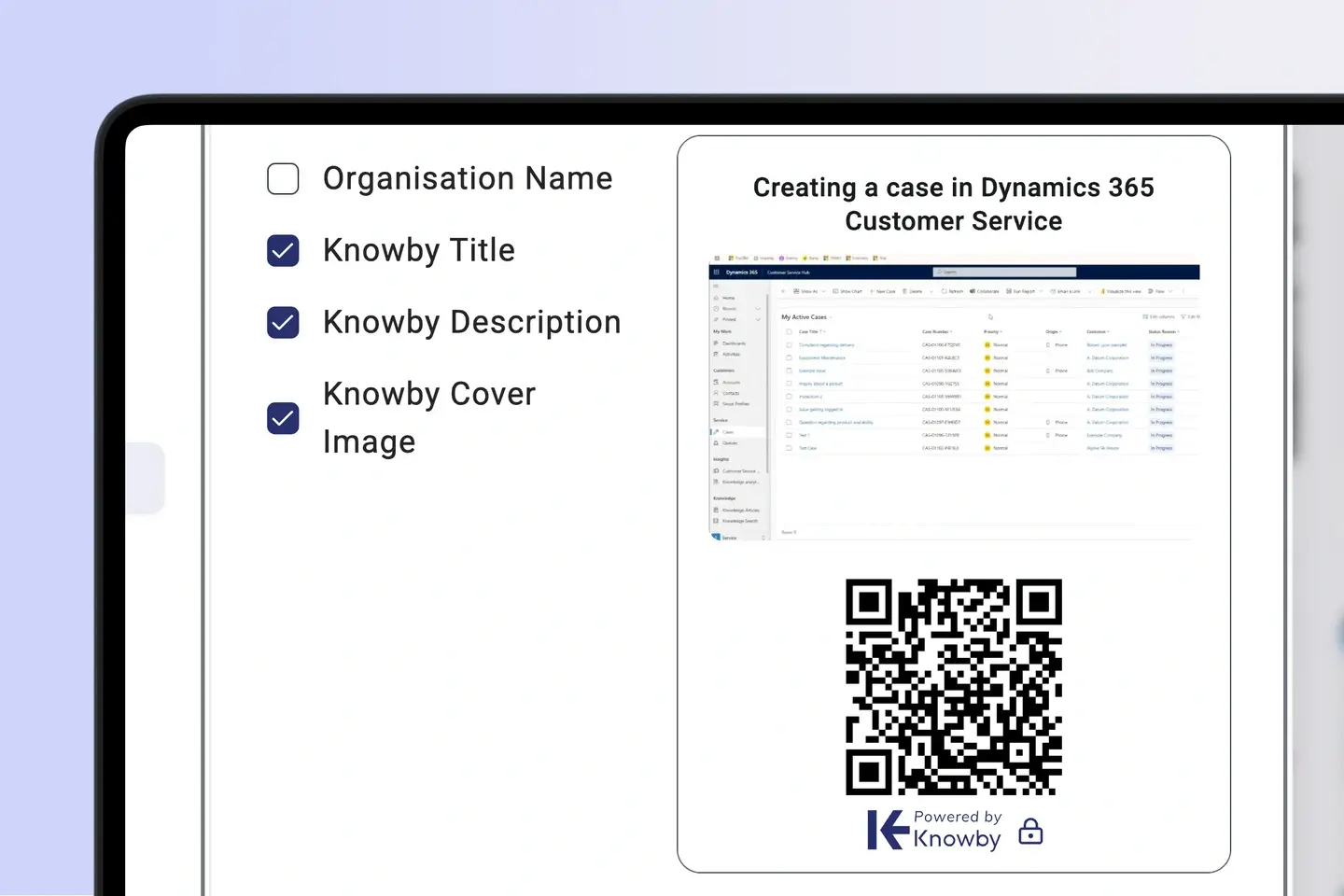
  • Auto-translate in any of 190+ languages
  • Read-and-acknowledge tracking
  • Gap reporting by crew and site
Communications

Stage 5 of 7

Training at the point of risk

Training

Turn approved procedures into micro-learning. Workers refresh a rarely performed task right before they do it, and supervisors can verify competency on the spot.
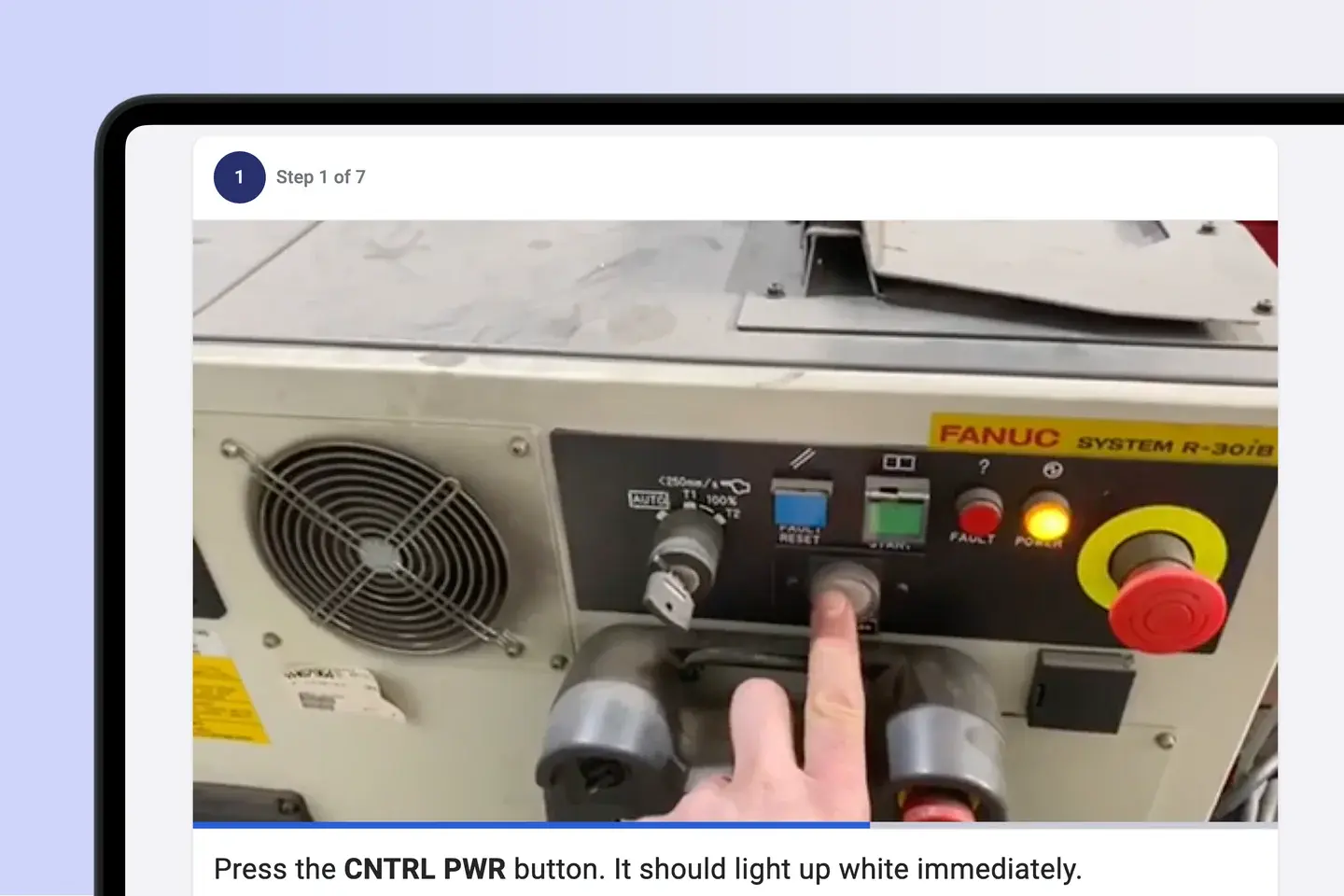
  • Micro-learning by task
  • Supervisor verification
  • Recertification reminders
User Training

Stage 6 of 7

Controls at the machine, not in the office

Operational Control

Place QR codes on plant, isolation points, and work areas. Pre-start checks, permits, and sign-offs are completed inside the procedure, and webhooks send the results to your EHS and maintenance systems.
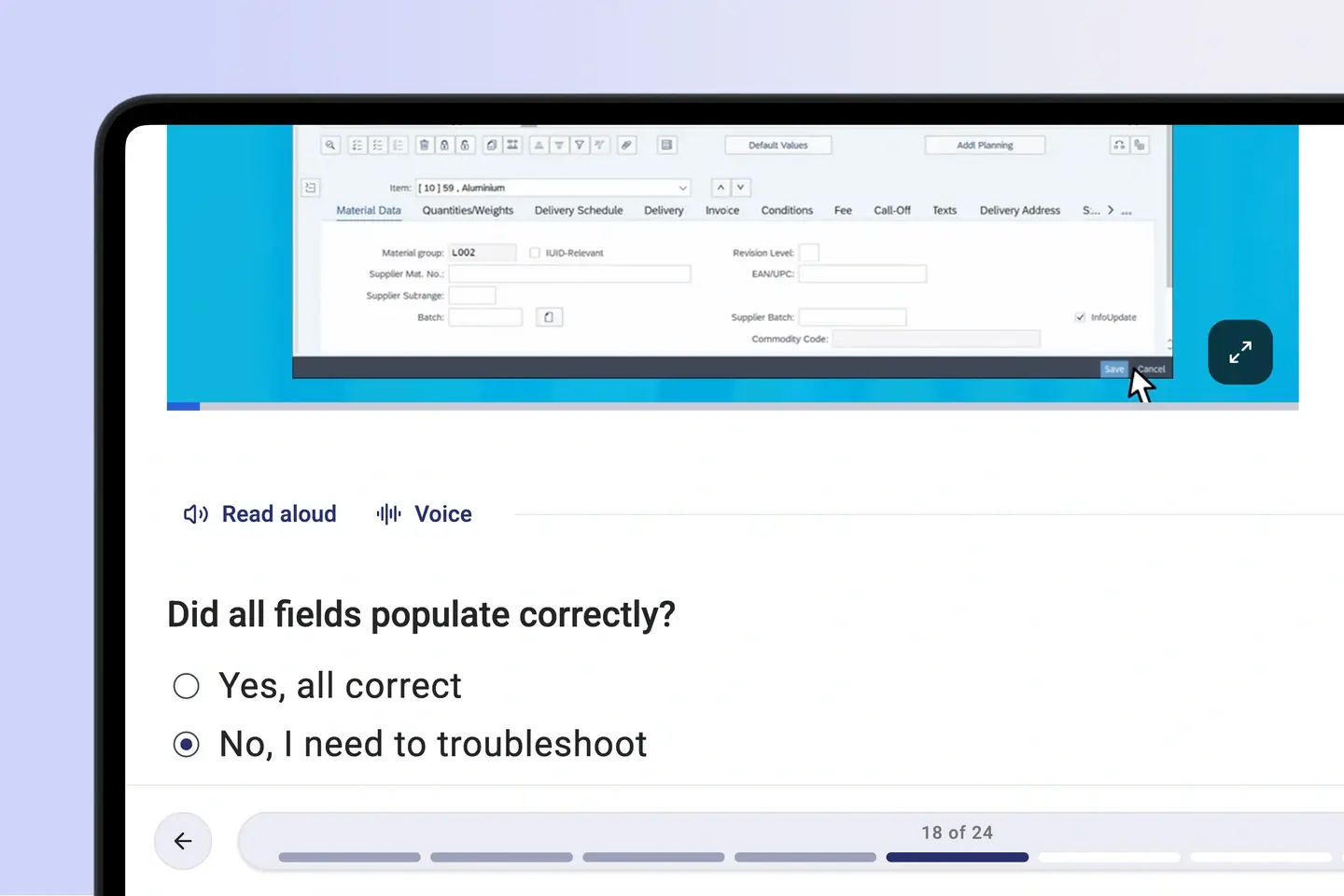
  • Asset and area QR access
  • Embedded checklists and permits
  • Partial offline availability
Go-Live

Stage 7 of 7

Audit-ready, and better after every incident

Assurance

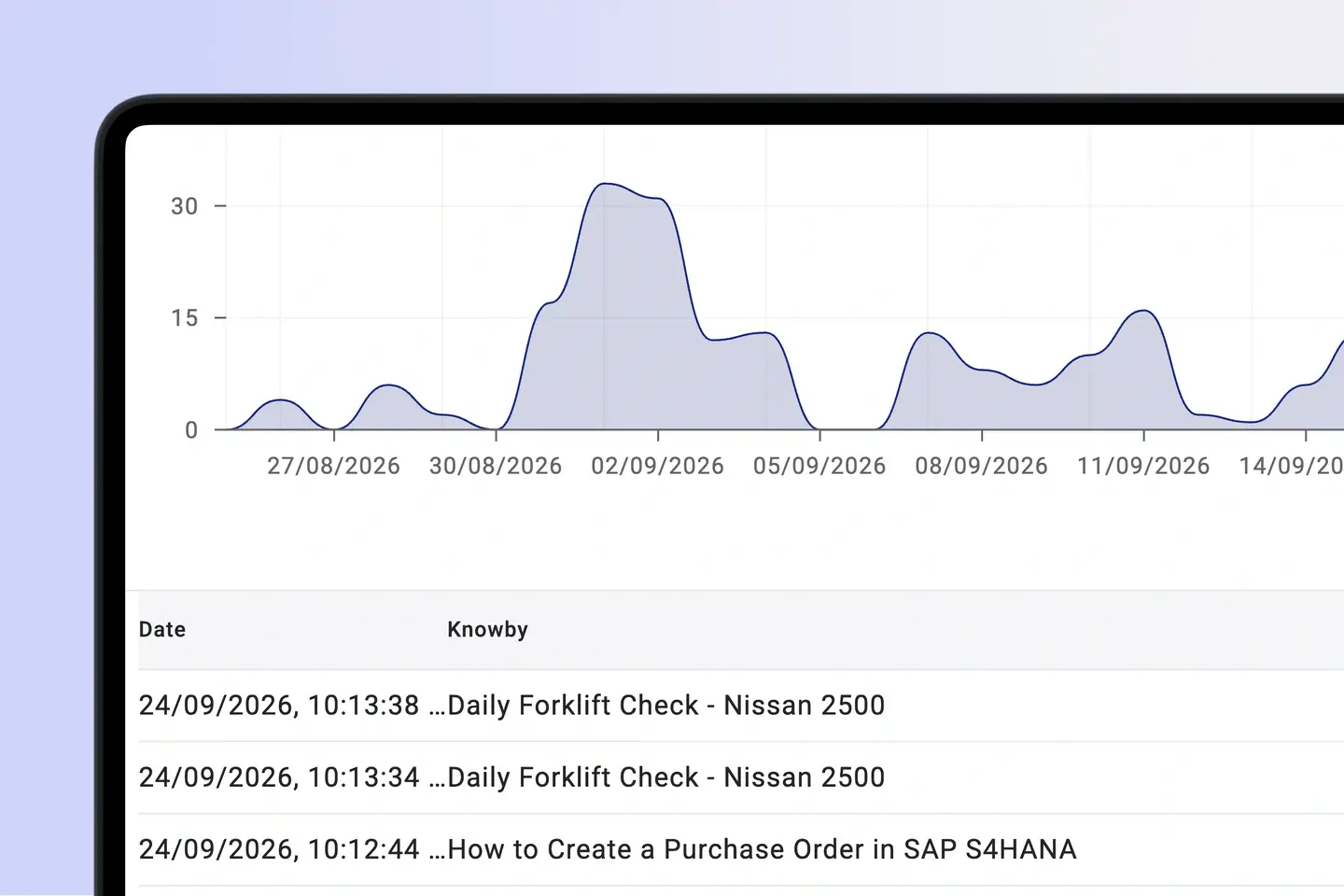
Pull a complete evidence trail of who saw, acknowledged, and performed each procedure. Feed incident and near-miss learnings back into the procedure and track the change through to the floor.
  • One-click audit evidence
  • Corrective action loop
  • Friction and adherence analytics
Post Go-Live & Sustainment

👌 No credit card required   👌 No ‘talk to sales’   

One source of truth

How Knowby helps teams turn compliance into a culture

Ensuring safety

"Knowby not only trains staff but ensures they understand safety procedures for every task. Knowby gives junior staff confidence and a sense of belonging by providing knowledge at their fingertips."

James-webp

Reducing risks

"If we were providing only written instructions, we've got a fair idea that things wouldn't be getting done as they should be, and that would then prove to be a risk to the public or our clients that are purchasing systems."

Nick Langan

Accessibility

"It is especially good for teams with varying literacy issues or a multilingual workforce where English isn’t their first language."

Opal-webp

Intuitive use

"I like how easy Knowby is to use, and I enjoy the feature where I can set up tasks, which makes it really easy to use. It's helpful because workers are able to learn how to use different things. The setup was quite easy."

Verified User W


Innovation

"[What I like about Knowby is] the ability to have instructions at point of task, to live update without changing QR code and I have also shared easy instructions internationally via QR code."

Lee W

AI governance point

Let AI help with safety work,
without letting it write the rules.

The Knowby MCP Connector lets Claude and ChatGPT find the approved procedure, draft updates from incident findings, and run checks under worker credentials. Your approved safety system sets the limits for what an agent can do.

Human sign-off

An AI-drafted procedure change stays a draft until a competent person approves it.

Audit by default

Every agent run records who it acted for, what it did, the outcome, and the evidence.

Governed agent run

Controlled
  1. Agent requestExecute month-end close validation
  2. Knowby MCPResolve approved finance procedure v4.2
  3. Worker credentialsAuthorise only permitted systems and steps
  4. Evidence trailCapture 24 actions, outputs and sign-off

One knowledge layer

Every workflow. Every worker. One standard.

A complete enterprise guidance layer connecting physical stations, business systems, mobile teams and corporate AI.

AI

robot logo for ai new

Works with your AI

Connect Claude or any MCP-compatible AI to search, create, and execute knowbys in chat.

Processing screen showing Knowby AI converting voice-over video into a structured step-by-step guide

AI-png

AI Instructions platform

Knowby uses multimodal generative AI to transform voice-over video into guides.
Web Card

square mouse pointer

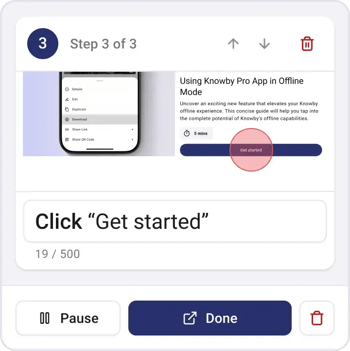
Record clicks

Turn web interactions into visual step-by-step guides.
PDF Card

document scanner for capturing pdf logo

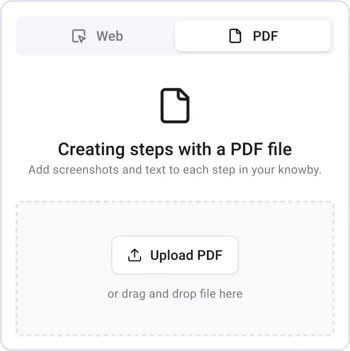
Capture PDFs

Use Manual PDF Capture Tool to extract steps directly.
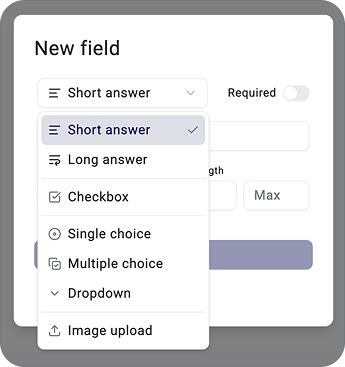
IMG_7806 1

layout-list-webp-1

Form fields

Capture real-time data directly from the instruction.
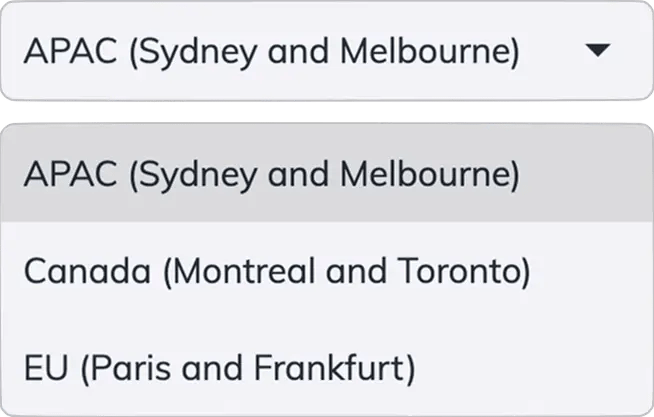
Hosting

international logo with canada EU and AU flags

International Hosting

Choose Canada, EU or APAC during setup. Your data stays in the region that meets your sovereignty needs.
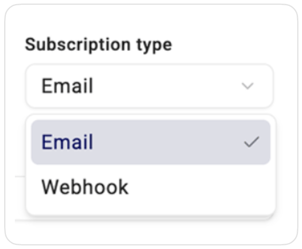
Integration ready

folder_match-webp

Integration ready

Send captured data anywhere via email or webhooks.
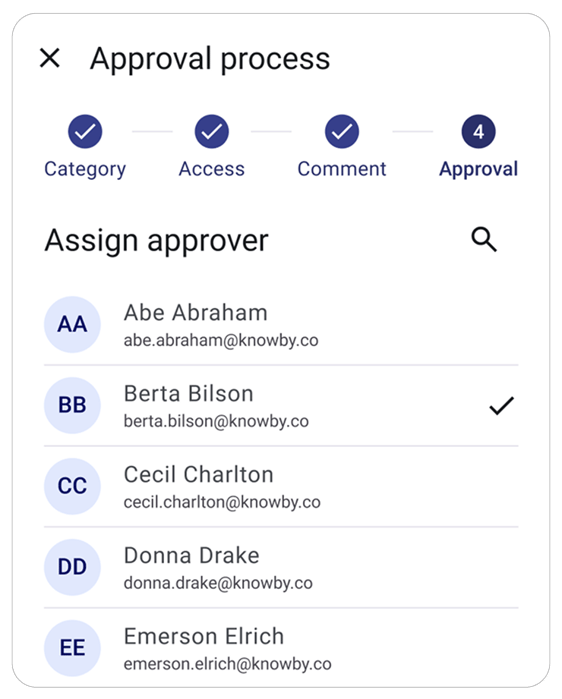
Interface showing an approval process with a list of assigned approvers and status indicators for quality control.

Checkmark approval status icon.

Approval workflow

Ensure quality by submitting guides for approval.
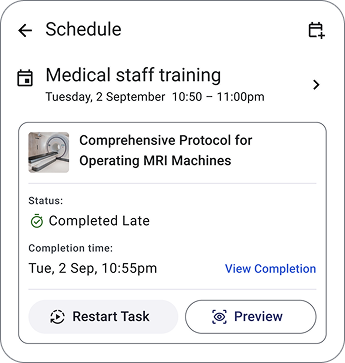
Smartphone mockup displaying a medical training schedule with tasks labeled 'Completed Late' and 'Start Task' to show workflow management.

Blue calendar icon-webp

Scheduling

Assign and schedule tasks to improve workflow.

An instruction card featuring a welding robot and a scannable QR code for instant mobile guide access

QR code scanning icon.

Quick access

Instantly open guides by scanning QR-codes.

…and yes, it does versioning, offline mode, QR codes, custom branding and multi-language too.


See It In Your Workflow

Request a demo from our team.

See It In Your Workflow

Request a demo from our team.

Fill in the form and we'll show you Knowby mapped to your own systems, workforce, and rollout — not a generic walkthrough.

  • Live walkthrough with a real system
  • Answers to your specific questions
  • No pressure, no obligation