<img height="1" width="1" style="display:none" src="https://www.facebook.com/tr?id=1098061211415180&amp;ev=PageView&amp;noscript=1">
Skip to main content

Manufacturing Work Instruction Software

Turn your best operator’s know-how into instructions for the whole floor

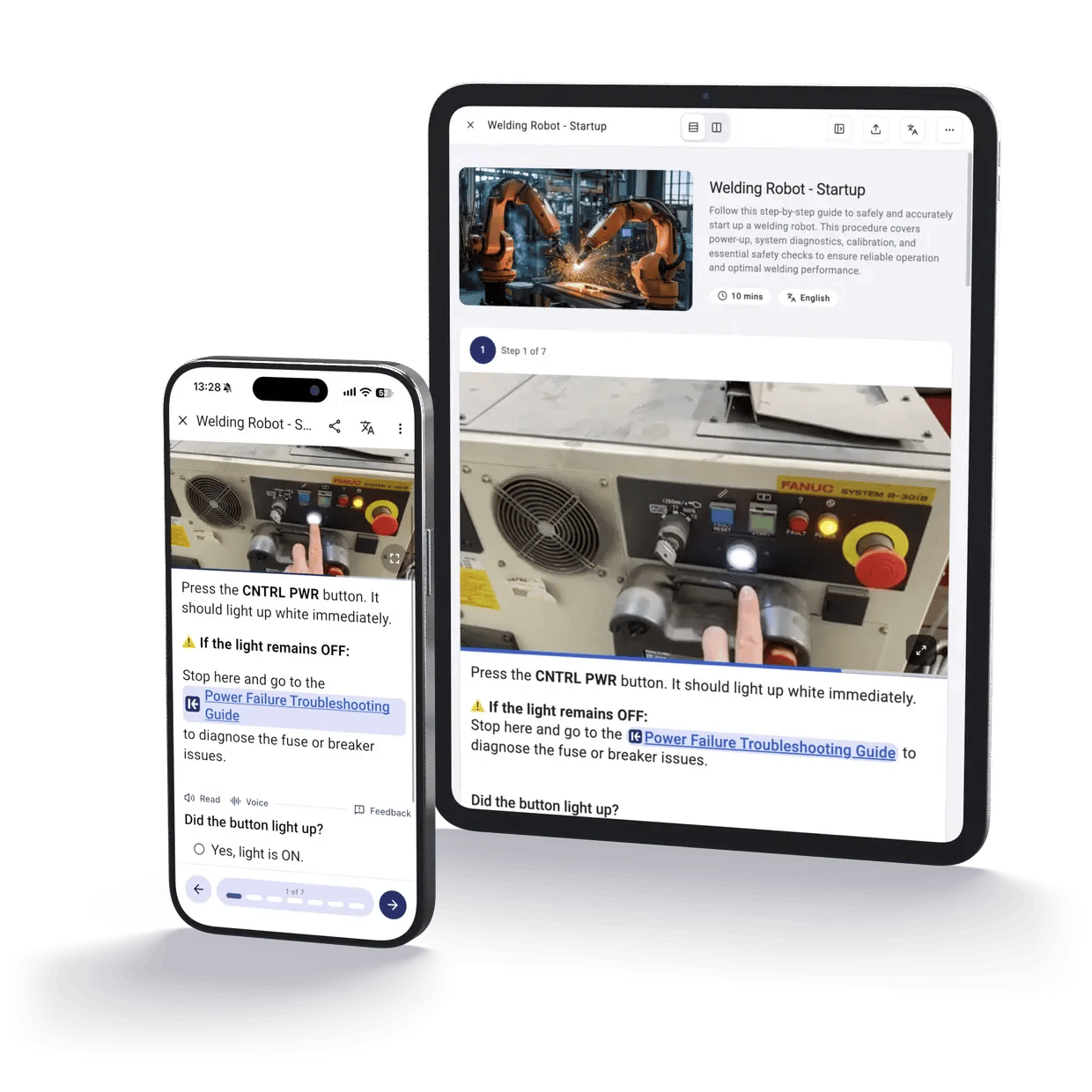
Knowby turns tribal knowledge into visual, step-by-step manufacturing work instructions in minutes. Put them on every machine with a QR code, so teams cut downtime, onboard faster, and get it right on every shift.

4.7/5 on G2 · Trusted by teams in 20+ countries
knowby-hero-slide-1
knowby-hero-slide-2
knowby-hero-slide-3

Trusted by manufacturing teams and other industries around the world

  • Coastal
  • Bearhug
  • ooxxi
  • Merck
  • Markham
  • Fonterra
  • Giltrap
  • M2
  • Ingleby Farms
  • JoinPro
  • THX
  • Strongdor
  • Compass Agribusiness
  • AngelsAgri
  • Vacvator
  • Moët & Chandon
  • DairyNZ
  • PACT Group
  • Riverlea
  • Supawood
  • Ferro-Clean
  • Nevada
  • Sculptform
  • Opal
  • KISS
  • Storco
  • Active Rehab
  • AllShelter
  • Bronco Built

Real results from manufacturers using Knowby

From slashing SOP creation time to minimising downtime, Knowby doesn’t just simplify workflows — it delivers measurable results. Discover how our customers are reducing support tickets, improving safety standards, and getting teams up to speed faster than ever.
  • Opal

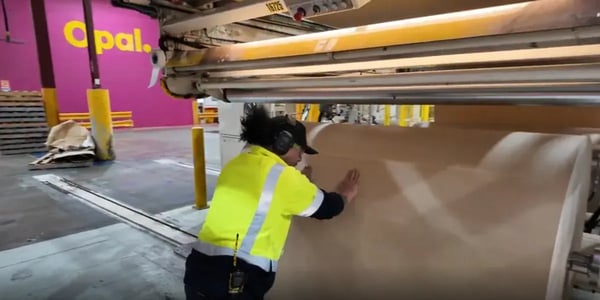
    Clear in any language

    “It is especially good for teams with varying literacy issues or multi-lingual workforces where English isn’t their first language.”

    Gavin KennyHead of Health & Safety, Opal

    Read the Opal story
  • Bearhug

    30% more samples turn into sales

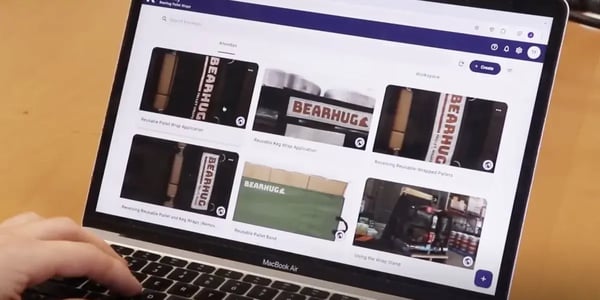
    “We’ve seen a 30% increase in the amount of leads who go from receiving a sample to purchasing.”

    Tom FieldFounder, Bearhug

    Read the Bearhug story
  • M2 Overland

    8 hours, not 2.5 months

    “We’re ISO 9001 certified and Knowby has enabled us to keep our products going out the door at the same quality level.”

    Nick LanganGeneral Manager, M2 Overland

    Read the M2 Overland story
  • Storco

    75% less machine downtime

    “Incorrect start-ups of machinery could cost us a lot of money and this is minimised with the use of Knowby.”

    Jonathan LaytonManaging Director, Storco

    Read the Storco story
  • Rosemount AG

    Farm work like clockwork

    “Our farm runs like clockwork because Knowby helps us turn complexity into simplicity.”

    James GreenacreEquity Partner, Rosemount AG

  • Verified reviewRated 5 out of 5

    Compliance from the first step

    “Simplicity at its best! … Allowing Transmag UK to ‘front end’ ‘user compliance’ on a high voltage electrical safety product for substation entry.”
    Craig P.Director, Transmag UK
    Verified G2 review
  • Verified reviewRated 5 out of 5

    Update once. Same QR code.

    “The ability to have instructions at point of task, to live update without changing QR code, and I’ve shared easy instructions internationally via QR code.”
    Lee W.CoR Specialist and Auditor, Enterprise (1000+ employees)
    Verified G2 review
  • Verified reviewRated 5 out of 5

    No step gets skipped

    “New staff feel more capable to perform their tasks … Mandatory steps mean that no instructions are skipped over for compliance and OHS reasons.”
    Verified userOutsourcing / Offshoring
    Verified G2 review
  • Verified reviewRated 4.5 out of 5

    Faster, more confident onboarding

    “We have streamlined the onboarding of new staff. … Staff are getting onboarded a lot faster and with more confidence.”
    Jason A.Regional Director
    Verified G2 review
  • Verified reviewRated 5 out of 5

    Record it once, get the guide

    “I find it great that I can start by just recording my screen as I perform the tasks, and then it does the rest to produce the supporting written guides.”
    David W.Project Manager / Senior SAP PM Consultant
    Verified G2 review
  • Verified reviewRated 5 out of 5

    Effortless from day one

    “It’s absolutely effortless to use. The setup steps are straightforward and quick to create, updates happen instantly, and our staff genuinely enjoy using it.”
    Verified userManufacturing
    Verified G2 review
  • Verified reviewRated 5 out of 5

    Enterprise-class. Affordable.

    “Well-Designed Enterprise-Class Platform, Ridiculously Affordable”
    Jalen S.Founder, CEO
    Verified G2 review
  • Verified reviewRated 5 out of 5

    Scan. Follow. Done.

    “Knowby handles all our base instructions for tenants by using laminated QR codes they can scan.”

    Jonas D.
    Verified G2 review

The problem

The challenges holding manufacturing teams back

Some facilities may still rely on instructions in binders or in the memory of a few experienced people. That works until someone retires, a shift changes, or a new line goes in.

Tribal knowledge walks out the door

Experienced operators carry critical know-how in their heads. When they retire or move on, it goes with them.

Onboarding is rushed

McKinsey’s look at the US manufacturing workforce describes new workers being given less than 20 hours to understand their jobs before running a complex process on the line.

Worker safety issues

A single missed step in a lockout, start-up, or changeover can cause serious injury, and safety training needs regular refreshers, not just a one-off induction.

Regulatory and compliance pressure

Manufacturers need procedures that reflect the latest requirements, plus records that prove staff followed them when auditors or customers ask.

Maintenance, downtime and overheads

Inconsistent setups and reactive maintenance lead to unplanned downtime, wasted materials and missed delivery dates.

"We used to rely on memory and tribal knowledge."

Allan Oswald, COO, Storco

How Knowby helps

Manufacturing work instruction software that works from desks to the shop floor.

Capture how your best people work, put it on every machine, and prove it was followed.

Keep expert know-how on the floor

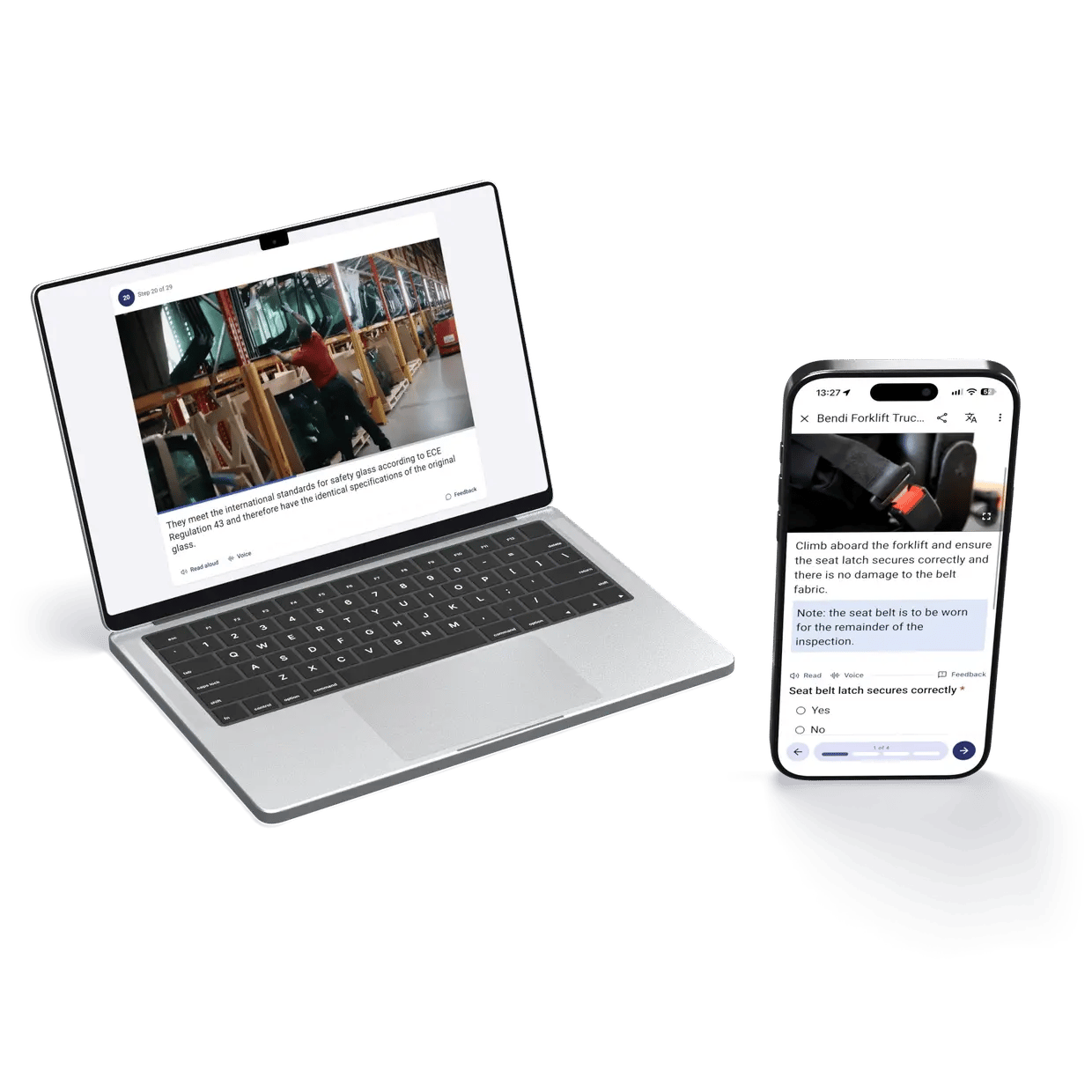
Film an expert on a phone, and Knowby's AI turns the footage into a step-by-step guide, so their knowledge stays when they move on.

Get new starters productive, faster

Short visual steps at the machine let new hires learn by doing, speeding onboarding while maintaining operational excellence.

Make safety-critical steps unmissable

To ensure safety and compliance, mandatory steps can't be skipped, and every safety procedure keeps a record of who completed it and when.

Stay audit-ready

Edit a procedure once and update every QR code and link. Completions and sign-offs are recorded for ISO 9001 and safety audits.

Cut setup errors and downtime

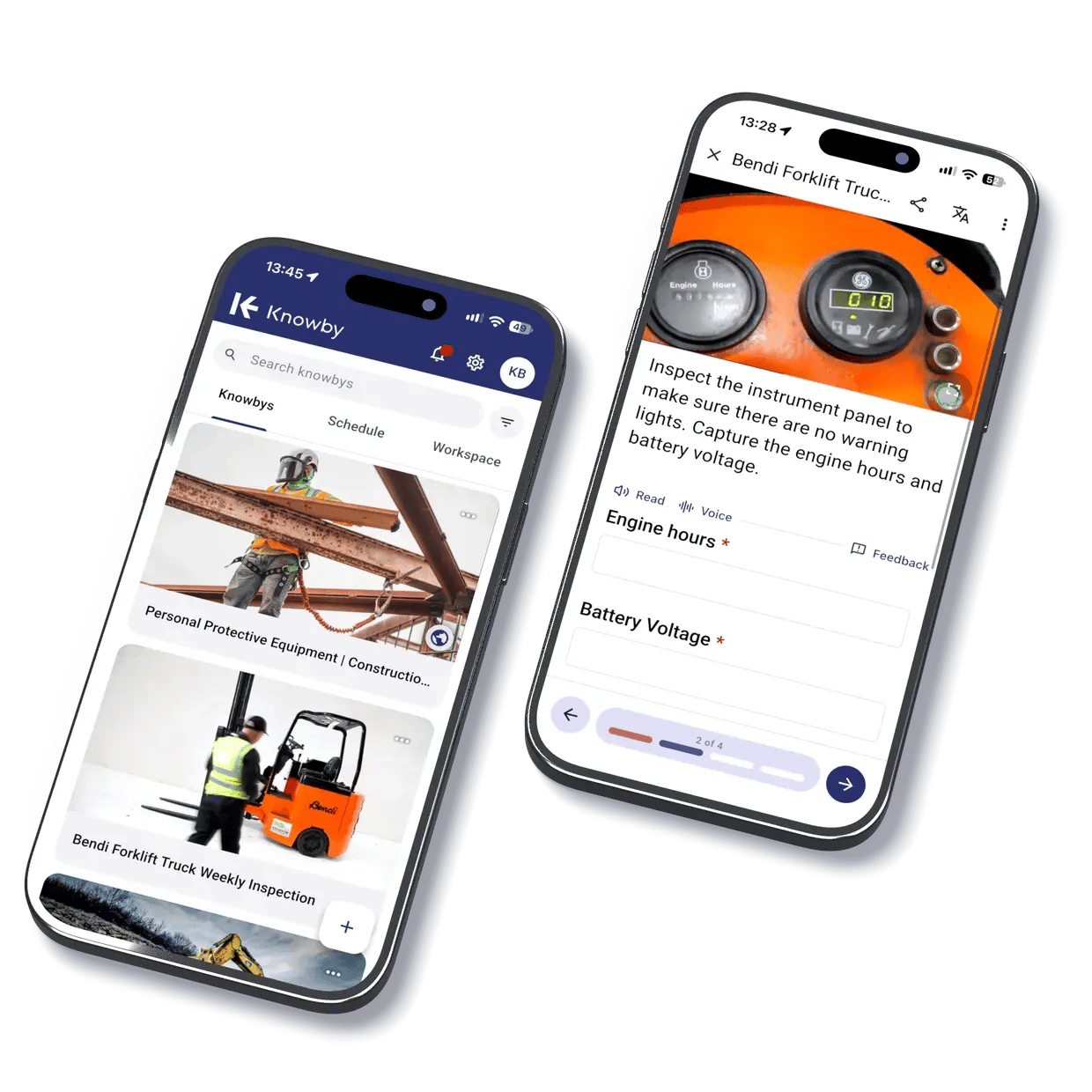
Scan the QR code on a machine to open the right start-up, changeover or maintenance procedure.

"Now, every employee has the right way in their pocket."

Allan Oswald, COO, Storco

Get control of your work. Try Knowby now.

Your best practice, in every worker's hands — up to date, understood and on record.

  • No credit card
  • No minimum users
  • Cancel any time

Knowby Features

Everything you need in a work instruction software for manufacturing

Knowby is the easy-to-use layer of your manufacturing operations software stack. It's where procedures are captured, followed, and proven.

  • AI video-to-instructions

    Record it once. Get a step-by-step guide.

    Record a task on your phone, upload it, and get a step-by-step guide with text, images, and video clips.

  • Asset QR codes

    QR codes on every machine

    Stick a QR code on the asset. Operators scan it to open the right start-up, changeover, or maintenance procedure.

  • Safety

    Mandatory steps

    Turn on required steps so safety-critical checks can't be skipped.

  • Translation

    190+ languages

    Auto-translate any guide, or use verified translations for a multilingual workforce.

  • Data capture

    Forms inside instructions

    Capture checks, readings, and feedback mid-procedure, and send responses by email or webhook.

  • Training

    Training tracking and sign-offs

    Assign guides, see who has completed them, and keep sign-off records ready for audits.

  • AI assistants

    MCP connector for AI assistants

    Connect Knowby to AI assistants like Claude, so answers come from your approved work instructions.

    • Public
    • Private
    • Team

    Sharing

    Public, private, and team access

    Share guides with customers and dealers, or lock them to internal teams.

Turn your best operator’s know-how into instructions for the whole floor.

Join the manufacturers using Knowby work instructions software to cut downtime,

onboard faster, and keep every shift on the same page.

  • No credit card
  • No minimum users
  • Cancel any time

FAQ

Manufacturing work instructions: FAQs

What are manufacturing work instructions?

Manufacturing work instructions are step-by-step guides for a specific task, such as a machine start-up, an assembly, or a changeover. Digital work instructions include photos, videos, and checklists, so operators can follow them at the workstation.

How is a work instruction different from an SOP?

An SOP explains what a process is and why it's done that way. A work instruction shows exactly how to do one task, step by step. Knowby can handle both.

Can Knowby be used as manufacturing training software?

Yes, Knowby can be used to assign guides to people, track completions, and make steps mandatory. Training happens at the machine instead of in an enclosed room.

Does Knowby replace manufacturing ERP software?

Not necessarily; your ERP handles orders, inventory, and planning. Knowby sits alongside it and covers how the work actually gets done on the floor. Forms can send data to other systems via webhook.

How fast can we get our first work instructions live?

Most teams publish their first digital work instruction, or a knowby, on day one. Storco ran a two-machine pilot, then rolled it out to a full line and department, and saw ROI within four weeks.

Does everyone need a Knowby account to view instructions?

No, public knowbys can be shared by link, QR code, or embed, and anyone can follow them without an account. They cost 2 cents per view on top of your paid plan, so you only pay when someone uses them. For internal guides, keep them private: only signed-in team members can see them, with SSO and role-based access to control who sees what.