

Snagit Pricing: How Much Does It Really Cost (And Is It Worth It?)

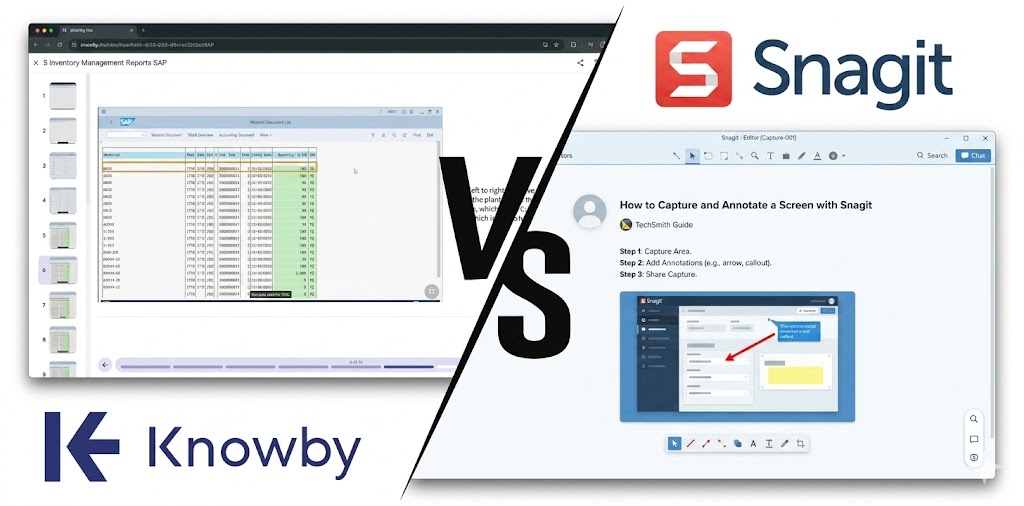
If you’ve had to explain how to use a software to a colleague in the last ten years, you probably know Snagit. Developed by TechSmith, it has earned a reputation as the “historic” tool for capturing your screen and adding arrows or numbers to an image.
For taking quick visual notes to send via chat, it does exactly what it promises.
But there is a huge difference between sending a screenshot to a colleague and building, updating, and tracking Standard Operating Procedures (SOPs) for an entire company.
With TechSmith’s shift to an annual subscription model, many managers and IT leaders are asking a crucial question: does it make sense to pay a recurring license for a desktop tool whose core relies on static file exports?
We analysed the real costs, verified user reviews, and limitations of Snagit to help you understand if it’s time to invest in a true operational platform.
With this article, let’s take a closer look at Snagit's pricing and what their users are saying about them. Discover whether it makes sense for your business, especially compared to more flexible and robust alternatives like Knowby.
How Much Does Snagit Cost Today?
Until recently, Snagit sold perpetual licenses. These are now capped at Snagit 2024. If you buy (or own) a perpetual license, you own that specific version forever, but you will not receive the Snagit 2025, 2026, or future major releases. Today, the model has shifted to SaaS (Software as a Service):
- Individual Plan ($39.00 / year): Base license for a single user. It is tied to the individual, cannot be transferred to another employee, and support is basic.
- Business Plan (Starting at $48.00 / user / year): The enterprise plan. It provides priority support, and allows IT to manage transferable licenses centrally via a single master key.
At less than $50 a year per user, the expense seems minimal. But the biggest mistake a company can make is confusing the software’s list price with the Total Cost of Ownership (TCO).
Let’s do the math: if you have a team of 50 people who need to document processes, Snagit Business costs you about $2,400* a year. But beware: while Snagit handles image creation and basic media hosting, it is not an enterprise platform. You will likely have to spend thousands more on an LMS (Learning Management System) or enterprise software to distribute, track, and manage compliance for the SOPs you just created.
*discounts for business site licenses may apply but you'll need to contact the Snagit sales team for accurate figures.
What Do Real Snagit Users Say?
The transition to a subscription model and the software’s progressive bloat have generated frustration among long-time users, especially in IT and Operations. Don't take our word for it; here is what verified reviews say:
"Another great software product ruined by annualization (subscription). The need to stimulate the purchase of upgrades by bloating new features now makes this product slow at best and, increasingly, have problems working at all." Verified user on Reddit (Source: r/Snagit)
"The thing has become bloatware, the install is 433MB for a screen capture program! Over the course of a few days it will start eating CPU and makes the whole PC sluggish." IT Administrator on Reddit (Source: r/Snagit)
"Hi there! Wondering if anyone else has experienced any issues like this... SnagIt Capture is slow to open then will close once a pic is taken. SnagIt Editor won't open period.
Tuesday - not working Wednesday- worked fine Today - not working
It's frustrating. Anyone else?" Reddit
"Sometimes the video editor can be slow and lag, and I've had the whole application (capture tool and editor) crash while making videos."
📌These reviews, while not dismissing Snagit’s strengths as a solution, highlight that the platform still has several areas for improvement.
Snagit’s Limitations: What it Doesn’t Do for Your Company
Snagit is fundamentally a local authoring software. Even with its recent upgrades, its job mostly starts and ends on your desk. If you manage a growing operational team, this approach creates massive blind spots.
The static file graveyard and the update nightmare
Snagit exports static documents (images, PDFs, or MP4s). While its native project files let you edit visual layers later, the final distributed output is still static. If an interface changes, you have to open the original project, update the screenshot, re-export the PDF, and make sure IT deletes the old versions from the company servers. The result? Version control nightmares, wasted hours, and employees following outdated procedures.
The language barrier
Do you have a multilingual workforce or international offices? With Snagit, you're stuck. While Snagit has recently introduced helpful AI features (like AI Step Capture to turn clicks into guides), it lacks instant, automated translation. The software itself is translated into just 6 languages, but the real problem is the output: the text you write on images is "flat" and non-translatable. If you need to send the same guide to employees in Italy, Germany, and Japan, you have to manually recreate the document three times.
Fragmented hosting (Lacks an SOP infrastructure)
Snagit does include access to Screencast, which is great for hosting images and privately sharing up to 25 videos to get quick comments. However, a media hosting link is not a structured, searchable SOP ecosystem. To properly categorise step-by-step guides and make them easily browsable for your frontline workers, your company will still need a separate LMS or SharePoint.
Snagit is primarily a creation tool, not a Document Management System (DMS). If you update an SOP image, you must manually replace that file wherever it is hosted (SharePoint, LMS, etc.)
The Compliance risk (No tracking, no approvals)
In operational, IT, or industrial environments, compliance is not optional. With Snagit:
-
No approval workflows: Anyone can create an incorrect guide and send it to the team. There is no workflow where a manager has to click "Approve" before publication.
-
No completion tracking: If you email a PDF, you have no way of knowing who opened it, understood it, or ignored it. Snagit lets you tell employees what to do, but it doesn't let you prove to auditors that they did it.
Cuts out frontline workers:
Snagit is a heavy computer program (.exe or .dmg). There is no mobile app to view or create SOPs in the field. If your team works in a warehouse, on a construction site, or on a production line, a guide that lives on an HR office PC is practically useless.
TechSmith offers Fuse, a mobile app that allows users to capture photos/videos on a phone and send them directly to Snagit on a PC. However, a frontline worker cannot manage or view a structured SOP library via a dedicated Snagit mobile platform.
Snagit vs Knowby: The Comparison
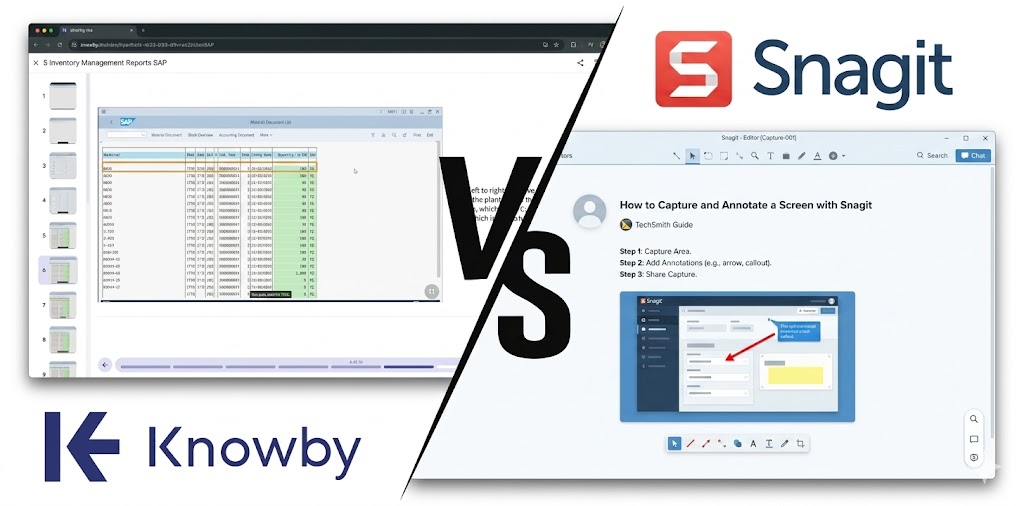
While Snagit is built for individual office work and stops at content creation and basic sharing, Knowby is a complete Enterprise Guidance Platform, designed for the dynamic, global operational workforce. Imagine easy-to-create guides for both desk and frontline workers with scheduling, tracking and compliance benefits—bingo!
- Instant Translation in 140+ languages: Forget manual copy-pasting. With Knowby, you create the procedure once. The worker who opens it on their device will instantly read it translated into their native language.
- Dynamic Updates in Seconds: Has a procedure step changed? Just swap the photo or video of that single step in Knowby. The entire SOP updates in real-time for all company employees, wherever they are—no re-exporting PDFs.
- Tracking and Approval Workflows: Knowby locks guides into an approval workflow before publication, ensuring compliance. Plus, it tracks real data: managers always know who has completed training.
- Mobile-First (Without Internet): Built for the frontline. Operators scan a simple QR Code on the machinery to open the procedure on their smartphone, even in offline factory zones.
|
Feature |
Snagit (Business plan) |
Knowby Pro |
|
Annual Cost |
~$48.00 / year (No monthly plan) |
$5/user/month (~$18k/year for 300 users) |
|
Hosting Platform Included |
✅/❌ (Basic media sharing via Screencast) |
✅ Secure Cloud Space included |
|
AI Automatic Translation |
❌ Manual translation only |
✅ Instantly translates into 140+ languages |
|
AI Guide Generation |
✅ AI Step Capture |
✅ Transforms video into text steps via AI (and more) |
|
Dynamic Updates |
❌ Must re-export static files |
✅ Edit one step and it updates for everyone |
|
Platform Support |
❌ Desktop OS only |
✅ Full support: mobile, offline, field-ready |
|
Trial Access |
✅ 15-day free trial |
✅ 30-day free trial |
|
Manager Approval Workflows |
❌ |
✅ |
Knowby Pricing: Total Transparency, No Surprises
Unlike traditional knowledge tools that force you to pay for authoring software and then pay again for third-party platforms to track and manage documents, Knowby gives you the entire ecosystem at a fraction of the price.
Knowby Pro costs just $5.00 per user per month. No minimum user count. No restrictive contracts. For just $60 a year per user, your company gets an AI creation tool, multi-language translation, a secure hosting portal, and compliance analytics. It is cheaper than Snagit’s base license alone, offering ten times the operational value.
The Verdict
Is Snagit worth the money? If you are a desktop user documenting software interfaces in English, and you just need to create visual instructions and share quick links, absolutely.
But if you manage a structured or rapidly growing company, training doesn’t end when you draw a red arrow on a screenshot. It ends when you have mathematical certainty that your team—in any language and in any location—is working safely and compliantly.
Stop managing version control nightmares with static files. Start building an intelligent knowledge ecosystem with Knowby.
Start building an intelligent knowledge ecosystem.
All registered trade marks, company names, and brand names used on this website are the property of their respective owners. Information on product features and pricing are taken directly from the vendor's website, marketing materials and/or customer research. Features and prices may change. Check with the vendor for the latest pricing. Please contact us to report any corrections.
Please note that while both platforms offer a range of features, the specific implementations and user experiences may vary. It is recommended to explore each platform's offerings in detail to determine the best fit for your organisation's needs.

Comments