Compare the current best digital work instruction software in the market to choose the one that satisfies your daily operational needs.
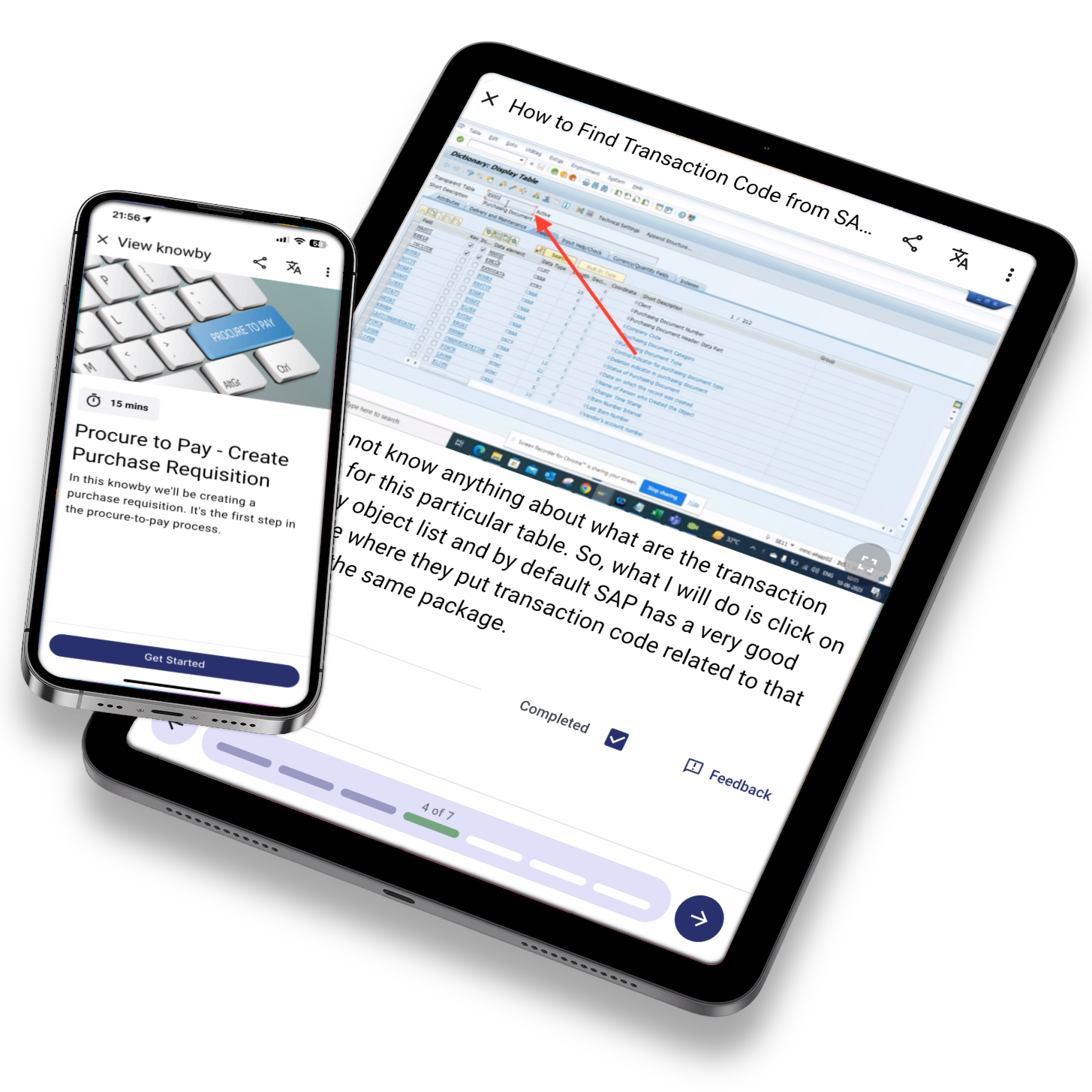

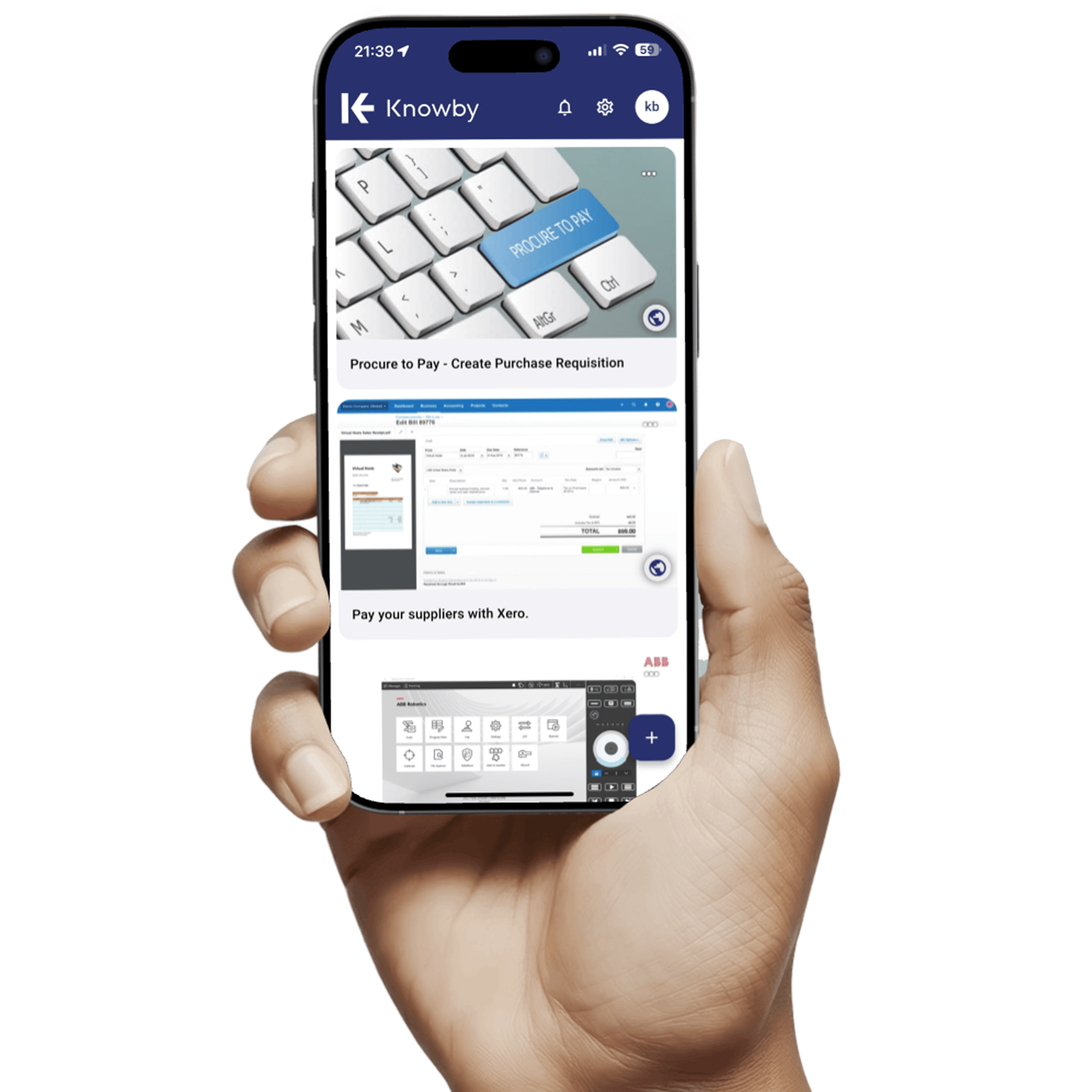
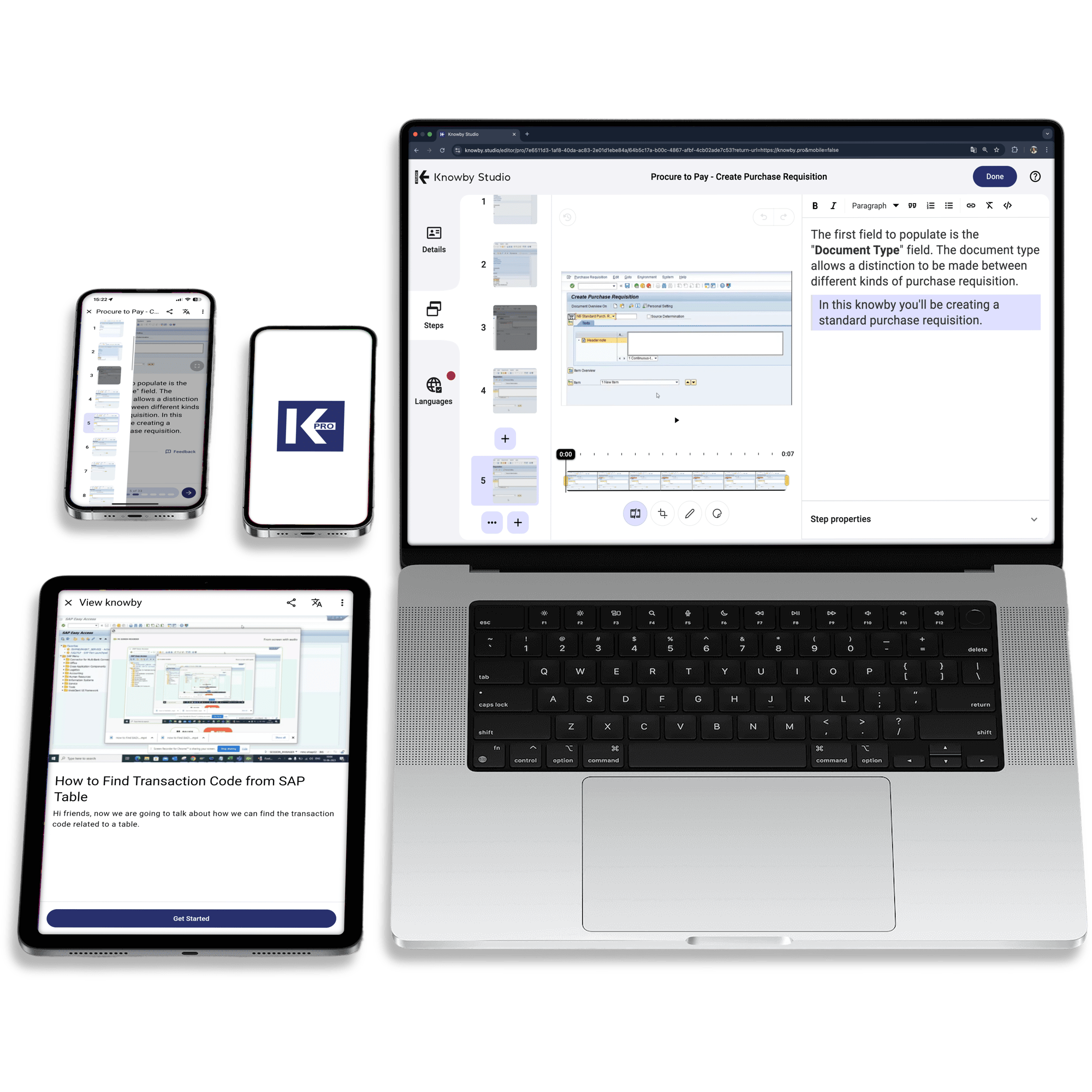
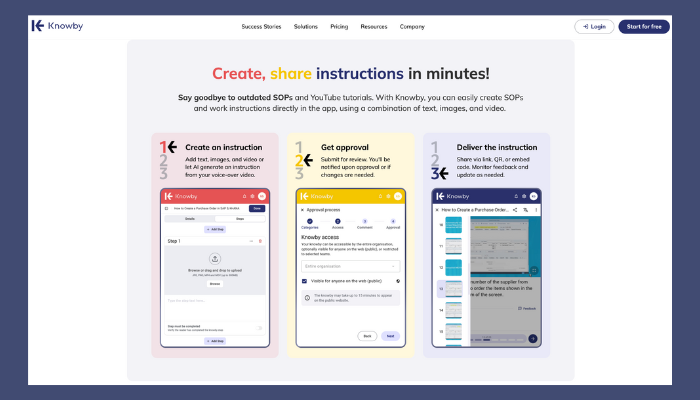
Knowby is a modern digital work instructions software that makes it easy to create, manage, and share SOPs and step-by-step guides through an intuitive, user-friendly interface.
As a leading digital work instructions platform in 2026, Knowby redefines how teams capture, share and scale operational knowledge. It’s built for organisations that prioritise speed, clarity, and growth, without the friction of traditional knowledge systems.
From standardising processes and onboarding new employees to reducing complex workflows, Knowby delivers a cleaner, faster, and more effective experience than legacy systems.
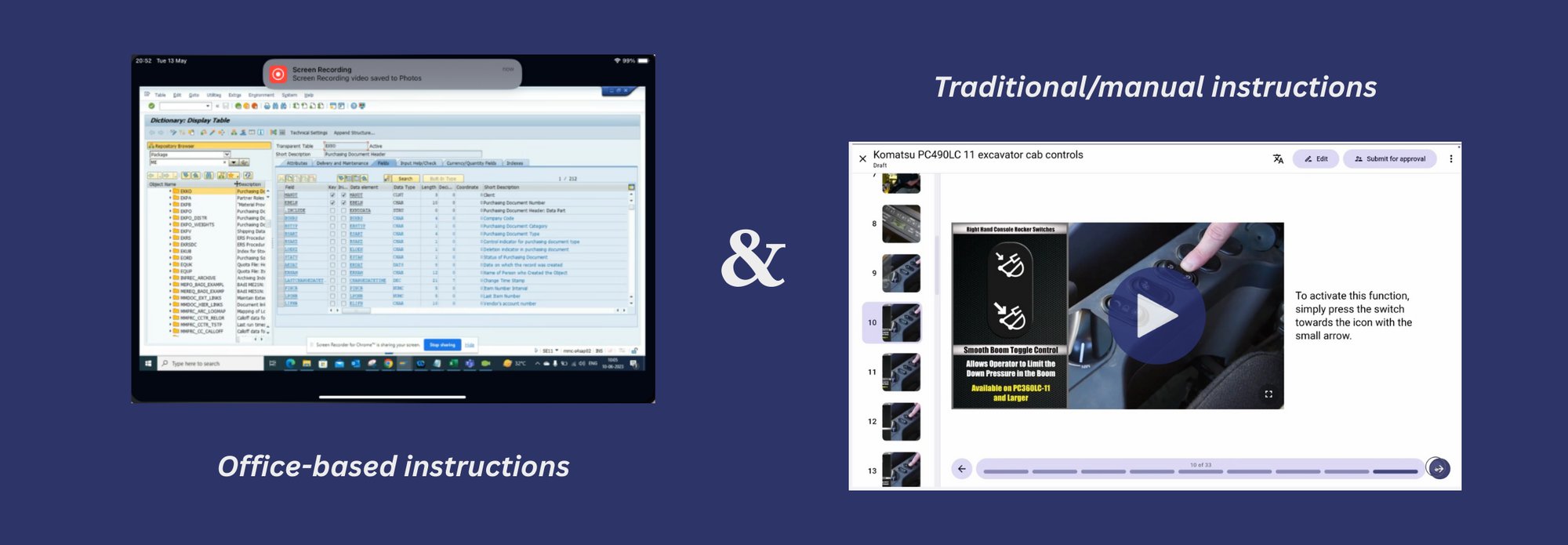
One of Knowby’s standout capabilities is its built-in screen capture functionality called Knowby Capture. Knowby is one of the few SOP platforms designed to support both screen-based and manual workflows with equal ease. Teams can quickly capture on-screen processes—such as software tasks, system navigation, and digital workflows—while also documenting hands-on procedures through structured steps, visuals, and context.
This makes Knowby ideal for organisations operating across the shop floor, office, and field. Whether documenting machinery operations, administrative processes, or field-based tasks, Knowby ensures instructions are easy to follow and consistent across teams.
Knowby is one of the few SOP platforms designed to support both screen-based and manual workflows with equal ease. Teams can quickly capture on-screen processes—such as software tasks, system navigation, and digital workflows—or document hands-on procedures using structured steps, visuals, and context.
This makes Knowby ideal for organisations operating across the shop floor, office, and field. Whether documenting machinery operations, administrative processes, or field-based tasks, Knowby ensures instructions are easy to follow and consistent across teams.
Knowby is also designed to be flexible across industries, supporting customers in sectors such as manufacturing, construction, healthcare, and hospitality. It works seamlessly in both office environments and on-field operations, empowering teams to work smarter, stay aligned, and perform at their best.


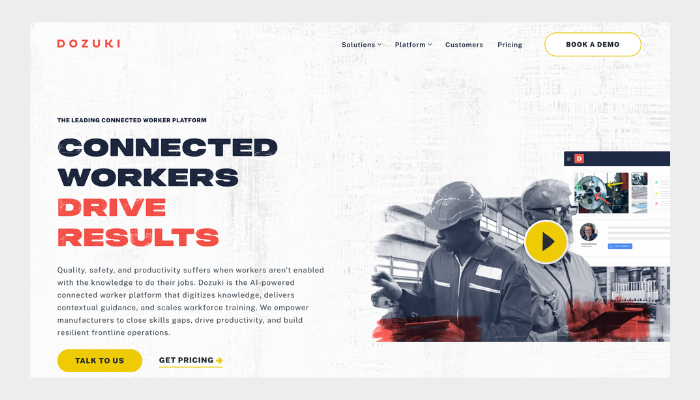
Dozuki is a connected worker platform widely used in the manufacturing industry that offers strong tools for SOP documentation, training, and quality control. It supports structured workflows and approval processes, making it suitable for compliance-heavy industries. It is powerful but can be more complex to manage compared to newer platforms.
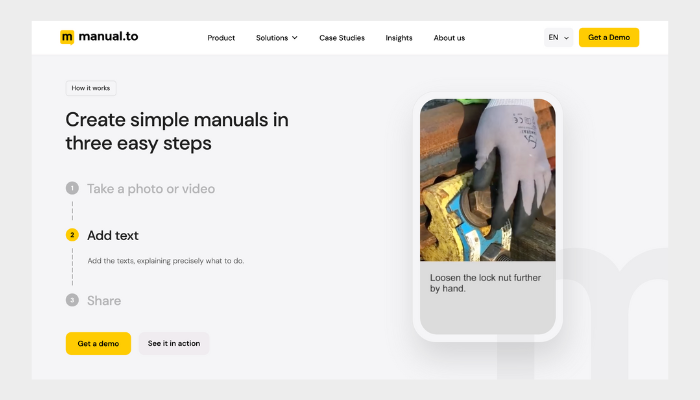
As a digital work instruction platform, Manual.to specialises in quick and visually simple digital instruction manuals. The platform focuses on ease of sharing and updating instructions, making it a good option for teams looking for lightweight documentation without advanced enterprise controls.
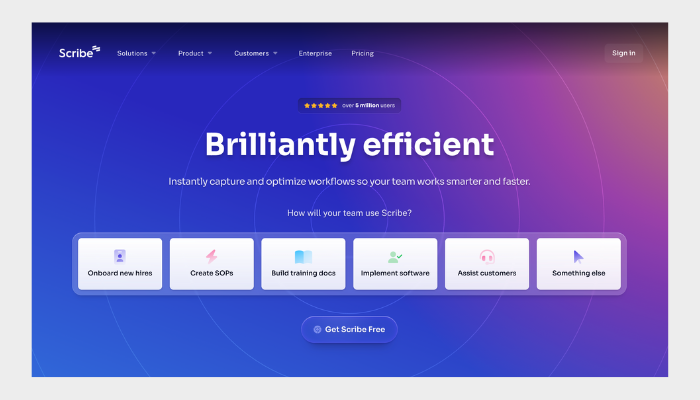
Scribe automates step-by-step workflows by capturing screenshots and creating how-to guides instantly. It’s ideal for customer-facing teams and digital process documentation, especially for software workflows. However, it’s less suited for frontline or physical operational environments where SOPs are tied to compliance and shop-floor execution.
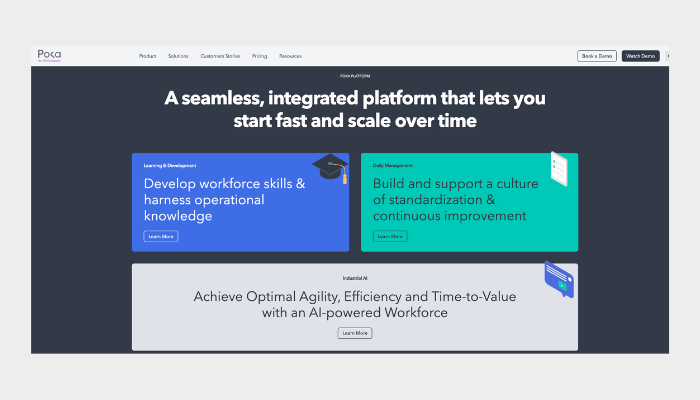
Poka is a connected worker and training platform built for large-scale manufacturing environments. It centralises operational knowledge and makes it easy for teams to share digital instructions and boost efficiency on the production floor.
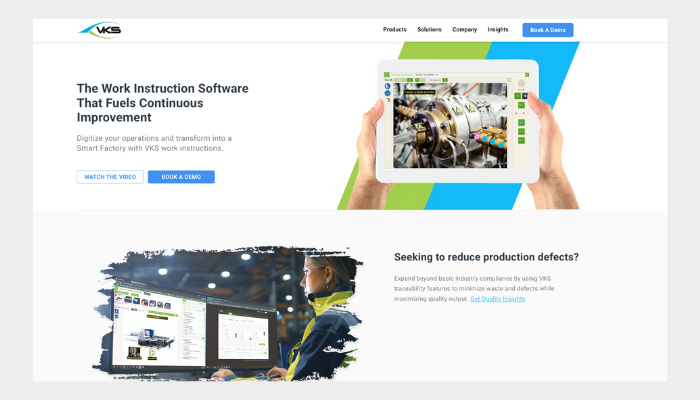
VKS, a visual knowledge sharing tool, provides detailed, highly controlled visual work instructions tailored for manufacturing workflows. It’s strong in traceability and data capture, but can be a bit rigid for teams needing faster, more flexible documentation.
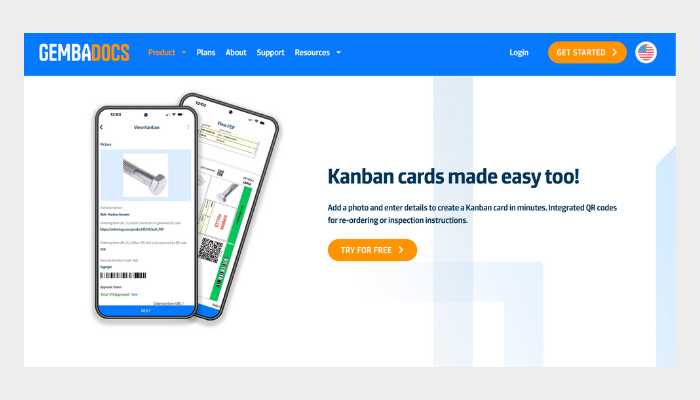
GembaDocs is a lean manufacturing software that offers simple tools to create SOPs and standardised work documents. It's lightweight and easy to use, and ideal for businesses looking to replace Word/PDF SOPs with accessible, up-to-date operational documents.
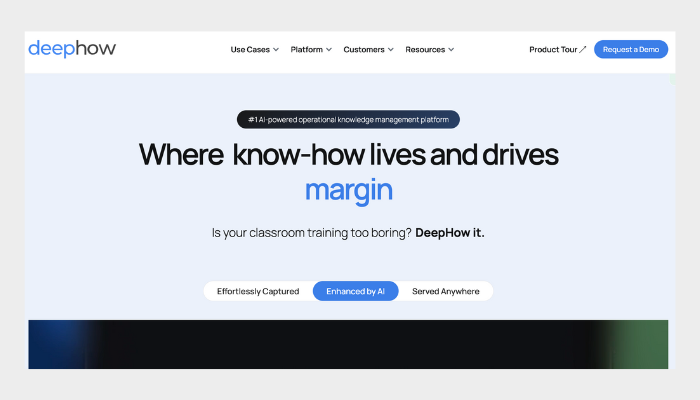
DeepHow is an operational knowledge platform that specialises in AI-powered video-based work instructions. It converts expert knowledge into shareable training materials that help with employee onboarding and task management. While powerful for video-based guidance, it relies heavily on video quality for accurate AI content extraction, which can lead to inconsistent results when recordings are unclear, incomplete, or poorly captured.

